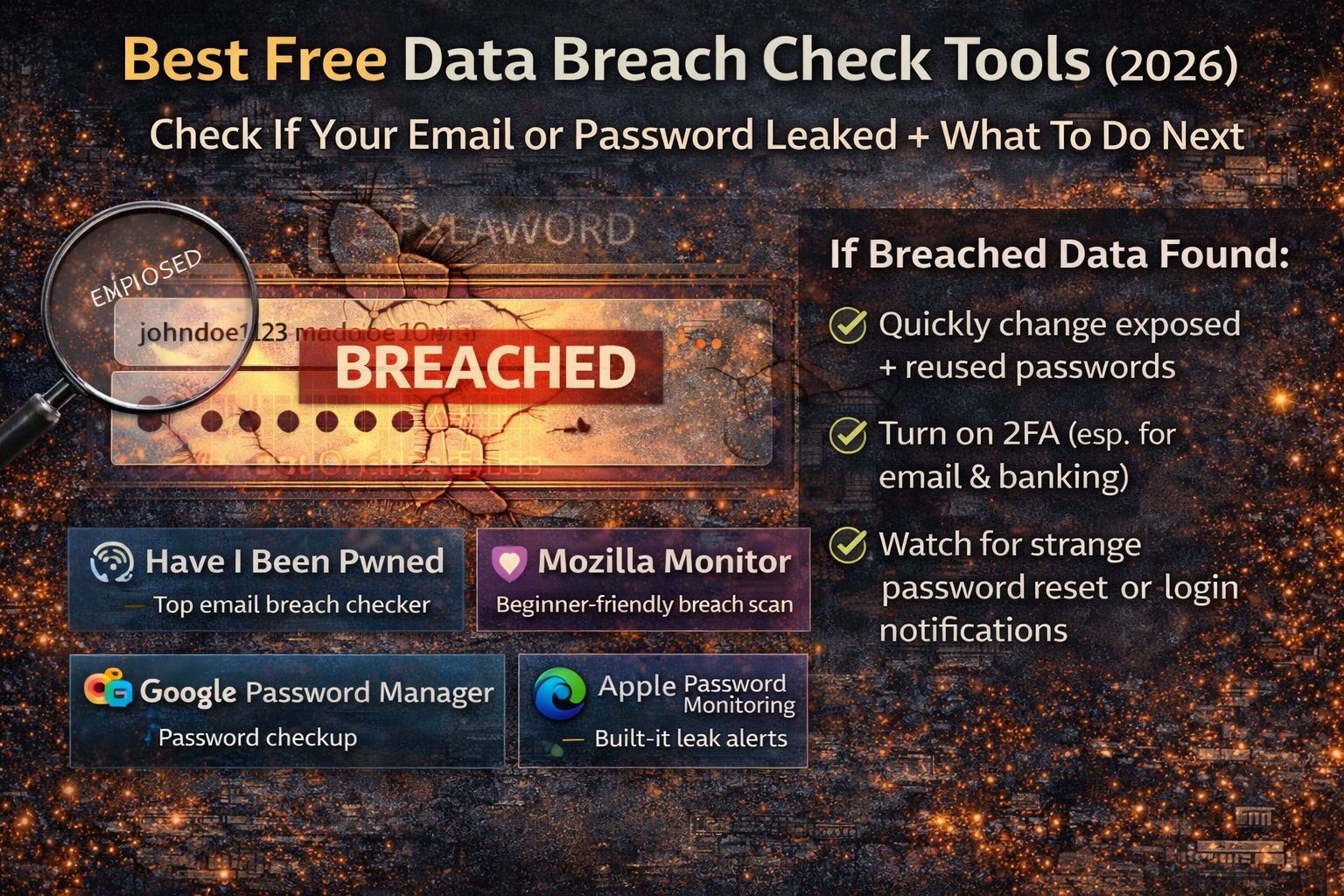
Best Free Data Breach Check Tools (2026): Elite Era Security
Data breaches don’t always feel dramatic. Most of the time, nothing “happens” on the day your data leaks. Your email, old passwords, phone number, or even your address quietly appears in a stolen database, and weeks or months later someone uses that information to try login attempts, send convincing scam emails, or steal accounts through password reset tricks. That’s why people often say, “I didn’t do anything wrong—how did they get my account?” The answer is usually simple: your details were exposed somewhere you forgot you even signed up.
The good news is that you don’t need paid software to check exposure. In 2026, there are several free, trusted breach-check tools that can tell you whether your email appears in known leaks, whether your passwords are compromised, and whether you should take quick action on specific accounts. The smartest approach is not using one tool only; it’s using one email breach checker + one password exposure checker so you catch both “email leaked” and “password reused” problems.
What a Breach Check Can Tell You (And What It Cannot)
A breach checker usually answers one big question: Has your email or password appeared in known stolen data? Some tools show which breached services were involved and what types of data were exposed (email, passwords, phone numbers, addresses, etc.). Other tools focus on whether your saved passwords match known leaked passwords, which is important because password reuse is the main reason one leak leads to multiple hacked accounts.
A breach checker does not always mean your account is currently hacked. It often means your data exists in a leaked dataset that criminals may use later for credential stuffing (trying the same password on many websites), social engineering, targeted phishing, or selling the data online. That’s why checking is useful: it helps you decide what to secure first.
The Most Trusted Free Data Breach Check Tools (2026)
1) Have I Been Pwned (HIBP): Best overall for email breach lookups
Have I Been Pwned is one of the most widely used services for checking whether your email appears in known breaches. It’s simple: you enter your email and it shows whether it has been found, and it lists the breached services connected to it.
What makes HIBP powerful for beginners is that it reduces panic. Instead of guessing, you can see exactly which breaches are tied to your email and prioritize the accounts that matter most. When the results show a specific service you used, you can treat that account as high priority—especially if you reused passwords.
HIBP also provides a separate feature called Pwned Passwords, which is built to check whether a password has been seen in leaks. This matters because many people reuse “favorite” passwords across multiple websites, and one leak can unlock many accounts if the same password is used elsewhere.
Another important HIBP feature is breach notifications (“Notify Me”), which lets you subscribe to alerts so you don’t have to manually check again later. This is a useful safety net because new breaches appear over time, and the worst moment to find out is after an account takeover.
2) Mozilla Monitor: Best “common person” breach scan experience
Mozilla Monitor is beginner-friendly because it’s built around clarity. It shows whether your information is exposed and presents results in a way that feels easier to understand than raw breach lists.
Mozilla also explains that Mozilla Monitor uses the Have I Been Pwned database for tracking known breaches and notifying users. That matters because it signals this isn’t a random tool—it’s built on a widely referenced breach dataset and packaged for everyday people.
For many beginners, Mozilla Monitor is the easiest starting point because it feels less technical and more guided. If you want a simple “scan and understand” approach, this is one of the cleanest free options.
3) Google Password Manager (Chrome/Android): Best for checking compromised saved passwords
If you save passwords in Chrome or your Google account, Google Password Manager / Password Checkup can help identify weak, reused, or compromised passwords among your saved logins. This is extremely useful because a large portion of people don’t know which accounts share the same password until a tool points it out.
This type of check is important because email breach checks show “your email appeared,” but password managers show “this exact saved password is risky.” That turns a scary idea into a clear action list: the specific logins you should update first.
4) Apple Password Monitoring (iPhone/iCloud Keychain): Best for iPhone users who want built-in leak alerts
Apple documents Password Monitoring, which matches passwords stored in Password AutoFill/iCloud Keychain against a curated list of exposed passwords. In simple terms: your iPhone can warn you when a stored password is known to be exposed.
Apple also provides guidance for reviewing and changing weak or compromised passwords through the iPhone’s password security section. This is ideal for common users because it’s built-in, doesn’t require installing new apps, and highlights the exact passwords that should be updated.
5) Microsoft Edge Password Monitor: Best for Edge users who store passwords in the browser
If you save passwords in Microsoft Edge, Password Monitor can check those saved passwords against known compromised lists and alert you. It’s useful because it turns the problem from “Maybe I was leaked” into “These saved passwords are unsafe.”
Microsoft also provides support guidance about using Password Monitor to protect online accounts.
For everyday users, the benefit is simple: you can discover compromised passwords without manually searching breach databases, because the browser warns you.
The Best “Two-Part” Breach Check Strategy That Works for Everyone
A lot of people do one breach check and stop. That’s how exposure stays hidden. The strongest free approach uses two angles:
First, check email exposure using an email breach database. This tells you whether your email appears in known leaks and which services were involved.
Second, check password exposure using whatever password system you already use (Google, Apple, Edge). This reveals which saved passwords are compromised or reused and therefore dangerous.
This two-part method is powerful because it catches both kinds of risk: your identity being in breach lists and your passwords being unsafe due to reuse.
If Your Email Shows Up in a Breach, What It Usually Means in Real Life
When your email appears in a breach, criminals can use it to target you in predictable ways. The most common is credential stuffing: attackers take leaked credentials and try them across popular services to see where they still work. The second is phishing: attackers use the leaked information to send more believable messages. The third is account recovery abuse: if your email is exposed and your email account is weakly protected, attackers can attempt password resets on other platforms and intercept them.
This is why email protection matters so much. Your email inbox is the “master key” for password resets. If an attacker gets your email, they can often take over other accounts even without knowing your old passwords.
What To Do When a Breach Check Shows Exposure
When results show exposure, the priority isn’t changing everything at once. The priority is protecting the accounts that could cause the most damage first. Most people get hacked because they reuse passwords, not because they were “targeted.” A single leaked password becomes dangerous when it unlocks multiple websites.
The highest priority accounts are usually: email, banking/payment apps, Apple/Google account, social media, messaging apps, and any account connected to business pages. If any of those share a reused password, they become urgent. Password check tools like Google Password Checkup help identify compromised and reused passwords among your saved accounts so you can focus on the riskiest ones first.
Two-factor authentication (2FA) matters most on email and money-related accounts because it adds a second layer even if a password leaks. The goal is reducing the chance that a leaked password becomes a full takeover.
It’s also smart to pay attention to password reset emails you didn’t request. Those can be early signs that someone is testing access. Breach exposure often triggers waves of automated login attempts, so “strange emails” aren’t random—they can be signals.
Red Flags: Fake Breach Check Websites to Avoid
Because breach checking is emotional (“Am I hacked?”), scam sites try to copy legitimate tools. Avoid websites that ask you to download unknown “breach checker” apps, demand payment before showing any results, or claim they can “recover stolen passwords.” Real breach check tools do not need you to install shady software.
Another common trick is clone websites that look like well-known services but use a slightly different spelling. If you’re unsure, stick to well-known tools like HIBP and Mozilla Monitor that are widely referenced and transparent.
FAQs
Is it safe to type my email into a breach checker?
Using established, reputable breach checkers is a common practice for checking exposure. Services like Have I Been Pwned are designed for that purpose and provide clear explanations and notification options. (haveibeenpwned.com)
If my email is “pwned,” does that mean my accounts are hacked right now?
Not always. It often means your email appeared in leaked data. The bigger danger happens when passwords were leaked and reused. That’s why password exposure checks (Google/Apple/Edge) are important alongside email checks. (support.apple.com)
What’s the fastest way to reduce risk after exposure?
The biggest risk reducer for most people is stopping password reuse and updating compromised passwords identified by password monitoring tools. Built-in password safety features help highlight which saved passwords are compromised. (support.google.com)
About The Author




