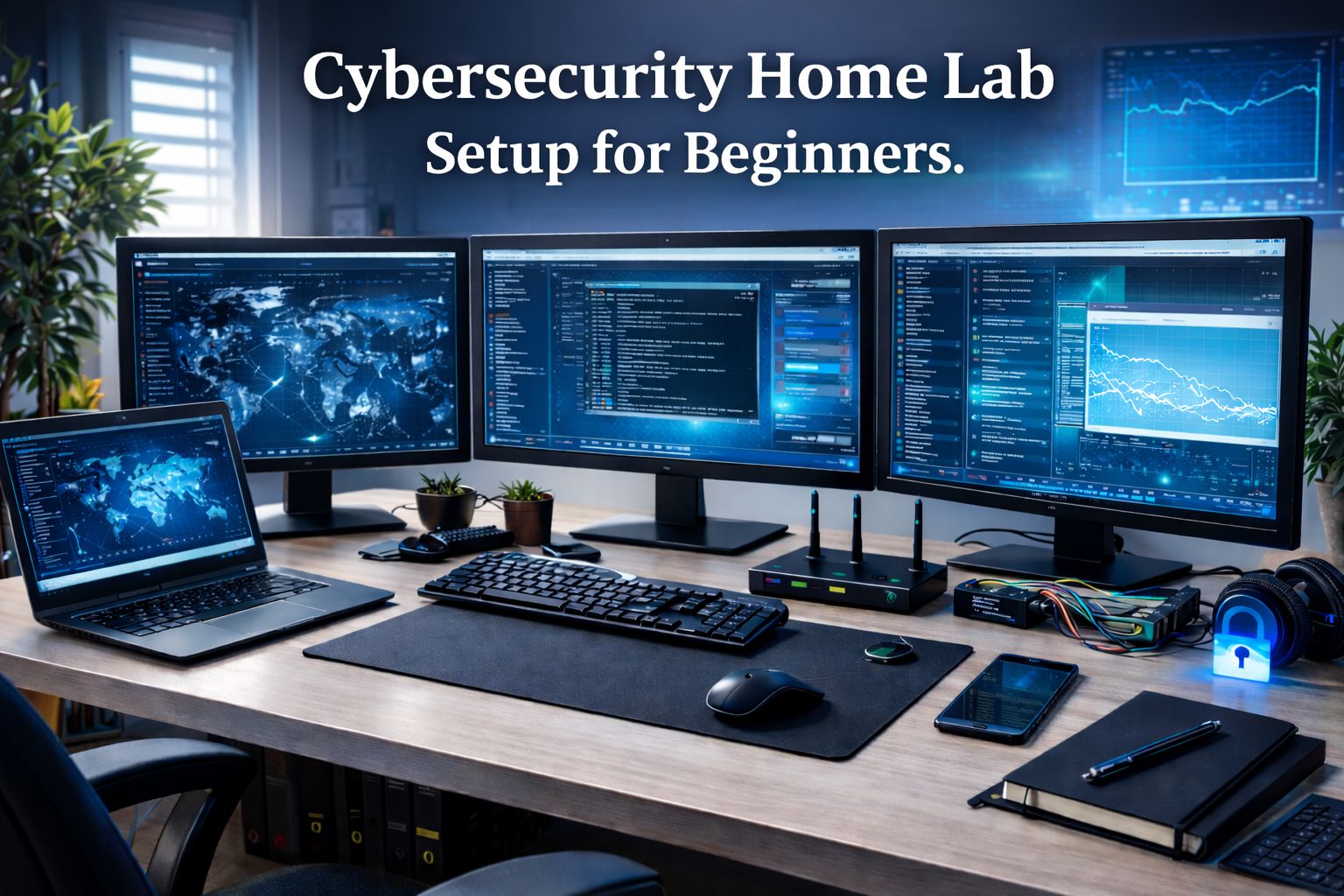
How to Build a Cybersecurity Home Lab (Step-by-Step Guide for Beginners)
A cybersecurity home lab is one of the most effective ways to learn practical security skills. Many beginners study theory but struggle to gain real-world experience. A personal lab solves this problem by giving you a safe environment where you can practice ethical hacking, vulnerability scanning, malware analysis, and incident response without affecting real systems.
Professional cybersecurity analysts, penetration testers, and threat hunters frequently use isolated lab environments to test tools and simulate attacks. By building your own lab, you can practice the same techniques used by security professionals while developing hands-on skills that are valuable in real cybersecurity jobs.
This guide explains how to build a cybersecurity home lab step by step. You will learn what hardware and software you need, how to set up virtual machines, and which tools are best for practicing cybersecurity safely.
What Is a Cybersecurity Home Lab?
A cybersecurity home lab is a controlled testing environment designed for practicing security techniques. Instead of experimenting on live systems or production networks, you create isolated machines that simulate real-world targets.
These environments allow you to safely practice activities such as:
- penetration testing
- vulnerability scanning
- malware analysis
- network monitoring
- digital forensics
- incident response exercises
Because the lab is isolated, mistakes do not cause damage to real infrastructure. This makes it ideal for beginners who want to experiment with security tools while learning how attacks and defenses work.
A well-designed home lab can simulate many real-world cybersecurity scenarios, including vulnerable websites, misconfigured servers, and compromised systems.
Why Building a Cybersecurity Lab Is Important
Hands-on practice is essential for learning cybersecurity. Reading documentation or watching tutorials is helpful, but practical experience is what develops real technical skills.
A cybersecurity home lab provides several important benefits:
Practical Skill Development
Security concepts become easier to understand when you can test them directly.
Safe Experimentation
You can safely test exploits, malware samples, and scanning tools without risking real networks.
Tool Familiarity
A lab environment allows you to explore commonly used security tools such as vulnerability scanners and network analyzers.
Career Preparation
Many cybersecurity roles require practical knowledge of attack techniques and defensive tools.
Continuous Learning
You can expand your lab over time to explore new technologies such as cloud security, malware analysis, or threat hunting.
For anyone serious about learning cybersecurity, building a home lab is one of the most valuable investments you can make.
Hardware Requirements for a Cybersecurity Home Lab
You do not need expensive hardware to build a lab. Most beginners can start with a standard computer capable of running several virtual machines.
Recommended Minimum Specifications
- CPU: 4 cores or higher
- RAM: 16 GB recommended (8 GB minimum)
- Storage: 256 GB SSD or higher
- Operating System: Windows, Linux, or macOS
More RAM allows you to run multiple virtual machines simultaneously. If you plan to simulate networks or run several security tools, upgrading to 32 GB RAM can improve performance significantly.
External storage can also be helpful for storing lab snapshots and large virtual machine files.
Virtualization Software for Home Labs
Virtualization software allows you to run multiple operating systems on a single physical computer. Each virtual machine behaves like a separate computer but shares the host system’s hardware.
Popular Virtualization Platforms
VirtualBox
VirtualBox is a widely used open-source virtualization platform suitable for beginners.
Key advantages:
- free and open source
- easy installation
- supports many operating systems
VMware Workstation
VMware Workstation offers advanced features and strong performance.
Benefits include:
- stable virtual networking
- powerful snapshots
- professional-grade virtualization
Proxmox (Advanced Users)
Proxmox is a virtualization platform designed for larger lab environments.
It allows users to create complex networks and multiple virtual machines for advanced cybersecurity testing.
For most beginners, VirtualBox or VMware Workstation is sufficient.
Essential Operating Systems for a Cybersecurity Lab
Your lab should include multiple operating systems that simulate attackers and targets.
Kali Linux
Kali Linux is one of the most widely used penetration testing distributions. It includes hundreds of security tools used for reconnaissance, exploitation, and vulnerability analysis.
Common uses include:
- network scanning
- password attacks
- web application testing
- wireless security testing
Windows (Target Machine)
Windows systems are commonly targeted during cybersecurity exercises. Installing a Windows virtual machine allows you to practice vulnerability testing and security monitoring.
Ubuntu or Linux Server
Linux servers are frequently used in real-world environments. Including a Linux server machine in your lab helps simulate real infrastructure.
Vulnerable Systems for Practice
To practice cybersecurity safely, you need intentionally vulnerable systems designed for training.
Metasploitable
Metasploitable is a deliberately vulnerable virtual machine used for practicing penetration testing techniques.
It contains multiple security vulnerabilities that can be exploited safely in a lab environment.
OWASP Broken Web Applications
This platform includes vulnerable web applications designed to teach web security concepts.
You can practice identifying issues such as:
- SQL injection
- cross-site scripting
- authentication bypass
DVWA (Damn Vulnerable Web Application)
DVWA is another training platform that helps users learn common web application vulnerabilities.
It is widely used for learning offensive security skills.
Networking Setup for Your Lab
To simulate real-world cybersecurity environments, your lab should include basic networking.
A simple configuration may include:
- attacker machine (Kali Linux)
- vulnerable server
- monitoring system
These machines communicate through a virtual network created by the virtualization platform.
Virtual networking allows you to:
- simulate attacks safely
- analyze network traffic
- test firewall rules
- observe detection systems
Some labs also include network monitoring tools such as Wireshark or Security Onion.
Useful Tools to Practice in Your Home Lab
Once your lab is running, you can start practicing with security tools.
Some commonly used tools include:
Nmap
A network scanning tool used to discover hosts and services on a network.
Wireshark
A network protocol analyzer that allows you to capture and analyze network traffic.
Metasploit
A framework used for testing vulnerabilities and developing exploit techniques.
Burp Suite
A popular tool used for testing web application security.
John the Ripper
A password cracking tool used to test password strength.
Practicing with these tools helps develop practical cybersecurity skills.
Expanding Your Cybersecurity Lab
As your skills improve, you can expand your lab environment.
Advanced setups may include:
- SIEM platforms for log analysis
- intrusion detection systems
- malware analysis environments
- cloud security simulations
- threat hunting labs
Many cybersecurity professionals continue developing their home labs throughout their careers.
Common Mistakes Beginners Make
When building their first lab, beginners often make a few common mistakes.
Running Too Many Tools at Once
Start small and gradually expand your environment.
Ignoring Network Isolation
Always keep lab environments isolated from your main network.
Skipping Documentation
Document your lab configuration so you can reproduce or troubleshoot setups.
Focusing Only on Offensive Security
Understanding defensive tools and monitoring systems is equally important.
Building a cybersecurity home lab is one of the best ways to develop practical security skills. A personal lab environment allows you to explore tools, test vulnerabilities, and simulate real-world attack scenarios in a safe and controlled setting.
With virtualization software, vulnerable systems, and commonly used security tools, even beginners can create a powerful learning environment. Over time, expanding the lab and experimenting with new technologies will help you build the experience required for real cybersecurity roles.
FAQs
What is a cybersecurity home lab?
A cybersecurity home lab is a controlled environment used to practice security techniques such as penetration testing, vulnerability scanning, and threat analysis.
Do I need expensive hardware to build a cybersecurity lab?
No. Most beginners can build a lab using a standard computer with virtualization software.
Is it legal to practice hacking in a home lab?
Yes, as long as you only test systems that you own or have permission to use.
Which operating system is best for a cybersecurity lab?
Kali Linux is commonly used for offensive security testing, while Windows and Linux servers are used as target systems.
About The Author