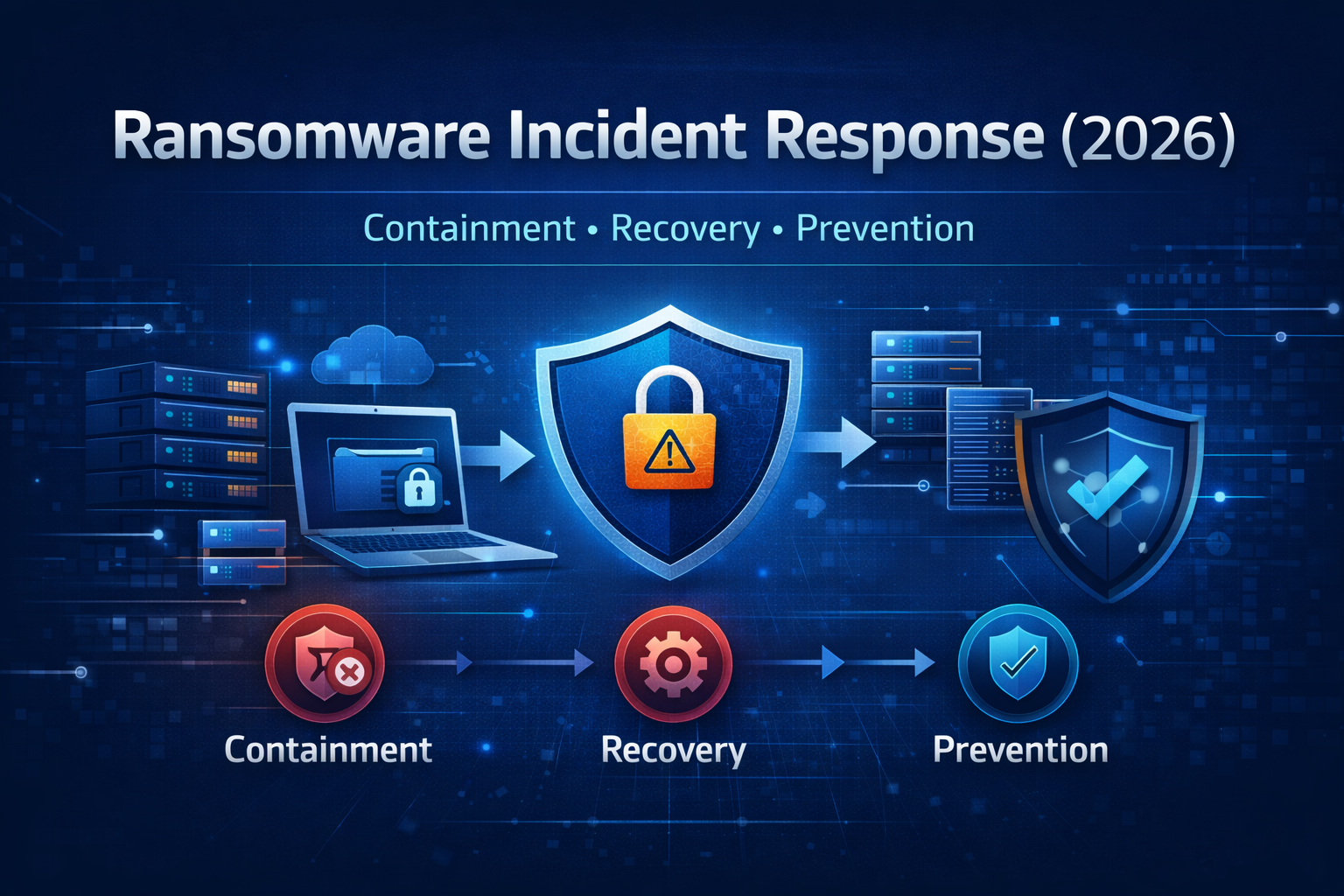
Introduction: Why Ransomware Is the Most Dangerous Cyber Threat in 2026
Ransomware has evolved from simple file-locking malware into a full-scale business disruption weapon. In 2026, ransomware attacks no longer target only large enterprises. Small businesses, WordPress websites, SaaS platforms, healthcare providers, educational institutes, and even solo founders are now common victims. Attackers know that many organizations lack a clear response plan, which makes panic, downtime, and poor decisions more likely.
What makes ransomware especially dangerous is not just encryption. Modern ransomware groups steal data before encrypting it, threaten public leaks, attack backups, and sometimes return weeks later if weaknesses are not fixed. For many organizations, the real damage comes from downtime, loss of trust, regulatory penalties, and long-term SEO or reputation loss.
This guide is written as a real-world ransomware incident response playbook. It explains what to do step by step, from the moment you suspect an attack to full recovery and long-term prevention. The goal is simple: reduce damage, recover safely, and make sure the same attack never succeeds again.
What Is Ransomware?
Ransomware is a type of malicious software that blocks access to systems, files, or entire environments until a ransom is paid. In modern attacks, encryption is only one part of the strategy. Many ransomware campaigns also involve data theft, credential harvesting, and lateral movement across networks before the final encryption stage.
In practical terms, ransomware is not just a technical problem. It is a business crisis that requires calm decision-making, coordination, and a structured response.
How Modern Ransomware Attacks Actually Happen?
Understanding how ransomware enters an environment helps you respond faster and prevent future incidents. Despite the advanced headlines, most ransomware attacks still begin with very common mistakes.
1) Phishing and Stolen Credentials
Phishing emails remain one of the most successful entry points. A single malicious attachment or fake login page can give attackers initial access. Once credentials are stolen, attackers log in legitimately and move quietly through systems.
2) Vulnerable Software and Unpatched Systems
Outdated VPNs, plugins, CMS components, and remote access services are frequent targets. Attackers scan the internet automatically for known vulnerabilities and exploit them at scale.
3) Weak Remote Access Configuration
Remote Desktop Protocol (RDP), SSH, and admin panels exposed to the internet without proper protections are high-risk. Many ransomware incidents start with brute-force or credential-stuffing attacks.
4) Supply Chain and Third-Party Access
Attackers sometimes enter through a trusted vendor, plugin, or third-party integration. This makes detection harder because the access looks legitimate.
Why a Ransomware Incident Response Plan Is Critical?
Organizations that respond without a plan often make costly mistakes. They delete evidence, pay ransom unnecessarily, restore from infected backups, or reopen systems too early.
A proper ransomware incident response plan helps you:
- Contain the attack quickly
- Reduce data loss
- Avoid reinfection
- Protect evidence for investigation
- Make informed decisions under pressure
- Restore services safely
This same incident-response mindset is used in cloud security and enterprise SOC operations, and it applies equally well to websites and smaller environments.
Phase 1: Identification
The first phase is recognizing the attack early. The sooner ransomware is identified, the more damage you can prevent.
Common warning signs include:
- Files suddenly renamed or inaccessible
- Ransom notes appearing on the desktop or server
- Sudden spikes in CPU, disk, or network activity
- Antivirus or EDR alerts showing encryption behavior
- Users reporting missing or corrupted files
- Admin accounts being locked out unexpectedly
If you see multiple signs together, assume ransomware until proven otherwise.
Phase 2: Containment
Containment is the most important step. Ransomware spreads quickly, especially in shared hosting, cloud environments, or flat networks.
Immediate Actions
Disconnect affected systems from the network immediately. This includes servers, workstations, cloud instances, and backup storage if accessible. The goal is to stop lateral movement and prevent encryption of additional assets.
Disable compromised accounts, revoke active sessions, and block suspicious IP addresses. If remote access is involved, shut it down temporarily.
Do not power off systems unless absolutely necessary. Shutting down can destroy valuable forensic evidence and make recovery harder.
Phase 3: Assessment
Once the attack is contained, you need to understand what was affected.
Key questions to answer:
- Which systems are encrypted?
- Was data exfiltrated?
- Which user accounts were compromised?
- Are backups accessible and clean?
- What was the initial entry point?
This assessment determines whether recovery is possible without paying ransom and how long restoration will take.
Phase 4: Eradication
Eradication means removing not only the visible ransomware but also any backdoors, malware, or persistence mechanisms.
This phase often includes:
- Reimaging infected systems
- Removing malicious scheduled tasks and cron jobs
- Cleaning startup scripts and registry entries
- Deleting unauthorized user accounts
- Resetting all credentials
Simply decrypting files (if possible) without eradicating the threat almost guarantees reinfection.
Phase 5: Recovery
Recovery is where many organizations fail by moving too fast. Restoring systems before confirming eradication can reintroduce ransomware.
Safe Recovery Practices
Restore systems from known clean backups only. If backups are old, prioritize critical services first. Validate restored systems carefully before reconnecting them to the network.
Change all passwords, API keys, and secrets during recovery. Assume that any credentials used before the attack may be compromised.
Monitor restored systems closely for abnormal behavior during the first days and weeks.
Should You Pay the Ransom?
This is one of the hardest questions during a ransomware incident. There is no universal answer, but there are important considerations.
Paying ransom does not guarantee:
- Full data recovery
- No data leak
- No future attacks
In many cases, attackers return or sell access to others. Law enforcement agencies generally discourage paying ransom because it fuels further attacks.
Whenever possible, focus on recovery from backups and rebuilding systems securely.
Ransomware Incident Response Checklist
| Phase | Key Actions | Goal |
|---|---|---|
| Identify | Detect encryption and alerts | Confirm incident |
| Contain | Isolate systems, disable access | Stop spread |
| Assess | Determine scope and entry point | Plan response |
| Eradicate | Remove malware and backdoors | Eliminate threat |
| Recover | Restore from clean backups | Resume operations |
| Harden | Fix vulnerabilities | Prevent recurrence |
| Monitor | Continuous monitoring | Early detection |
Prevention: How to Reduce Ransomware Risk Long-Term
Ransomware prevention is not one tool. It is a layered strategy.
Keep Systems Updated
Most ransomware exploits known vulnerabilities. Regular patching closes these doors.
Strong Authentication and Access Control
Use strong passwords, multi-factor authentication, and least-privilege access. Limit admin accounts strictly.
Secure Backups
Maintain offline or immutable backups. Test restoration regularly.
Network Segmentation
Separate critical systems so ransomware cannot spread freely.
Monitoring and Alerts
Early detection reduces damage dramatically. Monitor logs, authentication attempts, and unusual behavior.
How This Connects With Your Existing Security Content?
This ransomware response guide fits naturally with your existing security articles:
- Ethical hacking fundamentals help understand attacker behavior
- WordPress security and malware removal guide applies recovery principles
- SIEM audit checklist supports detection and monitoring
- Cloud incident response planning aligns with structured response phases
Internal linking between these articles improves both SEO authority and reader understanding.
FAQs
How long does ransomware recovery take?
It depends on backup quality and incident scope. Recovery can take days to weeks.
Can ransomware infect backups?
Yes. That is why offline or immutable backups are critical.
Is ransomware only a Windows problem?
No. Linux servers, cloud workloads, and websites are frequent targets.
Final Thoughts
Ransomware is not just an IT issue. It is an operational and reputational crisis. Organizations that prepare in advance, practice response steps, and invest in layered defenses recover faster and suffer less damage.
About The Author




