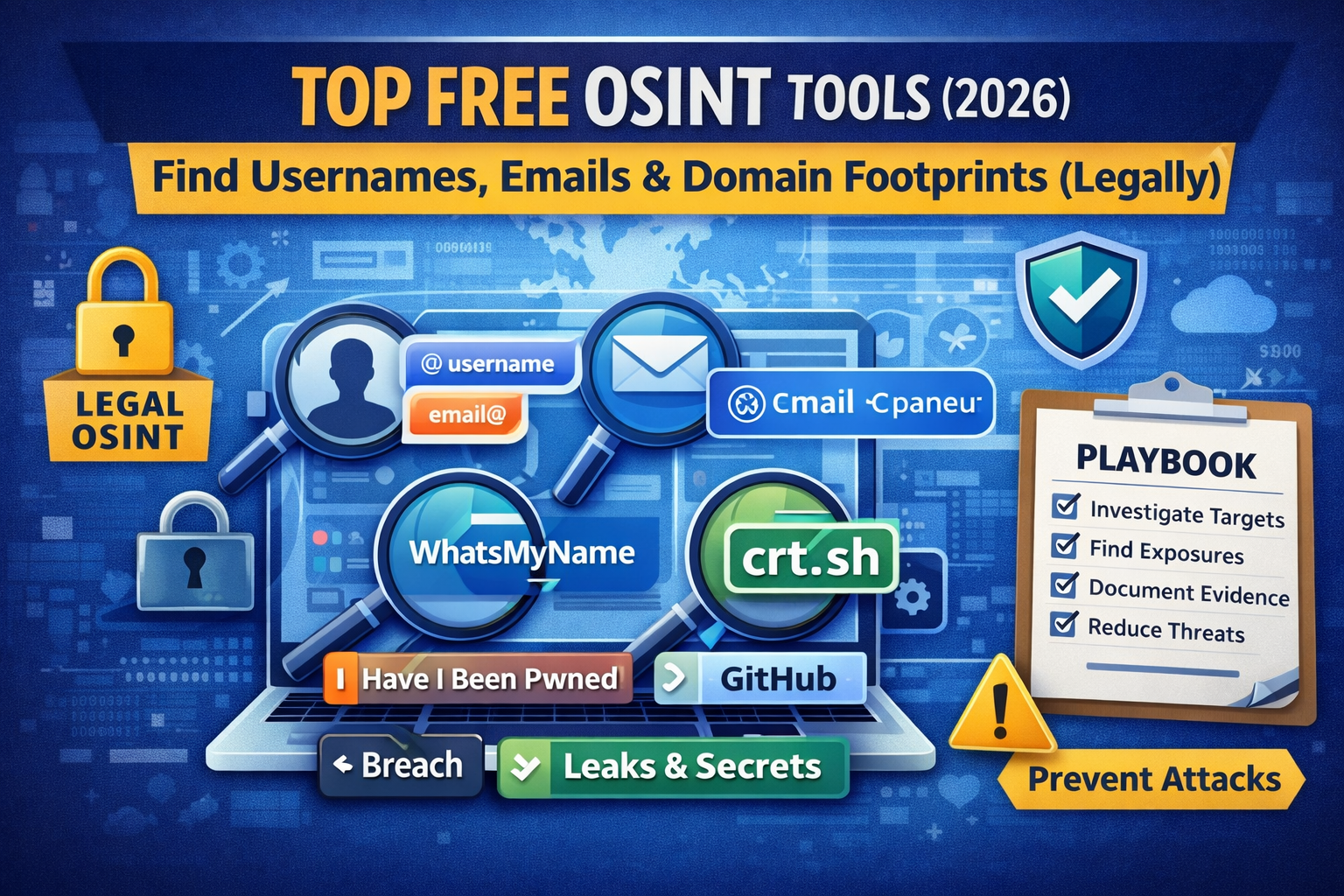
Top Free OSINT Tools (2026): Find Leaks, Usernames & Threat Clues
OSINT (Open Source Intelligence) is one of the most powerful skills in ethical hacking—because it helps you find publicly exposed information before attackers do. In 2026, OSINT is even more important because threats move fast: leaked credentials, reused usernames, exposed employee emails, misconfigured cloud assets, and brand impersonation all show up in open sources long before an incident report.
This guide is 100% legal-first: we only use public sources, authorized checks, and safe workflows. You’ll get:
- The best free OSINT tools in 2026 (practical and beginner-friendly)
- A simple workflow for usernames → emails → domains → leaks → threat clues
- What to collect, what to ignore, and how to document findings properly
Use OSINT ethically: only collect data from publicly accessible sources and follow policies/laws. Don’t attempt unauthorized access.
What OSINT is (simple definition)
OSINT means gathering intelligence from open, publicly available sources like websites, DNS records, search engines, certificate logs, public code repositories, social media, public documents, and breach notifications—without hacking into anything.
In security, OSINT helps you:
- Map an organization’s attack surface
- Spot leaked credentials or exposed services early
- Identify brand impersonation, phishing infrastructure, or spoofing setups
- Support incident response with context and attribution clues
The legal OSINT workflow (beginner-friendly)
Use this exact order to avoid wasting time and to keep your investigation clean.
Step 1: Define your target (scope)
Choose one:
- A domain you own / you’re authorized to assess (best for security audits)
- A brand name (for impersonation/phishing monitoring)
- A username/email (for personal footprint checks or internal red teaming with permission)
Step 2: Collect only what you need
OSINT can turn into “endless scrolling.” Your goal is:
- Identify real exposure: leaked credentials, exposed services, sensitive data
- Document evidence clearly (screenshots + URLs + timestamps)
Step 3: Validate and reduce false positives
- Confirm it’s the correct organization/person
- Verify the data is actually exposed and not outdated / misattributed
Step 4: Turn findings into action
- Remove exposures (rotate keys, fix DNS, update access controls)
- Add monitoring (alerts for new subdomains, leaked emails, etc.)
Top free OSINT tools (2026) grouped by what they do
Category A: Username & identity footprint tools
1) WhatsMyName (free)
Best for: checking where a username exists across platforms
You input a username and it helps identify matching accounts across many sites.
Use case: detecting impersonation, leaked profile reuse, or employee footprint mapping.
How to use (safe)
- Search for exact username patterns used by your org/team
- Document only confirmed matches
2) Namechk / Namecheckup (free)
Best for: fast username availability/usage checks across many platforms
Use case: brand impersonation prevention (reserve names early).
Tip: Combine this with phishing/brand monitoring: fake accounts often appear before fake domains.
Category B: Email & breach exposure checks
3) Have I Been Pwned (HIBP) (free)
Best for: checking if an email appears in known breach datasets
Use case: your team’s emails show up in breaches → force password resets + enable MFA.
HIBP provides breach exposure checks and is widely referenced in security communities.
How to use (legal + safe)
- Check only emails you own or are authorized to assess
- If exposed: rotate passwords, enable MFA, check for credential stuffing risk
4) DeHashed (often paid) / Alternatives
Some breach-search platforms are paid. If you want to keep your workflow “free,” rely on:
- HIBP + password manager/MFA rollouts
- Internal AD/SSO audits (if you’re an org)
- Dark web monitoring options your security stack already includes
Category C: Domain, DNS, and infrastructure OSINT
5) SecurityTrails (has free tier)
Best for: DNS history, subdomain discovery, and domain intelligence
Use case: identify forgotten subdomains, old records, and changes that signal risk. (securitytrails.com)
6) DNSdumpster (free)
Best for: quick DNS map and subdomain discovery
Use case: discover hostnames that might expose admin panels or old staging systems. (dnsdumpster.com)
7) crt.sh (free certificate transparency search)
Best for: finding subdomains through public certificate logs
Use case: attackers use CT logs too—so you should monitor them.
Search your domain and you’ll often discover internal-looking hosts accidentally exposed. (crt.sh)
8) Shodan (limited free use)
Best for: discovering internet-exposed devices/services by IP, org, or domain
Use case: find exposed RDP, dashboards, databases, webcams, routers, etc.
(Always use responsibly—this is discovery, not exploitation.) (shodan.io)
9) Censys (free tier)
Best for: asset discovery + certificate and host intelligence
Use case: confirm exposure and track service changes across time. (censys.io)
Category D: Source code, secrets, and public leaks
10) GitHub Advanced Search (free)
Best for: finding accidentally exposed keys, tokens, internal URLs, config files
Use case: devs accidentally commit .env, API keys, credentials, debug configs.
High-intent search examples (copy/paste)
- Search for AWS keys (pattern-based):
AKIA+ your org name - Search for environment files:
filename:.env "yourdomain.com" - Search for private keys (be careful):
BEGIN RSA PRIVATE KEY "yourdomain.com"
Don’t copy or misuse sensitive data. If you find exposed secrets for your organization, treat it as an incident: rotate keys and remove the exposure.
Category E: Web capture + historical OSINT
11) Wayback Machine (Internet Archive) (free)
Best for: viewing older versions of pages, endpoints, and forgotten directories
Use case: old pages often reveal old subdomains, endpoints, file paths, or leaked PDFs. (archive.org)
12) Google dorking (free, but use responsibly)
Best for: finding indexed PDFs, backups, admin portals, exposed directories
Use case: “public exposure” checks (what Google can see about you)
Safe dork examples
site:yourdomain.com filetype:pdfsite:yourdomain.com intitle:index ofsite:yourdomain.com inurl:admin
OSINT mini playbooks
Playbook 1: “Check my company exposure” (domain-based)
- Find subdomains:
crt.sh+ DNSdumpster - Check DNS history: SecurityTrails
- Check exposures: Shodan/Censys for open services
- Search leaks: GitHub for
.envand keys - Search indexed docs: Google
filetype:pdf - Review archive pages: Wayback Machine
- Document and fix: remove/secure exposures, rotate secrets
Playbook 2: “Brand impersonation / phishing” (brand-based)
- Search username availability (Namechk)
- Find lookalike domains (DNS intelligence tools)
- Search CT logs for suspicious certs (crt.sh)
- Monitor “fake support” pages via Google
- Add email authentication (DMARC/SPF/DKIM) and train staff
What to avoid (keeps your OSINT legal)
Avoid actions that cross the line from OSINT into intrusion:
- Logging into accounts you don’t own
- Bypassing paywalls/access controls
- Using leaked credentials to test “if they work”
- Aggressive scanning of systems you don’t have permission to test
- Publishing personal data (doxxing)
If your goal is bug bounty, OSINT should help you find in-scope assets and exposure paths not to poke at random targets.
How OSINT connects to real attacks (why this matters)
Most real breaches start with something “small” that OSINT finds:
- leaked credentials → credential stuffing
- exposed admin panels → takeover attempts
- public PDFs → metadata leakage
- CT logs → reveal new subdomains before they’re hardened
So OSINT is a defensive advantage: you discover exposures first, fix them, and reduce your attack surface.
FAQ (SEO)
Are OSINT tools legal to use?
Yes, when you use publicly accessible information and follow laws/policies. OSINT becomes illegal or unethical when you attempt unauthorized access.
What’s the best free OSINT tool for beginners?
Start with:
- Have I Been Pwned (email breach exposure)
- crt.sh (subdomain discovery via certificates)
- GitHub search (accidental secret leaks)
Can OSINT help with bug bounty?
Yes. It can help identify in-scope subdomains, exposed environments, and tech stacks, so you test the right assets legally.
About The Author




