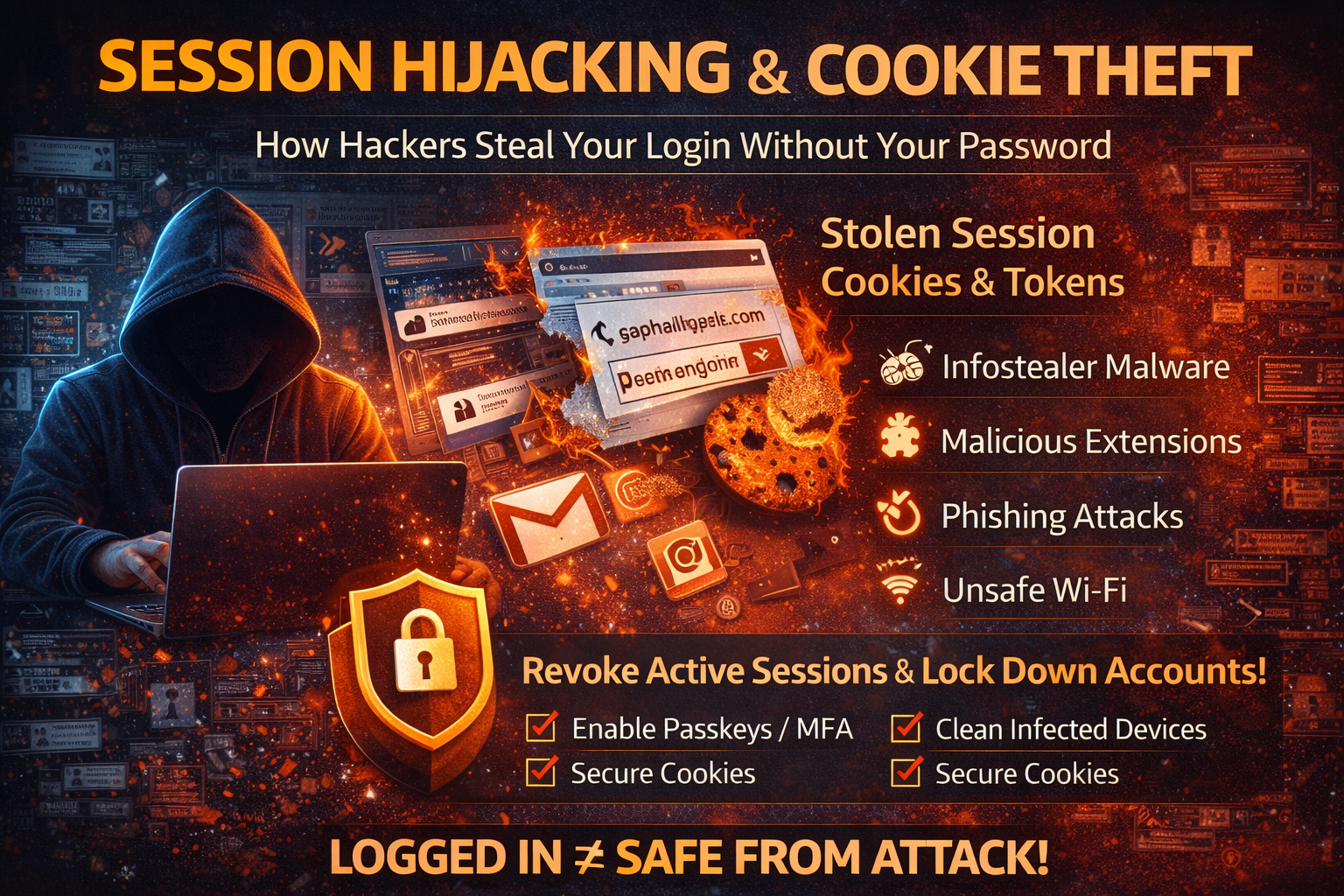
Session Hijacking & Cookie Theft: How Hackers Steal Your Login Without Your Password (2026)
If you’ve ever changed your password but the attacker still stayed inside your account, you’ve seen the power of session hijacking. This attack doesn’t rely on guessing your password. Instead, it targets the thing that proves you are already logged in: your session.
Most websites keep you logged in using small pieces of data stored in your browser usually called cookies, tokens, or session IDs. When attackers steal those, they can sometimes access your account as if they were you, even if you have a strong password. That’s why session hijacking is one of the most dangerous and misunderstood threats, especially after infostealer malware, phishing, or unsafe extensions.
This guide explains session hijacking in simple terms, how cookie theft happens, the real-world signs, and the exact steps to stop it and prevent it.
What Is Session Hijacking?
A session is the “logged-in state” between you and a website. When you sign in successfully, the site creates a session and stores a session identifier in your browser (commonly through a cookie). That cookie tells the website:
“This user has already authenticated. Keep them logged in.”
Session hijacking happens when an attacker steals that session identifier and uses it to impersonate you. In many cases, the attacker doesn’t need your password at all—because the session acts like a temporary key.
What Is Cookie Theft?
A cookie is a small file stored by your browser that can include session information. Some cookies are harmless (like language preferences), but others are highly sensitive—especially cookies tied to authentication.
Cookie theft is simply stealing the authentication cookie (or token) from your browser. Once stolen, it can be used to:
- access your email and social accounts
- bypass password changes (until sessions are revoked)
- bypass MFA in certain situations (because MFA is usually checked at login, not for every request)
- take over business dashboards and admin panels
This is why security pros often say: “Protect the session, not just the password.”
Why Session Hijacking Is So Effective in 2026
Many people focus only on passwords, but the internet doesn’t work on passwords alone. Modern logins depend on sessions—and sessions are valuable targets.
Session hijacking is effective because:
1) It Can Bypass Strong Passwords
A perfect password doesn’t matter if the attacker steals your active session cookie.
2) It Can Bypass MFA Sometimes
MFA protects the login step, but if an attacker gets a session token created after MFA, they may not need to pass MFA again.
3) It’s Often Silent
You might not see a “wrong password” alert. The attacker simply appears as another active session or device.
4) Infostealers Specifically Target Cookies
Many modern infostealers are designed to grab browser cookies, saved passwords, and tokens. That’s one reason infostealer infections often lead to “I changed the password but I’m still hacked.”
The Most Common Ways Session Hijacking Happens
Session hijacking doesn’t come from one technique. Attackers use multiple paths depending on the target.
1) Infostealer Malware (Most Common)
Infostealers infect a device and extract:
- browser cookies
- stored passwords
- autofill data
- saved sessions and tokens
This is the most common reason accounts get hijacked “without any suspicious login attempt” from the user’s point of view.
2) Malicious Browser Extensions
Some extensions request permissions like:
- “Read and change all your data on all websites”
- “Access browsing history”
- “Manage downloads”
- “Access clipboard”
A malicious extension can directly steal cookies or capture session tokens via injected scripts. Users often install these without realizing the risk, especially “free VPN,” “coupon,” “download helper,” and “ad blocker clone” extensions.
3) Phishing With Proxy Pages (Advanced Phishing)
Traditional phishing steals your password. Advanced phishing can steal your session by acting as a middleman. You log in “successfully,” MFA works, and the attacker captures the session token created after MFA.
4) Public Wi-Fi + Unsafe Connections (Less Common Today, Still Real)
If a website is not using HTTPS correctly or the device is tricked into insecure routing, session data can be exposed. Most major sites enforce HTTPS now, but misconfigurations and captive portals still create risky scenarios.
5) Session Fixation (App-Level Bug)
This is more technical: the attacker sets or predicts a session identifier and forces the victim to use it. If the app doesn’t rotate session IDs after login, the attacker can reuse it. This is a web application security issue and still appears in real pentests.
6) XSS (Cross-Site Scripting)
If a website has XSS vulnerabilities, attackers may be able to run scripts in the victim’s browser to steal session tokens (depending on cookie flags like HttpOnly and SameSite).
Real Signs Your Session Might Be Hijacked
Session hijacking is often “quiet,” but there are strong warning signs you should take seriously:
- You get logged out repeatedly, especially after re-login
- You see “new device” sessions you don’t recognize
- You notice account settings changed (recovery email, phone, MFA settings)
- Emails marked read, deleted, or forwarded without your action
- New rules/filters in email (especially filters that hide security alerts)
- Social accounts sending messages you didn’t send
- Business accounts showing new admins, new API keys, or new connected apps
- Ads or spending activity on your social media/business manager
- Password reset emails you didn’t request (attackers may be preparing persistence)
- Unknown login sessions remain active even after password changes
If you see any combination of these, treat it as compromise.
What To Do If You Suspect Session Hijacking (Immediate Steps)
If you act fast and in the right order, you can cut attackers off quickly.
1) Use a Clean Device
If your current device might be infected, do not use it to recover accounts. Use another phone or laptop you trust.
2) Revoke Sessions Everywhere (Most Important Step)
Many people change the password first—but if the attacker has a session, they may stay logged in.
Go to the security settings for:
- your email (Gmail/Outlook)
- social accounts (Facebook/Instagram/LinkedIn/X)
- payment apps (PayPal/banking apps)
- work tools (Microsoft 365/Google Workspace)
- password manager
Find options like:
- Sign out of all devices
- Log out of all sessions
- Revoke sessions
- Remove trusted devices
- End all active sessions
Do this before anything else when sessions are suspected.
3) Change Passwords (After Revoking Sessions)
Once sessions are revoked, change passwords from a clean device. Use:
- long passwords (14–20+ characters)
- unique passwords for every account
- a password manager for generation/storage
4) Enable Strong MFA or Passkeys
If you haven’t enabled MFA yet, do it immediately on:
- email accounts (first priority)
- password manager
- banking/payment accounts
- work accounts
- social accounts
Prefer:
- passkeys
- authenticator app codes
- security keys for admin accounts
5) Remove Persistence Backdoors
Attackers often leave ways to return. Check and remove:
- unknown recovery email/phone
- unknown devices or trusted logins
- suspicious third-party app access (“connected apps”)
- app passwords (Google/Microsoft)
- email forwarding rules and filters
- delegated mailbox access (for email)
6) Scan for Infostealers / Clean the Device
If the hijack came from malware, attackers will keep stealing new sessions until the device is cleaned.
Strong options include:
- full anti-malware scan
- removing suspicious browser extensions
- checking startup apps and scheduled tasks
- resetting/reinstalling the OS if compromise is suspected
If you skip cleanup and keep logging in, you can get re-hijacked again and again.
Session Hijacking Prevention (What Actually Works)
Here’s how to prevent cookie theft and session takeover in daily life.
1) Stop Saving Passwords in the Browser (For High-Value Accounts)
Browsers are convenient, but they’re a major target. A password manager is safer for generating unique passwords and reducing cookie-session exposure patterns.
2) Reduce Browser Extension Risk
- uninstall extensions you don’t absolutely need
- avoid “free VPN,” “coupon,” “download,” and unknown extensions
- verify publisher reputation
- review permissions: if an extension can “read all data on all websites,” treat it like full access to your online life
3) Use Separate Browser Profiles for Sensitive Activity
Use one profile for:
- banking and email only
Use another profile for: - casual browsing, downloads, experiments
This reduces cross-contamination when something goes wrong.
4) Don’t Stay Logged In Everywhere
For critical accounts:
- log out after use on shared machines
- avoid “remember me” on public devices
- check your active sessions monthly
5) Keep Your Device and Browser Updated
Updates patch vulnerabilities and reduce the chance of exploitation through old flaws, especially for browsers.
6) Use Passkeys Where Available
Passkeys reduce phishing risk and make credential theft harder. Even when sessions are targeted, strong login hygiene plus session management makes recovery faster and more reliable.
7) Secure Your Email Like It’s Your Bank
Because it is. Email controls password resets for most accounts. If your email session is hijacked, everything else follows.
Website Owner Section: How to Protect Users From Session Hijacking
If you run a website, app, WordPress portal, or SaaS, session hijacking risk is partly on you. Here are practical protections that make a big difference:
1) Use Secure Cookie Flags
Set authentication cookies with:
- HttpOnly (blocks JavaScript access, reduces XSS cookie theft)
- Secure (HTTPS-only)
- SameSite (reduces CSRF and cross-site issues)
2) Rotate Sessions After Login and Privilege Changes
Regenerate session IDs after:
- login
- password change
- enabling/disabling MFA
- privilege elevation (user → admin)
3) Shorten Session Lifetimes for High-Risk Areas
Admin panels and financial actions should:
- expire sessions sooner
- require re-authentication for sensitive changes
4) Detect Suspicious Session Behavior
Monitor and alert for:
- session reuse from different geolocations quickly
- multiple sessions created rapidly
- unusual device fingerprints or IP changes
- high-volume access patterns
5) Harden Against XSS
A secure session means nothing if XSS can steal tokens. Use:
- output encoding
- CSP (Content Security Policy)
- strict input validation
- dependency hygiene
FAQ
Can someone hack me without knowing my password?
Yes. If they steal your session cookie or token, they can sometimes act as you without needing the password.
Why did the attacker stay logged in after I changed my password?
Because the session remained active. You need to revoke sessions and remove trusted devices.
Does MFA stop session hijacking?
MFA helps a lot at login, but stolen sessions created after MFA can sometimes bypass it. That’s why session revocation and device cleanup matter.
What’s the fastest way to stop a session hijack?
Revoke sessions everywhere from a clean device, then change passwords, then clean the device.
About The Author




