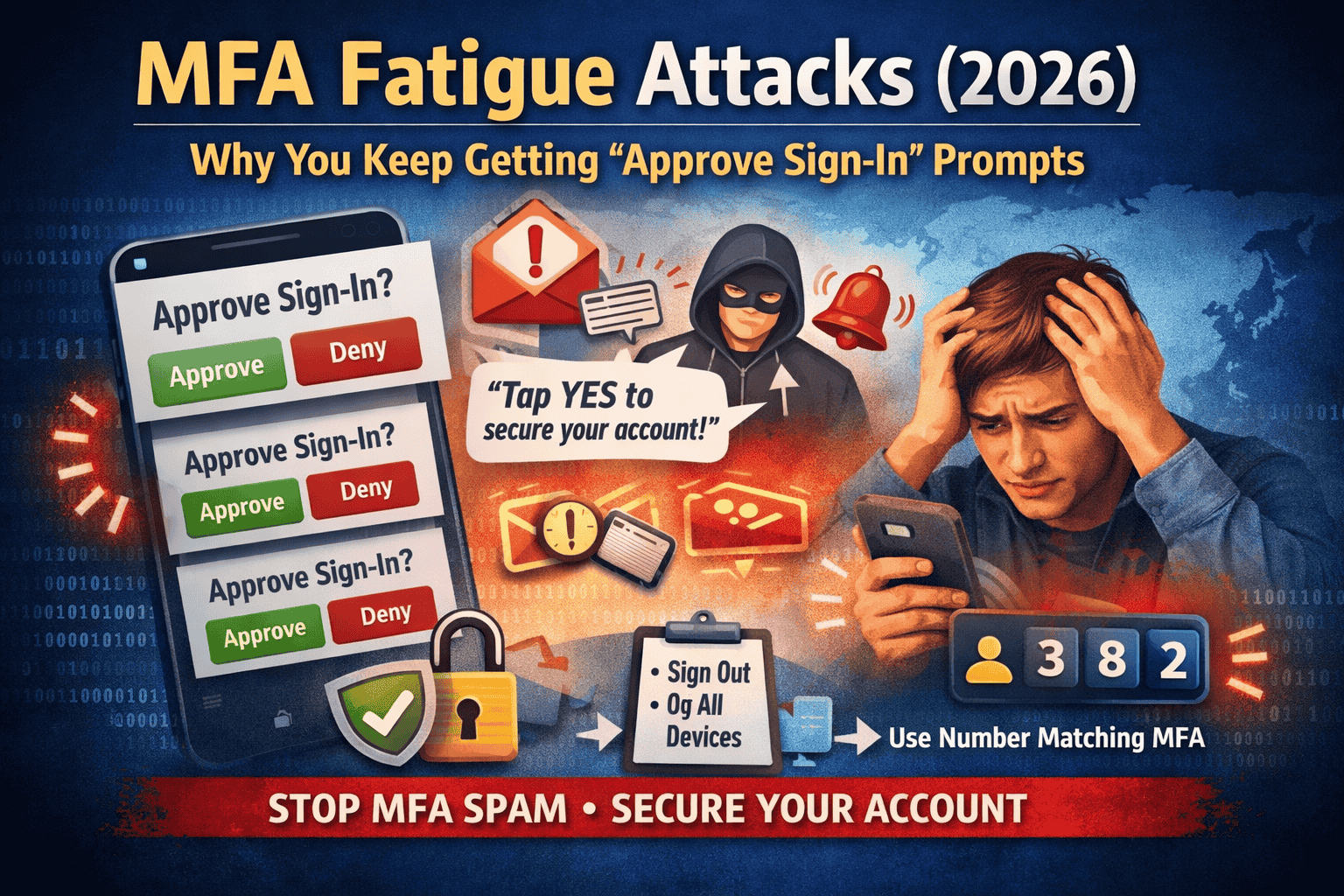
MFA Fatigue Attacks (2026): Why You Keep Getting “Approve/Yes” Prompts
You’re sitting normally, not trying to log in anywhere, and suddenly your phone shows: “Approve sign-in?” Then it happens again…and again. A lot of people assume it’s a bug, a random glitch, or that their app is “acting weird.” In reality, repeated push prompts are often a sign of a very specific attack that’s been growing because it targets something human: impatience and confusion.
This is called an MFA fatigue attack (also known as push bombing). The goal is simple: flood you with approval prompts until you finally tap Approve/Yes just to make it stop. CISA even calls out “push bombing / push fatigue” as a known threat pattern.
What an MFA fatigue attack really is
MFA usually works like this: someone enters your password, then the system asks for a second proof—often a push notification on your phone. In an MFA fatigue attack, the attacker repeatedly attempts to log in and keeps triggering that push notification. They’re not trying to “break” MFA with code. They’re trying to wear you down until you accidentally approve.
That’s why the attack is named after the feeling it creates: fatigue. You get tired, distracted, half asleep, or you think, “Maybe it’s my own login,” and you tap Approve one time. That one tap can be enough for the attacker to get inside.
Why you’re getting these prompts in the first place
Most of the time, the attacker already has your password. That can happen if:
- your password was leaked in a data breach,
- you reused the same password on multiple sites,
- you typed your password into a fake login page,
- or your password was guessed because it was weak.
Once the attacker has the password, they try to sign in. Your account then sends you the MFA prompt, because MFA is doing what it’s designed to do. The attacker’s trick is to turn your security into noise.
The “fake support” message that makes people lose accounts
Sometimes the push spam is followed by a call or message pretending to be “support,” “security team,” or “account verification.” They’ll say things like:
“Someone is attacking your account. You’ll get a prompt—press Approve so we can stop it.”
That is a social engineering trap. No real support team needs you to approve a surprise login. If you approve it, you may be approving the attacker.
The golden rule
Never approve an MFA prompt you did not start.
If you weren’t actively logging in right now, it’s not yours. Ignore it or deny it. CISA and Microsoft both describe this push-bombing pattern and recommend stronger approaches to reduce accidental approvals.
Do this immediately if it’s happening right now
1) Deny it (or ignore it), don’t approve it
If the app shows Deny, press Deny. If it only shows Approve/Deny, choose Deny. If you’re unsure, do nothing—doing nothing is safer than approving.
2) Change your password immediately (make it unique)
This step matters because it removes the attacker’s ability to keep reaching the MFA prompt stage. Use a long password you have never used on any other website.
3) Sign out of other devices / sessions
Many accounts have a “sign out of all devices” or “log out everywhere” option. Use it. This is important because if the attacker already got in once (even briefly), they may have a session that stays active.
4) Check your recent sign-in activity
Look for “Recent activity,” “Sign-in history,” or “Devices.” If you see a device, location, or login time you don’t recognize, treat it seriously and continue with the hardening steps below.
The best free upgrade: number matching
Push approvals are risky because they’re designed to be quick: one tap. That’s exactly what attackers exploit. Number matching changes the experience: the login screen shows a number, and your phone asks you to enter that number to approve. This makes accidental approvals far less likely.
Microsoft explains that number matching and extra context in prompts can eliminate MFA fatigue attacks when enabled in real environments.
Microsoft’s documentation also describes number matching as a key security upgrade for Authenticator push notifications, and notes it’s enabled for Authenticator push notifications.
Another important protection: limit the spam
A lot of people ask, “Why does the system allow so many prompts?” Good question. Security guidance recognizes that unlimited push prompts can be abused. NIST’s digital identity guidance recommends that push-based systems should implement reasonable limits on the rate/total number of push notifications sent since the last successful authentication.
You can’t always control this on every consumer app, but it explains why modern platforms are moving toward number matching and safer login methods.
Safer than push approvals
If your account offers these options, they can reduce risk further:
Passkeys: A newer login method tied to your device (often using fingerprint/face/PIN). Passkeys are designed to resist phishing far better than passwords and reduce these “approve spam” situations. (If your account offers passkeys, consider enabling them.)
Authenticator codes (6-digit codes): Not perfect, but they don’t have the same “tap yes” fatigue problem.
Security keys (FIDO2/WebAuthn): Very strong protection, especially for important accounts (email, banking, admin logins). (Requires buying a key, so not always “free,” but worth knowing.)
CISA’s overall guidance pushes toward phishing-resistant MFA as the strongest direction.
What if you already pressed “Approve” by mistake?
Don’t panic—just move fast. Immediately change your password, sign out everywhere, and then check for “things attackers add” to keep access:
- recovery email/phone changes,
- new devices,
- new “trusted” sign-in methods,
- connected apps you don’t recognize.
If anything looks unfamiliar, remove it and re-secure the account.
FAQs
Why do I keep getting “Approve sign-in request” notifications?
Because someone is repeatedly trying to log into your account and triggering MFA push prompts—this is the core of an MFA fatigue/push bombing attack.
Is it a glitch?
One random prompt can happen if you tried logging in earlier or on another device. But repeated prompts in a short time are a red flag and should be treated as an attack attempt.
Will changing my password stop it?
Often yes, because the attacker can’t keep reaching the MFA step without the correct password. But still sign out everywhere to remove any existing sessions.
What is number matching and why is it better?
Instead of a one-tap approval, you must enter a number shown on the login screen. Microsoft highlights number matching (and extra context) as a defense against MFA fatigue attacks.
What’s the strongest fix if I want maximum safety?
CISA recommends moving toward phishing-resistant MFA where possible, and using number matching when push MFA is used.
About The Author




