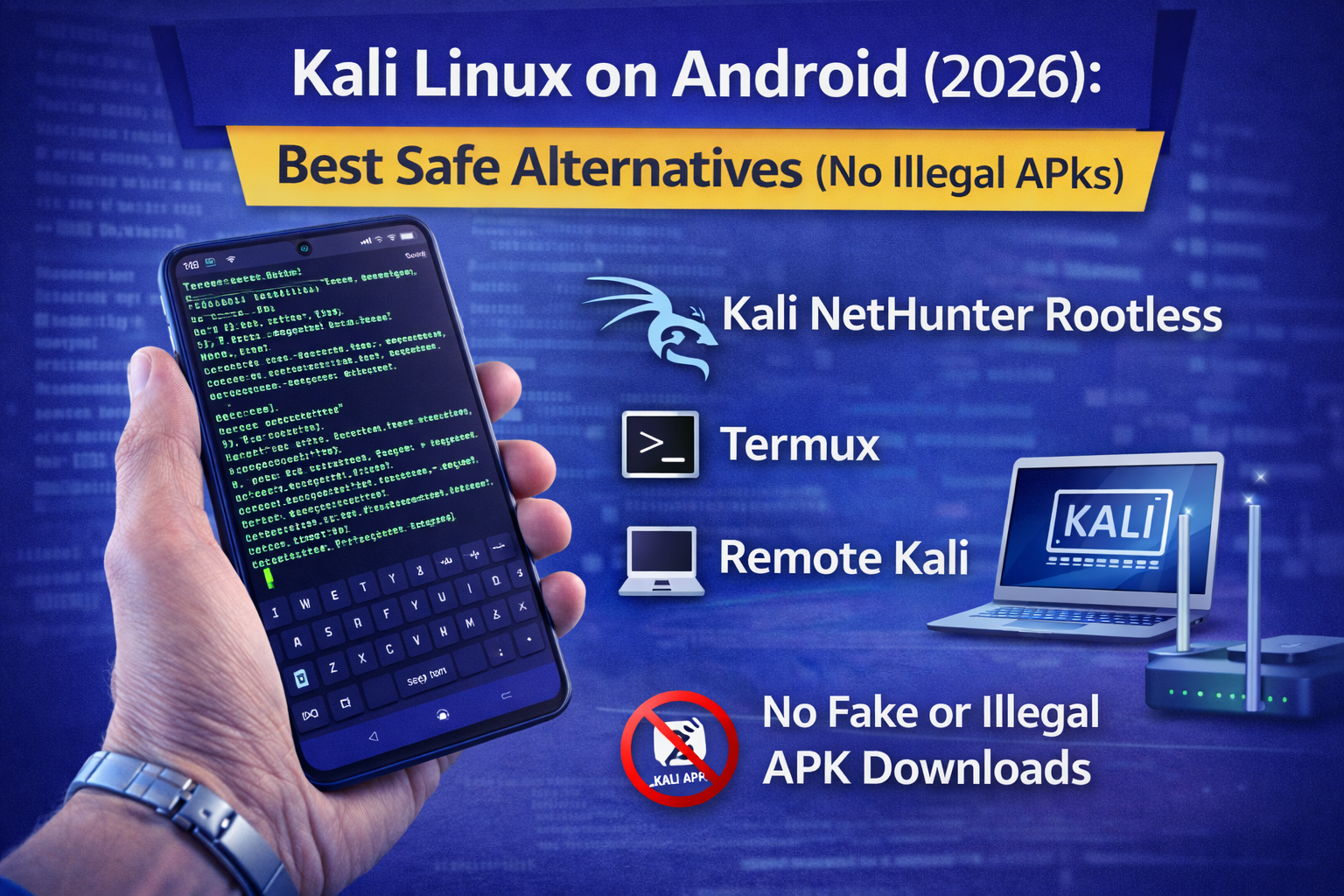
Kali Linux on Android (2026): Best Safe Alternatives
People search “Kali Linux APK” or “Kali Linux on Android” because they want a powerful hacking setup on their phone. But in reality, most “Kali APK” downloads are either fake, modified, or full of malware. And even when they work, they often break your phone or expose your data.
The smarter and safer approach is to use official, legal alternatives that give you the same learning outcomes:
- Linux terminal skills
- security tooling fundamentals
- legal practice environments
- safe remote lab workflows
This guide shows you the best safe ways to use Kali-style learning on Android in 2026 removing the risky “APK hacking” trap completely.
Quick truth: Can you run full Kali on Android?
You can get Kali-like environments on Android, but “full Kali Linux” is not the same as a normal desktop install. Android is not Linux in the same way as a PC distro, and most serious tools still work best in:
- a VM on a laptop
- a cloud lab
- a remote Kali machine you SSH into
So the best plan is:
✅ Use Android for learning + controlling your lab
✅ Use a proper Kali environment remotely when needed
The safest ways to get a Kali-style environment on Android (2026)
Option 1: Kali NetHunter Rootless (best official choice for most people)
Best for: Kali-style userland + learning environment without rooting your phone
Rootless means you can run a Kali environment using Termux and KeX-style access in a more controlled way, with fewer risks than rooting.
Why this is recommended
- official documentation
- doesn’t require rooting
- designed for learning workflows
Use case
- learning Linux + tools
- practicing in legal labs
- connecting to remote targets you own (lab only)
Option 2: Termux (best for Linux learning + tool practice)
Best for: learning Linux commands, Python, Git, SSH, and safe utilities
Termux won’t “turn your phone into Kali,” but it teaches the same foundations that make Kali useful.
If your goal is skills (not aesthetics), Termux wins.
Option 3: Remote Kali (best real-world workflow)
Best for: serious learning without phone limitations
You run Kali on:
- a laptop VM
- a desktop
- a cloud VM
- use Android to connect via SSH/RDP/VNC.
Why this is best
- more stable tools
- better performance
- safer (phone stays clean)
Option 4: Browser-based labs
If your goal is “learn hacking,” you don’t even need Kali at first.
Use:
- PortSwigger Web Security Academy
- TryHackMe / Hack The Box beginner labs
These are legal, guided, and more effective than random tool installs.
What to avoid (so you don’t destroy your phone or get malware)
Avoid:
- “Kali Linux APK” from random websites
- cracked/modded NetHunter builds
- unknown “one-click hacking apps”
- fake Telegram/Drive links claiming “Kali full version”
These are the most common ways beginners get infected.
Beginner setup: the safest “Kali on Android” workflow
Step 1: Decide your goal
Pick one:
- Learn Linux & commands → Termux
- Kali-style environment without root → NetHunter Rootless
- Real pentesting practice → Remote Kali + legal labs
Step 2: Create a learning stack
Minimum stack
- Termux
- Hacker’s keyboard (optional)
- A legal lab platform (PortSwigger + TryHackMe)
Advanced stack
- NetHunter Rootless
- Remote Kali VM (on laptop/cloud)
- Android as controller (SSH)
Step 3: Practice only in legal labs
If you’re learning ethical hacking:
- practice on training labs
- practice on your own test network
- follow bug bounty scope rules
FAQ
Is Kali Linux on Android legal?
Yes, learning and using security tools is legal when you test only systems you own or have permission to assess.
Should I root my phone to run Kali?
Most beginners should avoid rooting. Rooting increases risk and can weaken device security if done wrong. Rootless + remote labs is usually better.
What’s the safest alternative to a “Kali Linux APK”?
NetHunter Rootless, Termux, and remote Kali (SSH into a Kali VM) are the safest options.
About The Author




