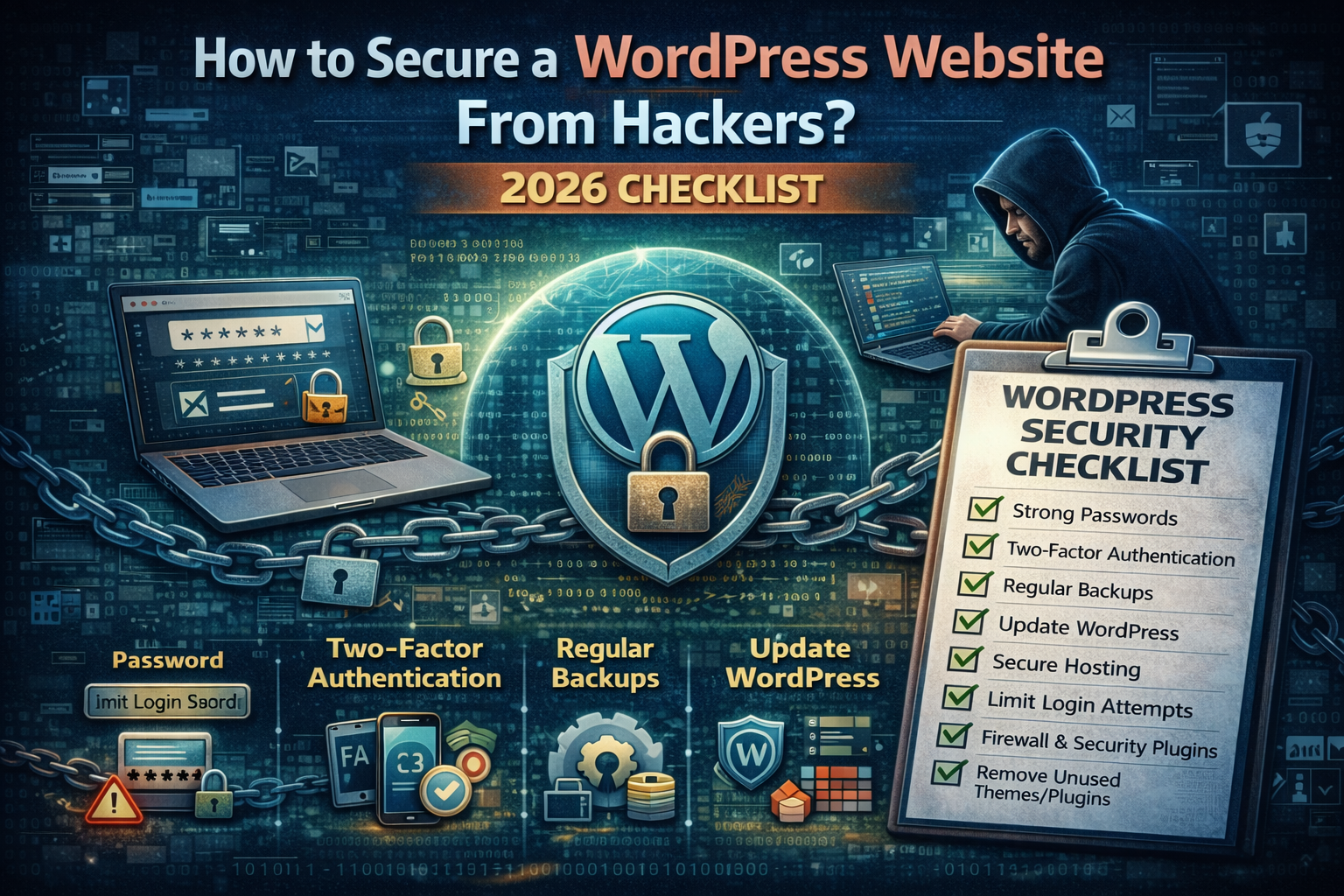
How to Secure a WordPress Website From Hackers?2026 Checklist
Introduction: Why WordPress Security Matters More Than Ever in 2026
WordPress powers more than 40% of the websites on the internet, which makes it both incredibly popular and incredibly attractive to hackers. From personal blogs and portfolio sites to e‑commerce stores and corporate platforms, WordPress is used by everyone. Unfortunately, most site owners still assume that security is something only big companies need to worry about.
In reality, most cyberattacks today are automated. Hackers do not manually choose victims. Their bots scan millions of websites every day, looking for outdated plugins, weak passwords, misconfigured servers, and exposed admin panels. If your WordPress site has even one small weakness, it can be discovered and exploited within minutes.
The good news is that WordPress itself is not “insecure.” Most WordPress hacks happen because of simple, preventable mistakes: old plugins, reused passwords, too many admin users, missing backups, or poor hosting security. When these basic issues are fixed, WordPress becomes a very hard target.
This real‑world guide will show you exactly how WordPress sites get hacked, what you must fix first, and how to build a practical security system that protects your site without slowing it down or breaking your design.
What “Secure” Really Means for a WordPress Website
Many beginners think website security means installing one plugin and forgetting about it. That mindset is dangerous. Security is not a single tool. It is a process and a system.
A secure WordPress website is one that:
- Stays updated
- Uses strong authentication
- Limits user privileges
- Protects sensitive files
- Monitors suspicious activity
- Has reliable backups
- Can recover quickly after an incident
When these small protections work together, your website becomes much harder to hack. Even if something does go wrong, you can restore your site in minutes instead of losing weeks of traffic and trust.
How WordPress Websites Get Hacked in 2026 (Real Causes)
To secure your site properly, you must first understand how real attacks happen. Contrary to popular belief, most hackers do not use advanced Hollywood‑style techniques. They rely on simple, well‑known weaknesses.
1) Outdated Plugins and Themes
This is the number one cause of WordPress hacks worldwide. Plugin developers regularly release updates to fix security flaws. When site owners ignore these updates, they leave known vulnerabilities open to attackers.
A single outdated plugin can allow:
- File uploads
- Admin account creation
- Malware injection
- Database access
Every extra plugin increases your attack surface. That is why fewer, high‑quality plugins are always safer than many unnecessary ones.
2) Weak Passwords and Credential Reuse
Automated bots constantly try millions of username and password combinations. If your admin password is short, simple, or reused from another website, your dashboard can be compromised without any advanced hacking.
Many attacks succeed simply because:
- Passwords are reused
- 2FA is not enabled
- Admin usernames are predictable
3) Insecure Hosting and Server Settings
Even if WordPress is configured perfectly, weak hosting security can still lead to compromise. Poor file permissions, exposed directories, weak FTP credentials, or outdated PHP versions can all open doors for attackers.
4) Session Hijacking and Stolen Cookies
If an admin logs in from a compromised device or unsafe Wi‑Fi network, attackers can steal session cookies and take over the account without knowing the password.
5) Malware Injections and Redirect Attacks
Some hackers do not want to destroy your site. They want to inject spam links, crypto miners, or redirect scripts that send your visitors to scam websites. These attacks quietly destroy SEO rankings and user trust.
Step 1: Update Everything (The Fastest Security Win)
Keeping WordPress updated is the single most important security habit you can develop. Updates are not only about new features. Most updates exist to fix known vulnerabilities that are already being exploited in the wild.
Every time a plugin developer releases a security patch, attackers read the same update notes and begin scanning the internet for websites that have not installed it.
What you should update regularly:
- WordPress core
- All plugins
- All themes
If you manage more than one site, schedule a weekly “update and test” routine. This one habit alone prevents a large percentage of real‑world attacks.
Step 2: Remove Unused Plugins and Themes (Reduce Attack Surface)
Unused plugins are silent security risks. Even if a plugin is inactive, its files may still be accessible on your server and exploitable.
Every unnecessary plugin adds more code, more files, and more potential vulnerabilities.
What to do:
- Delete plugins you do not actively use
- Delete inactive themes (keep only your active theme and one default fallback)
A clean WordPress installation is always safer than a cluttered one.
Step 3: Strengthen Authentication (Passwords + 2FA)
In 2026, password‑only security is no longer enough. Two‑factor authentication blocks most real‑world account takeovers.
Minimum authentication standards:
- Strong, unique passwords
- 2FA for all admin accounts
- Password manager usage
- No shared admin credentials
Never send admin passwords through WhatsApp, email, or chat messages.
Step 4: Protect Against Brute‑Force Attacks
WordPress login pages are scanned constantly by bots. Even small websites are attacked because automation does not care about your size.
Practical protections include:
- Limiting login attempts
- Blocking repeated failed logins
- Adding CAPTCHA (optional)
- Using a Web Application Firewall (WAF)
A WAF stops attacks before they even reach your WordPress code.
Step 5: Disable or Restrict XML‑RPC
XML‑RPC is a WordPress feature that allows remote apps to communicate with your site. It has historically been abused for brute‑force and resource‑exhaustion attacks.
If you do not use mobile publishing, Jetpack, or remote tools, disabling XML‑RPC reduces risk.
Step 6: Fix File Permissions (Critical)
File permissions control who can read or write your WordPress files. If permissions are too open, attackers can inject malware or modify core files.
Recommended settings:
| Component | Safe Permissions |
|---|---|
| Directories | 755 or 750 |
| Files | 644 or 640 |
| wp‑config.php | 440 or 400 |
Step 7: Secure wp‑config.php and Security Keys
Your wp‑config.php file contains database credentials and secret authentication keys. If this file is exposed, attackers can steal sessions or access your database.
Change salts and keys after any suspected breach.
Step 8: Use Least Privilege for User Roles
Not every user needs admin access. The more admins you have, the more risk you create.
Best practice:
- Only 1–2 admin accounts
- Everyone else gets the minimum required role
- Remove inactive accounts
Step 9: Backups That Actually Save You
Most people think they have backups until they need them.
A real backup strategy includes:
- Automatic daily backups
- Offsite storage
- One‑click restore
- Monthly restore tests
Step 10: Add Monitoring and Alerts
If Google finds your malware before you do, it is already too late.
Monitor:
- File changes
- New admin accounts
- Plugin changes
- Suspicious redirects
Step 11: Create a Simple Incident Response Plan
Security is not only prevention. It is also response.
A basic plan includes:
- Who gets notified
- How damage is contained
- How backups are restored
- How the cause is investigated
WordPress Security Routine
Weekly
- Updates
- Alert review
- Backup verification
Monthly
- Role audit
- Restore test
- Plugin cleanup
Final Thoughts
WordPress security becomes easy when you stop thinking in one‑time fixes and start thinking in systems. Updates reduce known risks. Strong authentication blocks takeovers. Permissions protect sensitive files. Backups give you recovery power. Monitoring gives you early warning.
When these layers work together, your WordPress site becomes a hard target instead of an easy one.
About The Author




