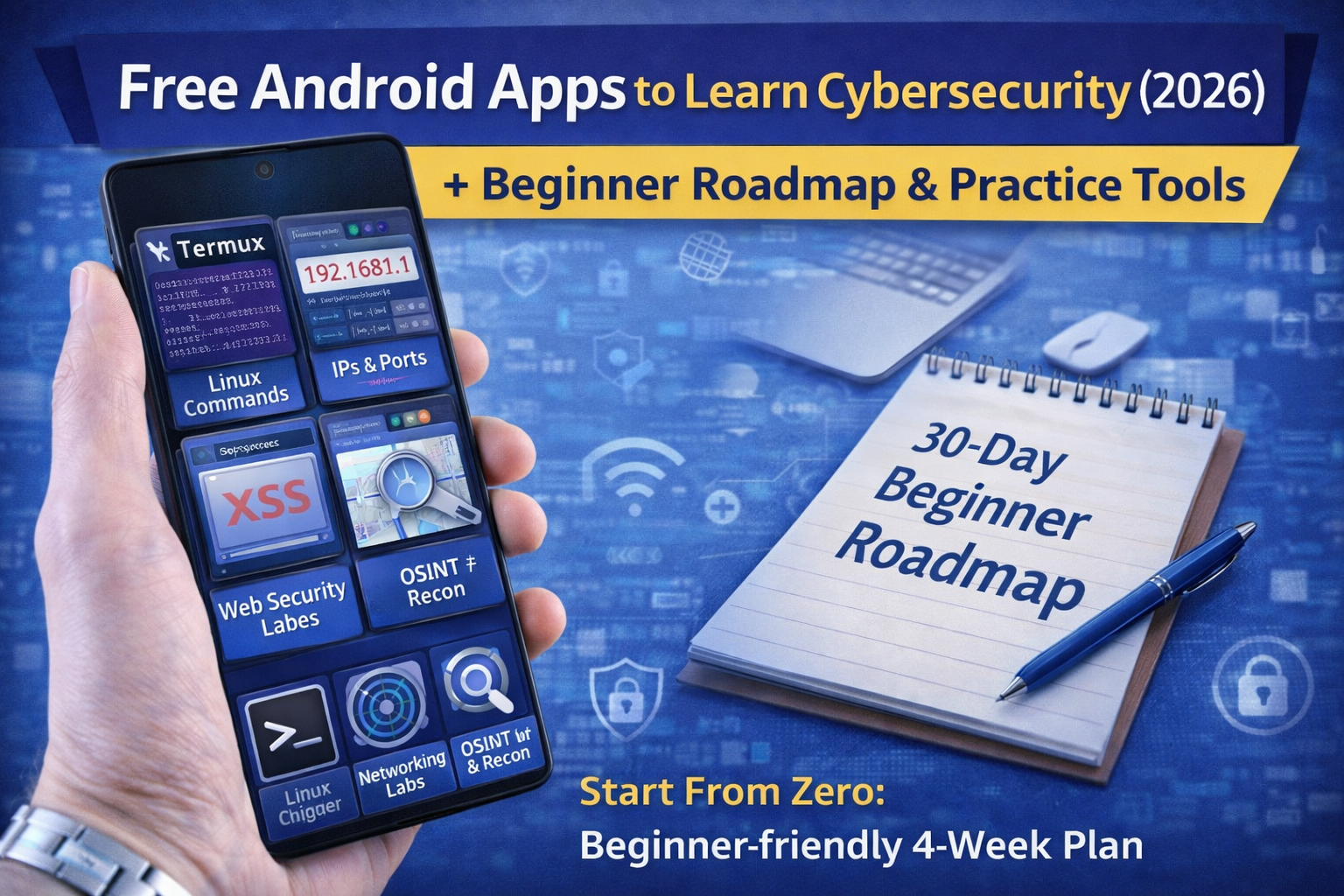
Free Android Apps to Learn Cybersecurity (2026): Beginner Roadmap and Practice Tools
Learning cybersecurity doesn’t require a laptop on day one. In 2026, you can build real skills using free Android apps if you follow the right path.
The problem is most beginners search things like “hacking APK” or “free hacking apps” and end up downloading unsafe apps, fake tools, or malware. Real cybersecurity learning looks different: you build fundamentals (networking + Linux), practice in legal labs, and develop habits that prevent real attacks (phishing, credential stuffing, account takeover).
This article gives you a beginner roadmap and the best free Android apps for:
- Linux & terminal practice
- networking basics
- safe web security learning (hands-on labs)
- OSINT and security awareness
- password and browsing security (defensive foundation)
The safe rule (read this once and you’re protected)
Only learn and test on:
- your own devices/networks, or
- authorized labs/training platforms, or
- bug bounty programs where scope clearly allows it.
If an app promises “hack accounts” or “crack Wi-Fi instantly,” it’s not cybersecurity education it’s usually a scam.
Best free Android apps to learn cybersecurity (2026)
Category 1: Linux & terminal basics (your #1 foundation)
1) Termux
Best for: Linux commands, scripting, SSH, running learning tools responsibly
What you learn:
- file navigation, permissions, grep/find, basic automation
- connecting to your own lab machines using SSH
(Use Termux from official sources like F-Droid or trusted stores.)
2) Hacker’s Keyboard (or any full terminal keyboard)
Best for: Tab/Ctrl keys, arrows, better command-line productivity
Why it matters: you’ll learn faster because typing commands is easier.
Category 2: Networking basics (how the internet works)
3) Wireshark learning resources + PCAP practice (Android-friendly)
Wireshark itself is desktop-focused, but Android can still help you learn:
- what packets are
- how DNS/HTTP/TLS looks
- how to read captures using tutorials + sample PCAPs (we’ll cover these later in your sequence)
4) Networking study apps (quiz + flashcards)
Use any reputable networking learning app (CompTIA Network+ style).
Best for: IP addressing, ports, protocols, routing, DNS basics.
Why this matters: most “hacking” is just understanding normal traffic and spotting what’s abnormal.
Category 3: Web security labs (best learning ROI)
5) PortSwigger Web Security Academy (browser-based)
Best for: free hands-on labs: XSS, SQLi, authentication, access control
This is one of the highest-quality free web security learning platforms.
6) TryHackMe (browser-based labs)
Best for: structured beginner learning paths with hands-on practice.
7) OWASP Juice Shop (practice target)
Best for: learning OWASP Top 10 vulnerabilities in a safe training app environment
If you can run it in a local lab (PC/VM/cloud) or access a safe hosted version, it’s perfect for practice.
Category 4: OSINT & security awareness (real-world useful)
8) Have I Been Pwned (website / quick checks)
Best for: checking breach exposure of your emails (only ones you own/are authorized to check)
Use it to understand credential leaks and why password reuse is dangerous.
9) Authenticators (2FA apps)
Best for: protecting accounts with MFA
Security learning is not only offensive—defensive habits like MFA prevent real compromises.
Category 5: Password & browser security (protect yourself while learning)
10) Password managers (free tier)
A password manager helps you:
- generate strong unique passwords
- prevent reuse (credential stuffing risk)
- store recovery codes safely
(You already wrote a full password manager article—link that internally.)
11) Browser security extensions (anti-phishing safety)
Use reputable anti-phishing and privacy tools and keep your browser updated.
This reduces the chance you click something dangerous while exploring security content.
The beginner roadmap (30 days, Android-first)
Week 1: Build the foundation (no hacking yet—just skills)
Goal: become comfortable with basics
- Learn 20 Linux commands in Termux
- Learn ports/protocols: HTTP/HTTPS, DNS, TCP/UDP
- Understand what an IP address and domain really are
- Set up MFA and password manager on your accounts
Daily practice (30–45 minutes)
- 10 minutes: Linux commands
- 10 minutes: networking flashcards
- 10 minutes: read one security concept (phishing/BEC/session hijacking)
Week 2: Web security basics (start hands-on labs)
Goal: understand common vulnerabilities through legal labs
- Start PortSwigger labs for:
- XSS basics
- authentication basics
- access control basics (IDOR)
- Take notes: “What is it?” → “Impact” → “How to prevent”
Daily practice
- 30–60 minutes labs
- 10 minutes notes summary
Week 3: Practical cybersecurity skills (blue + red basics)
Goal: learn real-world defensive + attacker thinking
- Learn:
- what logs are and why they matter
- how phishing works (and how to detect it)
- how credential stuffing works
- Try beginner rooms on TryHackMe.
Mini project
- Write your own “phishing checklist” and apply it to emails you receive (without clicking links).
Week 4: Build your learning system (portfolio-style)
Goal: start producing proof of skill
- Create a simple notes structure:
- Linux
- Networking
- Web labs
- OSINT
- Case studies
- Finish at least 15–25 labs
- Write 2–3 mini writeups:
- “What I learned from XSS lab”
- “How IDOR happens and how to fix it”
- “Common phishing tricks in 2026”
FAQ
Can I learn cybersecurity using only Android?
Yes, you can learn a lot: Linux basics, networking concepts, web labs, OSINT, and security hygiene. For advanced testing and full lab hosting, a PC helps later but Android is perfect to start.
What’s the best free app to start with?
Termux (Linux basics) + a web lab platform (PortSwigger/TryHackMe). That combo gives you fundamentals and hands-on practice.
Is it safe to download “hacking APKs” from websites?
No. It’s risky and often illegal or malicious. Learn using official stores and legal labs.
About The Author




