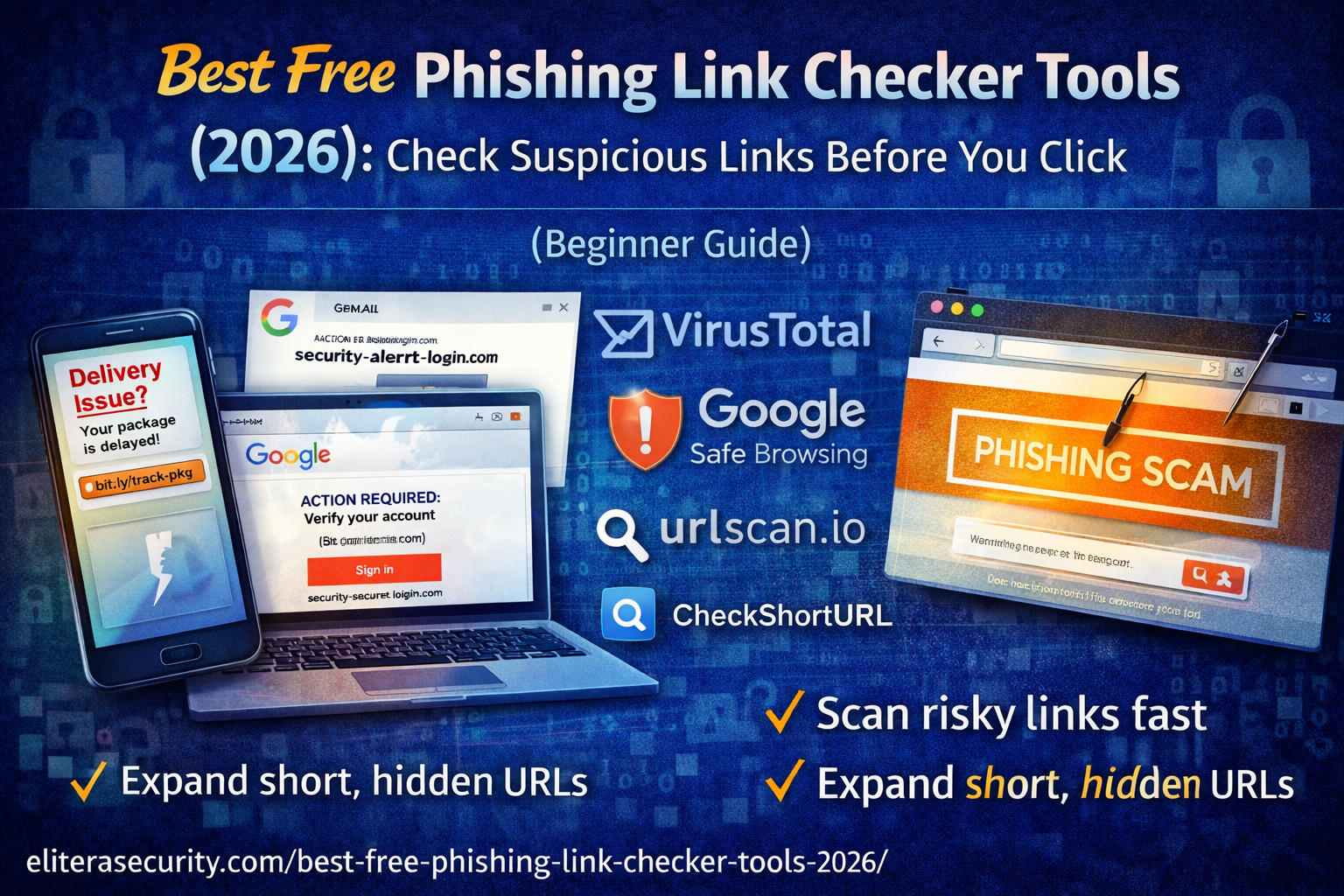
Best Free Phishing Link Checker Tools (2026): How to Check Suspicious Links Before You Click
Phishing is no longer just a “spam email problem.” In 2026, phishing attacks happen through SMS, WhatsApp, Facebook Messenger, Instagram DMs, Telegram, fake job offers, and even paid advertisements. The attack is simple: you receive a message that creates urgency, you click a link, and you land on a page that looks almost identical to Gmail, Facebook, your bank, or a delivery service. You enter your password or OTP, and within seconds your account is compromised.
The dangerous part is not the technology it is the psychology. Phishing attacks are designed to trigger fear, urgency, or curiosity. That’s why the most powerful defense is not just software — it’s a habit: never click a suspicious link without checking it first.
What Is a Phishing Link?
A phishing link is a malicious URL designed to trick you into revealing sensitive information or performing an unsafe action. The most common goals of phishing links are:
- Stealing login credentials (email, Facebook, Instagram, banking)
- Capturing OTP or verification codes
- Collecting credit/debit card details
- Installing malware or fake apps
- Forcing you to allow browser notifications for future scam alerts
Unlike obvious “virus” pages from years ago, modern phishing pages look extremely professional. They copy branding, logos, fonts, and even legal disclaimers from real companies. The only real difference is the domain name — and that is where most phishing attempts fail.
Why Checking a Link Before Clicking Is Critical
Most people think, “Let me click and see what it is.” That single action can:
- Trigger automatic file downloads
- Open redirect chains leading to malware
- Store tracking cookies
- Prompt fake notification permissions
- Capture credentials instantly if you enter them
Even if you don’t enter anything, some phishing campaigns are designed to test whether your email or number is active so they can target you again.
The correct approach is simple:
- Copy the suspicious link.
- Analyze it using free link-checking tools.
- Verify the domain name manually.
- If it’s an account alert, open the official app instead.
This habit alone prevents most account takeovers.
Best Free Phishing Link Checker Tools
There is no single perfect scanner. The smartest approach is using one main checker and one secondary tool for confirmation.
1. VirusTotal – The Most Comprehensive Free URL Scanner
VirusTotal is one of the most powerful free link-checking platforms available. It scans URLs against dozens of security engines and databases.
When you paste a link into VirusTotal, it checks:
- Known phishing detections
- Malware hosting history
- Domain reputation
- Community reports
- Suspicious redirect patterns
If multiple engines flag a URL as phishing or malicious, you should never open it.
However, understand this: new phishing sites can appear and disappear within hours. A link may show “clean” simply because it hasn’t been reported yet. That’s why domain analysis is still important.
Best use case: Quick verification of suspicious email, SMS, or social media links.
2. Google Safe Browsing – Fast and Beginner-Friendly
Google Safe Browsing provides a quick safety check for URLs. It tells you if Google has flagged a website for malware, phishing, or unsafe content.
It is simple and easy for beginners, but it does not show deep technical details. Think of it as a fast first check, not the final authority.
Best use case: Quick confirmation when you’re unsure about a website.
3. urlscan.io – See the Page Without Visiting It
urlscan.io allows you to submit a URL and see how it behaves without directly opening it in your browser.
This tool shows:
- Screenshots of the landing page
- Redirect chains
- Domains involved
- Scripts and external connections
Phishing links often redirect multiple times before landing on a fake login page. urlscan.io helps you see that behavior safely.
Best use case: Suspicious shortened links, unknown domains, or redirect-heavy URLs.
4. CheckShortURL – Expand Hidden Links
Scammers frequently use shortened links like:
- bit.ly
- tinyurl
- custom short domains
These hide the final destination. CheckShortURL reveals where the link really leads.
After expanding the link, you should scan the revealed URL using VirusTotal.
Best use case: SMS or WhatsApp messages containing short links.
5. Cloudflare Radar & Domain Intelligence Tools
Cloudflare provides domain reputation and threat intelligence tools that help analyze suspicious URLs and hosting patterns.
While slightly more advanced, they can provide useful signals when other tools show mixed results.
Best use case: Second opinion when other scanners give unclear results.
How to Check a Suspicious Link Safely
Here is the exact safe workflow:
First, never click the link directly.
If you receive a suspicious email or SMS:
- Right-click and copy the link (desktop)
- Long-press and copy link (mobile)
Second, if it is a shortened URL, expand it using CheckShortURL.
Third, paste the expanded link into VirusTotal.
Fourth, if the result is unclear, submit the link to urlscan.io to view redirect behavior and screenshots.
Finally, inspect the actual domain name carefully before making any decision.
How to Analyze a URL Yourself
Even the best scanners cannot replace human verification. The most important thing to check is the domain name.
Let’s look at examples:
- accounts.google.com → Safe (domain is google.com)
- google.account-security-alert.xyz → Unsafe (domain is account-security-alert.xyz)
Phishing domains often use tricks like:
- Substituting letters (paypaI instead of paypal)
- Adding extra words (secure-login-facebook-alert.com)
- Using strange domain endings (.xyz, .top, .click, .icu)
- Adding hyphens to mimic official names
Always focus on the last two parts of the domain before the slash. That is the true identity of the website.
Common Phishing Scenarios in 2026
Phishing has evolved beyond email. The most common sources now include:
SMS delivery scams claiming your parcel is stuck
WhatsApp “Is this you?” video links
Facebook Page copyright warnings
Instagram verification badge offers
Fake HR job application portals
Bank refund or tax penalty messages
Tech support calls sending you verification links
In every case, the goal is either credentials, OTP codes, or payment information.
What to Do If You Already Clicked a Phishing Link
Your response depends on what you did after clicking.
If you clicked but entered nothing, close the page immediately. Do not allow notifications. Monitor your accounts for unusual activity.
If you entered your password, change it immediately. Start with your email account because it controls password resets for other services. Enable two-factor authentication (preferably using an authenticator app).
If you shared an OTP code, assume the account may already be compromised. Change passwords, log out of all sessions, and check login history.
If you downloaded a file, do not open it. Delete it and run a full malware scan. If you opened it, perform a deeper system scan and secure your accounts immediately.
If you entered banking details, contact your bank right away and monitor transactions.
How to Prevent Phishing in the Future
Prevention is about habits, not just tools.
Never share OTP codes with anyone — even if they claim to be support.
Use authenticator-based 2FA instead of SMS whenever possible.
Keep an ad blocker enabled to reduce malicious ads.
Avoid clicking links inside urgent messages.
Open official apps directly to check account alerts.
Regularly review login activity in your accounts.
The more you rely on official apps instead of message links, the safer you become.
Frequently Asked Questions (FAQs)
What is the best free phishing link checker in 2026?
VirusTotal is the most comprehensive free option because it uses multiple detection engines. For shortened links, use CheckShortURL first.
Can a phishing link hack me automatically?
Most phishing links require you to enter information or install something. However, some may trigger malicious downloads or prompt notification permissions. Avoid opening suspicious links.
Is it safe to paste suspicious links into VirusTotal?
Yes. VirusTotal is designed for analyzing potentially malicious links safely.
About The Author




