Your Google account is not just “an email.” In 2026, a Google account often controls your Gmail, YouTube, Google Drive, Photos, Contacts, Chrome passwords, Android device backups, and even logins to other websites through “Sign in with Google.” That makes it one of the most valuable targets for attackers. If someone takes your Google account, they can reset passwords on your other accounts, steal sensitive files, scam your contacts, and lock you out by changing recovery options.
Most Google account compromises are not “zero-day hacks.” They happen through common methods: password reuse after data breaches, phishing pages that copy Google login screens, session cookie theft (infostealer malware), and SIM swaps that intercept SMS codes. Once inside, attackers often set up persistence by adding recovery methods, creating forwarding rules, or signing in through app passwords and linked devices.
Securing Google is about blocking these paths: stopping phishing, reducing token theft damage, and making recovery strong enough that you never lose access—even if your phone is lost.
1) Use Passkeys (Or Authenticator 2FA) Instead of SMS
In 2026, the strongest free upgrade for Google is using passkeys (when available) or authenticator app 2FA. SMS-based codes are better than nothing, but they can be intercepted through SIM swap, number hijack, or social engineering. Passkeys are phishing-resistant and much harder to steal.
If you can’t use passkeys everywhere yet, use an authenticator app and keep backup codes stored safely. The goal is to reduce dependence on SMS.
Best practice (in order):
- Passkeys (best)
- Authenticator app (strong)
- SMS (last resort)
2) Change Your Password Strategy (Unique + Long Wins)
Even with 2FA, password reuse is dangerous. Attackers often obtain passwords from breaches and try them across services. Use a strong, unique password for Google that you do not reuse anywhere. A password manager can help, but even without one, the key rule is “never reuse.”
A strong password is not just complexity—it’s uniqueness. If one site leaks your password and you reused it for Gmail, attackers go straight for your email.
3) Check “Recent Security Activity” and Remove Unknown Devices
Google shows sign-in activity, devices, and security events. This is where you can catch early compromise. If you see a device you don’t recognize, remove it immediately and change your password.
Do not ignore “new login from…” alerts. Many people ignore them, and that’s exactly what attackers rely on. If you didn’t sign in, treat it as a real incident until proven otherwise.
4) Review Third-Party Access (“Sign in with Google” Apps)
A common hidden risk is third-party apps connected to your Google account. Some apps request access to profile details, email, or Drive files. If an attacker compromises a third-party app account or abuses OAuth permissions, they can access parts of your Google data without “logging in” traditionally.
You should remove apps you don’t use and revoke any suspicious access. Keep only what you truly need.
5) Lock Down Recovery Options (So You Don’t Get Locked Out)
Recovery is a double-edged sword: it helps you recover if you lose access, but attackers also try to change recovery email/phone to lock you out.
Do these free steps:
- Use a secure recovery email you control
- Use a phone number you actively protect from SIM swap
- Remove old numbers or emails you no longer use
- Keep recovery options updated (but never change them during a suspicious session)
If you lose access to your recovery methods, Google recovery becomes much harder. Treat recovery like a spare key: keep it safe and up to date.
6) Turn On Security Alerts and Keep Them Visible
Google sends important alerts for new logins, password changes, and recovery changes. If you miss them, attackers have more time to persist. Keep alerts turned on and avoid filtering them into spam or “archive” rules.
Many attackers create inbox filters to hide security alerts. That’s why checking Gmail filters/forwarding is important if you suspect compromise.
7) Stop Gmail Forwarding and Suspicious Filters (Common Persistence Trick)
If a hacker gets into your Gmail, they may set up:
- forwarding to another email address
- filters that auto-delete or archive security alerts
- rules that forward financial emails or OTP messages
This is one of the most important cleanup checks because it allows attackers to “stay informed” and hide their tracks. Check forwarding settings and remove anything you didn’t create.
8) Secure Your Browser Sessions (Token Theft Protection)
In 2026, many account takeovers involve session cookie theft rather than password guessing. If malware steals your browser session token, an attacker may access your account without knowing the password.
Free defenses that help:
- Keep your browser updated
- Remove risky extensions
- Use a separate browser profile for Gmail (minimal extensions)
- Sign out of all devices if you suspect compromise
This won’t eliminate all token risks, but it reduces exposure and limits damage.
9) Protect Google Drive and Sensitive Files
Drive often contains IDs, documents, contracts, CVs, screenshots, password exports, and private photos. If your account is compromised, this becomes data theft.
Free actions:
- Review sharing permissions (public links)
- Remove old shared links you no longer need
- Avoid storing plain-text passwords in Drive documents
- Enable additional security for devices used to access Drive
10) What to Do If Your Google Account Was Hacked (Emergency Steps)
If you suspect compromise, speed matters. Attackers move fast to change recovery options and persist.
Emergency plan:
- Change Google password immediately (from a clean device if possible)
- Enable passkeys/authenticator 2FA
- Sign out of all devices/sessions
- Remove unknown devices and revoke third-party app access
- Check Gmail forwarding + filters and remove suspicious rules
- Secure recovery email/phone and remove anything unknown
- Check Drive sharing for public links
These steps shut down the most common persistence methods.
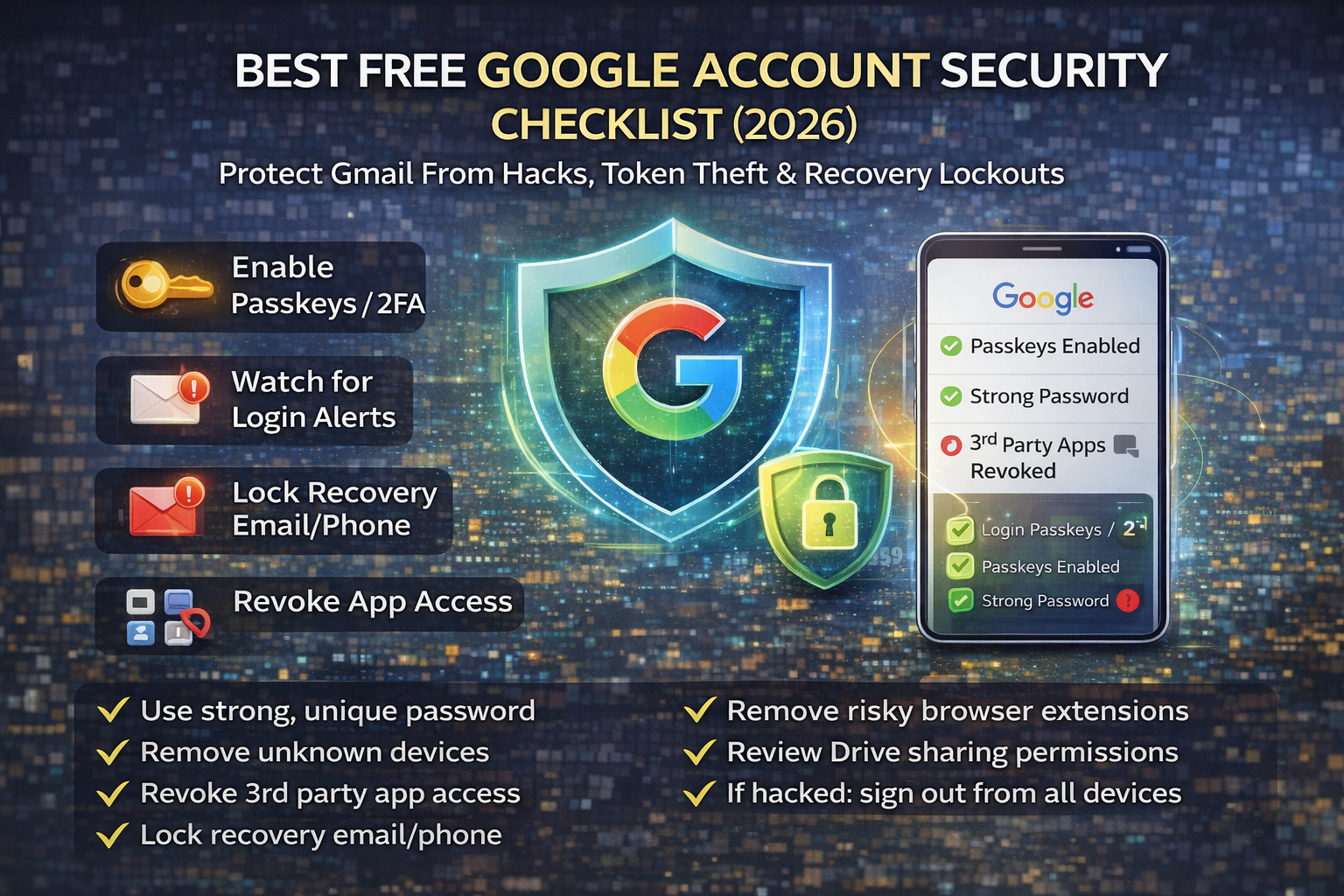
Checklist: Best Free Google Account Security
- Use passkeys or authenticator 2FA (avoid SMS if possible)
- Set a unique, strong Google password (no reuse)
- Review sign-in devices and remove unknown ones
- Revoke suspicious third-party app access (OAuth)
- Lock down recovery email/phone and remove old entries
- Check Gmail forwarding + filters (remove attacker persistence)
- Keep browser clean: update browser, remove risky extensions
- Review Drive sharing links and remove public access where not needed
- If hacked: change password, sign out everywhere, revoke access, check forwarding/filters
FAQs
Is Gmail still safe in 2026?
Yes, but attackers target users through phishing and token theft. Gmail security is strong if you enable passkeys/2FA, keep recovery safe, and monitor login activity.
Are passkeys better than authenticator apps?
Passkeys are generally more phishing-resistant and easier for most people. Authenticator apps are still strong. Either is better than SMS.
What is the most common way Google accounts get hacked?
Phishing, password reuse, and session cookie theft are among the most common real-world paths.
Why should I check Gmail forwarding and filters?
Because attackers use forwarding and filters to hide security alerts and keep monitoring your account, even after you change passwords.
If I change my password, is that enough?
Not always. You should also sign out of all sessions, remove unknown devices, revoke third-party access, and check forwarding/filters for persistence.
About The Author




