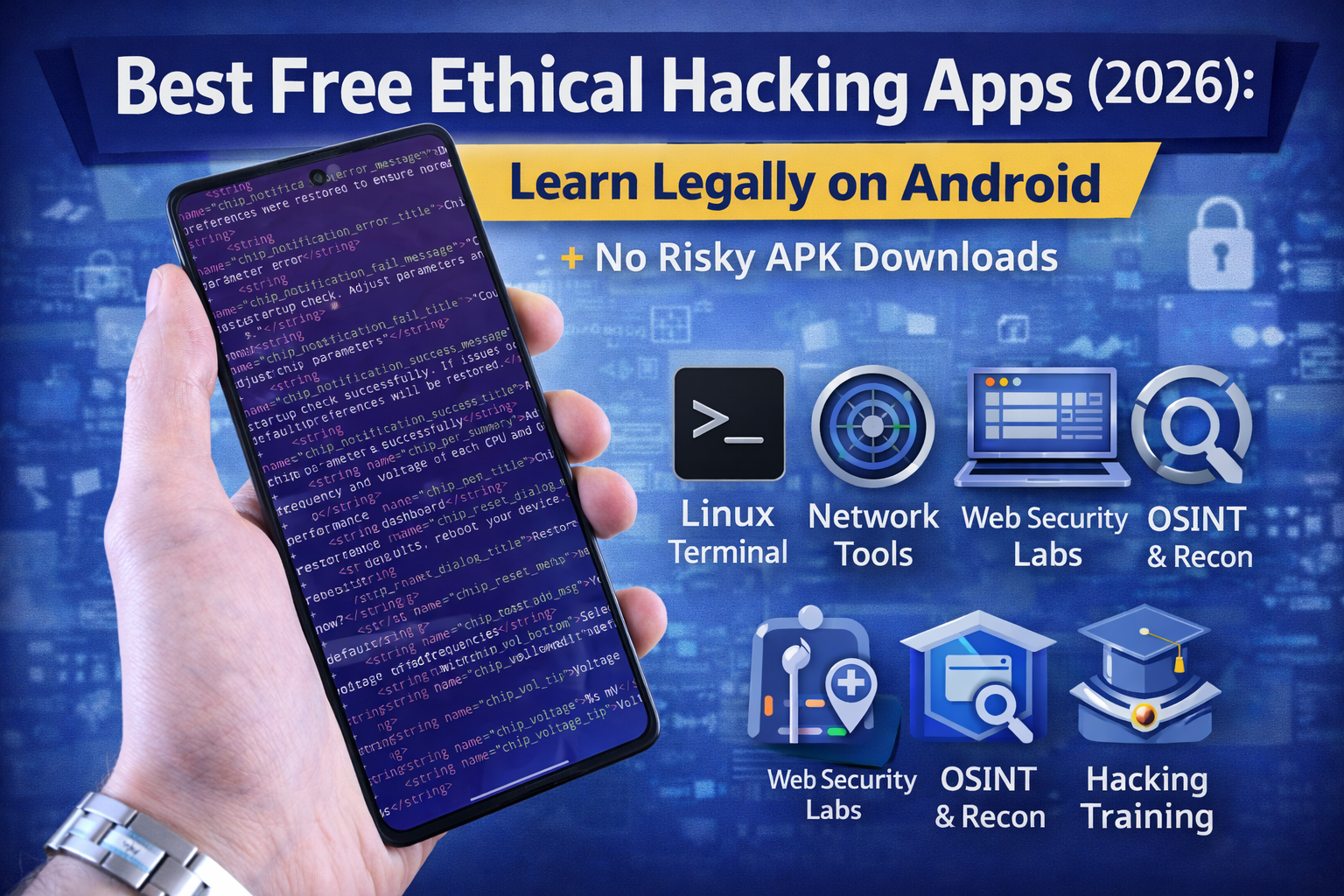
Best Free Ethical Hacking Apps (2026): Learn Legally on Android
People search “free hacking APK” every day but most of those downloads are either fake, modified, or malware. If you’re serious about ethical hacking, the smartest move is to learn using official apps and legal labs that give you real skills without risking your phone, your data, or your Google account.
This guide is built for beginners who want to learn legally on Android and actually improve:
- Linux terminal basics
- networking and recon fundamentals
- web security practice (safe labs)
- defensive habits (passwords, browsing safety)
The #1 rule (so you don’t waste time or get hacked)
Ethical hacking = permission + scope.
If an app promises “hack any Wi-Fi,” “hack WhatsApp,” or “one-click account hack,” it’s almost always a scam or malware.
Your goal is to learn:
- how security works,
- how vulnerabilities happen,
- how to test your own systems or authorized labs.
Best free ethical hacking apps for Android (2026)
1) Termux (the best “learn Linux” app on Android)
Best for: Linux commands, scripting, Python basics, SSH practice, learning tools in a safe environment
Termux is a terminal emulator with a package ecosystem, letting you practice real Linux-style workflows on your phone.
What to learn with it
- basic commands:
ls,cd,cat,grep,find - SSH into your own lab machines
- simple Python scripts (for learning automation)
- Git basics (cloning lab repos, notes, scripts)
Safety tip: Termux is for learning and administration. Don’t use it to scan or probe systems you don’t own or don’t have permission to test.
2) Kali NetHunter App Store (official learning tools hub)
Best for: installing security learning utilities from an official catalog (instead of random APK sites)
The NetHunter App Store is an installable catalog of Android apps focused on penetration testing and forensics.
If you want a “security tools” environment on Android, this is the safer route: official catalog + updates, instead of “modded APK” sources.
3) NetHunter Rootless setup (official)
Best for: learning a controlled security environment on stock Android (no root required in the rootless flow)
Kali Linux documents an official NetHunter Rootless approach and notes installing apps like Termux, NetHunter KeX client, and a hacker-friendly keyboard from their store.
This is useful when you want a more “training lab” feeling without turning your phone into a risky mess.
4) Hacker’s Keyboard (mobile productivity for real command work)
Best for: a proper terminal keyboard layout (tab, ctrl, arrows)
This makes Android terminal work far less painful especially when learning Linux/CLI workflows.
5) NetHunter KeX / KeX client (learning environment usability)
Best for: using a remote desktop style interface for a lab environment when needed
The NetHunter Store includes the KeX client listing (based on a VNC client).
Use this for learning workflows (navigation, tools UI, lab convenience not as “magic hacking.”
The best “apps” are actually free browser labs (Android-friendly)
6) PortSwigger Web Security Academy (free, high-quality)
Best for: learning web hacking the right way: XSS, SQLi, auth, access control, CSRF—inside legal labs
It’s a free online training center created by the Burp Suite team and designed for hands-on learning.
On Android, you can do many labs directly in your browser (and later replicate in a laptop lab).
7) TryHackMe (free learning via browser)
Best for: structured beginner learning paths + hands-on rooms
TryHackMe runs labs in the browser and is beginner-friendly.
8) OWASP Juice Shop (practice on a safe target)
Best for: practicing real web vulnerabilities in a deliberately insecure app
OWASP Juice Shop is built for training, demos, and CTF-style learning, covering OWASP Top Ten style issues.
If you can run it in a local lab (PC/server) or access a safe training instance, it becomes one of your best “learn by doing” tools.
9) OverTheWire (Linux + security basics)
Best for: absolute beginners who want Linux fundamentals through wargames
OverTheWire’s Bandit is aimed at beginners and teaches core skills used in other security wargames.
You can play it from Android using SSH from Termux.
What to avoid (these “free APK” searches are traps)
Avoid apps/pages that claim:
- “Hack any Wi-Fi password”
- “Hack Facebook/Instagram/WhatsApp”
- “One-click phone hacking”
- “Spy / track anyone”
These are typically:
- malware
- fake tools
- or illegal instructions disguised as “learning”
A beginner-friendly learning path (Android-only, realistic)
Week 1: Terminal + basics
- Install Termux
- Learn basic Linux commands
- Learn SSH to your own device or lab VM
Week 2: Web security fundamentals (safe labs)
- Start PortSwigger Web Security Academy labs (XSS + access control first)
- Keep notes: vulnerability → impact → prevention
Week 3: Structured hacking practice
- Try TryHackMe beginner rooms via mobile browser
- Focus on: recon basics, HTTP basics, login/auth concepts
Week 4: Build safe habit + skill
- Learn password manager basics (unique passwords + 2FA)
- Review real-world phishing/BEC patterns (defensive mindset)
- Keep practicing labs, not random targets
FAQ
Is it safe to download “ethical hacking APKs” from random websites?
No. If it’s not from an official source, you’re taking a big risk (malware, backdoors, stolen data). The safer approach is official stores, reputable open-source projects, and browser-based labs.
Can I learn ethical hacking fully from Android?
You can learn a lot—Linux basics, web security labs, OSINT basics, and defensive skills. For deeper work (full Burp workflows, local lab hosting, advanced testing), a laptop/PC lab helps—but Android is enough to start.
What’s the best free app for beginners?
Termux is the best starting point because it teaches the foundation: Linux, tooling, scripting, and safe admin workflows.
About The Author




