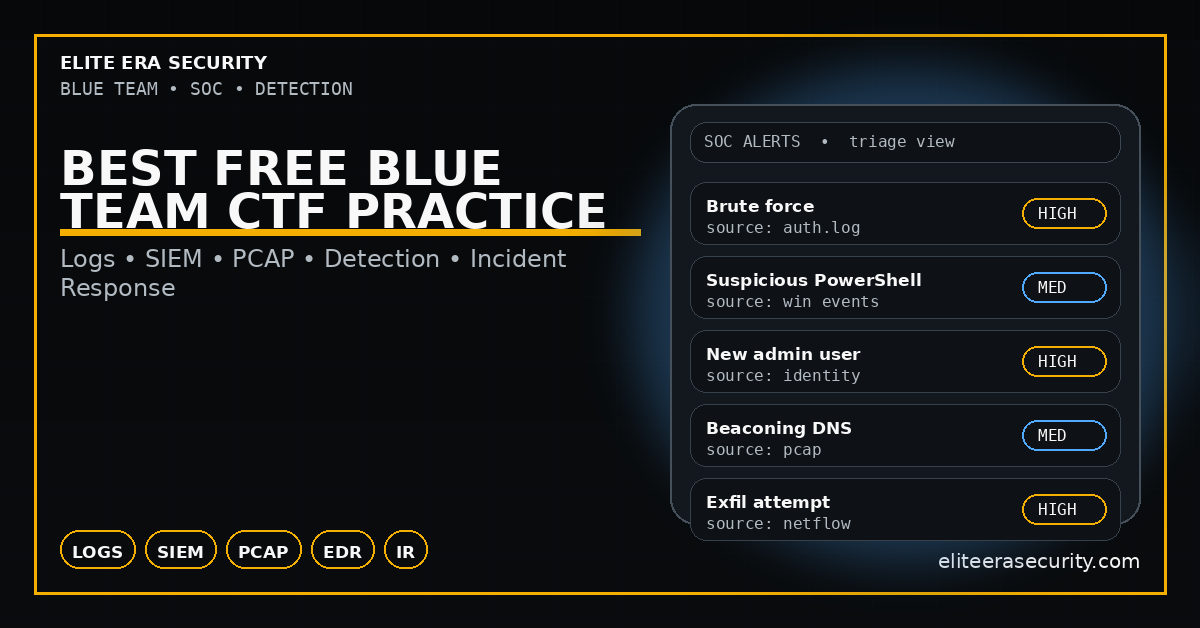
Best Free Blue Team CTF Practice (2026)
Blue Team CTF practice is one of the fastest ways to learn real cybersecurity defense skills—because it trains you like a SOC analyst instead of an attacker. In 2026, most organizations don’t just need people who can “find vulnerabilities.” They need people who can detect, triage, contain, and respond when something suspicious happens. Blue Team CTFs and defensive labs teach you how to read logs, spot attacker behavior, and build a repeatable incident response mindset.
Blue Team CTF is defensive cybersecurity training where you solve challenges using evidence: logs, alerts, network traffic, system artifacts, and suspicious behavior. Instead of “exploiting a target,” you investigate what happened and prove it with a flag. In many Blue Team CTF challenges, the flag is something like the attacker’s IP, the malicious filename, the compromised account, the command used, or the exact time of compromise.
Blue Team practice is great for beginners because it teaches you how security really works in organizations: security is mostly detection + response, not hacking.
Why Blue Team CTF Skills Matter in 2026
Modern attacks are faster and more automated. That means defenders must be good at identifying unusual patterns quickly. Blue Team CTF training builds the habits that SOC teams use daily: verifying evidence, correlating multiple sources, and taking action with limited information.
It also teaches you “career skills” that employers look for:
- log analysis and alert triage
- understanding attacker techniques (MITRE-style thinking)
- incident timeline building
- basic threat hunting
- communication and reporting clarity
Even if you want to become a pentester later, Blue Team practice makes you better because you understand how defenders detect you.
A Simple Blue Team CTF Workflow
When you open a Blue Team challenge, don’t panic. Follow this workflow:
- Identify the evidence type: Windows logs, Linux logs, PCAP, SIEM alert, endpoint artifact, email headers, etc.
- Establish the goal: what is the flag asking? IP? username? file hash? process name? time?
- Collect indicators: suspicious IPs, domains, hashes, commands, filenames, user accounts.
- Build a timeline: what happened first, then next, then after.
- Validate: confirm with at least two sources if possible (e.g., process + network, login log + file event).
- Write the answer: provide the exact detail required, not extra guesses.
This workflow is how SOC analysts work in real incidents.
1) Best Free Log Analysis CTF Practice (Windows + Linux)
Logs are the heart of Blue Team work. Beginner CTFs often include Windows Event Logs, authentication logs, or Linux auth logs. Your job is to find abnormal patterns—like repeated failed logins, a login from a strange IP, privilege escalation events, or new service creation.
What to look for in beginner log challenges
- repeated login failures followed by one success
- logins at unusual times
- logins from new locations/IPs
- new user creation or admin role assignment
- suspicious process execution or service creation
- unusual PowerShell commands or scheduled tasks
Quick log investigation checklist
- Search for “failed” and “success” patterns
- Filter by user account or time window
- Look for one rare event that stands out
- Extract the exact detail needed (IP, username, event time)
Blue Team tip: The key is not reading everything—it’s filtering down to the anomaly.
2) Best Free SIEM / Alert Triage Practice (Beginner)
A SIEM alert is basically a “security alarm” based on correlation rules. In Blue Team CTFs, you might be given an alert and asked to confirm whether it’s a true positive and what caused it. You learn to interpret alerts like brute force, suspicious PowerShell, suspicious DNS, or unusual outbound traffic.
What beginners should practice in SIEM-style CTFs
- understanding what the alert is claiming
- checking raw logs behind the alert
- identifying the real indicator (IP, domain, hash, command)
- deciding if it’s malicious or false positive
- documenting your reasoning in simple terms
This builds the practical mindset that SOC teams need daily.
3) Best Free Network Forensics CTF Practice
PCAP challenges are common in Blue Team CTFs. A PCAP is a capture of network traffic. Beginner PCAP challenges often hide flags in HTTP requests, DNS queries, suspicious connections, or data transfers.
What to check first in PCAP-based CTFs
- DNS queries (strange domains, rare TLDs, DGA-like names)
- HTTP requests (weird user-agents, suspicious endpoints, file downloads)
- Large data transfers (possible exfiltration)
- Unusual ports or protocols
- Repeated beacons (regular timed connections)
Beginner PCAP mini checklist
- Find “top talkers” (who is talking most)
- Identify any suspicious domain names
- Identify download activity or payload transfer
- Extract the suspicious IP or filename (often the flag)
This category makes you strong in real incident response because network traffic often reveals the story faster than logs.
4) Best Free Malware Triage Practice (Hashes, Strings, Behavior)
Blue Team CTFs sometimes include a suspicious file. The challenge is not “reverse engineer everything.” It is to extract basic indicators and classify the behavior.
What to do first with a suspicious file (safe triage)
- check file type (exe, script, document, archive)
- compute hash (MD5/SHA256)
- extract strings (URLs, commands, paths)
- look for persistence awareness: scheduled tasks, startup folders, registry keys
- identify network indicators (domains, IPs)
CTF tip: many flags are hidden in strings, metadata, or embedded URLs.
5) Incident Response Practice
One of the most valuable parts of Blue Team CTF is learning what you would do “next” in a real incident. Even if the challenge only asks for a flag, building containment thinking is what makes you professional.
Containment mindset (simple, beginner level)
- isolate the affected machine/account
- block the malicious domain/IP at firewall/DNS
- reset credentials if an account is compromised
- preserve evidence (logs, memory image, disk artifacts)
- communicate clearly (what happened, when, and what you did)
Blue Team isn’t just detection—it’s response discipline.
Blue Team CTF Checklist (2026)
- Identify evidence type: logs / SIEM alert / PCAP / file artifact
- Define the exact flag requirement (IP, user, time, hash, file)
- Filter logs for anomalies (fail→success, new admin, odd times)
- From SIEM alerts: verify with raw logs and extract the indicator
- From PCAP: check DNS, HTTP, downloads, large transfers, beacons
- For files: file type → hash → strings → indicators
- Build a timeline and validate with at least 2 signals
- Write the final answer accurately, no guessing
FAQs
Is Blue Team CTF good for beginners?
Yes. It’s often easier than exploit-based CTF because it focuses on evidence and logic, not payloads.
Do I need a SIEM to learn Blue Team CTF?
No. Many training labs provide simplified SIEM-like views or raw logs you can analyze.
What is the fastest Blue Team skill to learn?
Log analysis basics. If you can quickly filter logs and spot anomalies, you’ll improve faster than most beginners.
How is Blue Team different from Red Team?
Red Team focuses on attacking systems. Blue Team focuses on detecting, responding, and defending. Both are valuable, but Blue Team skills are used daily in real organizations.
About The Author




