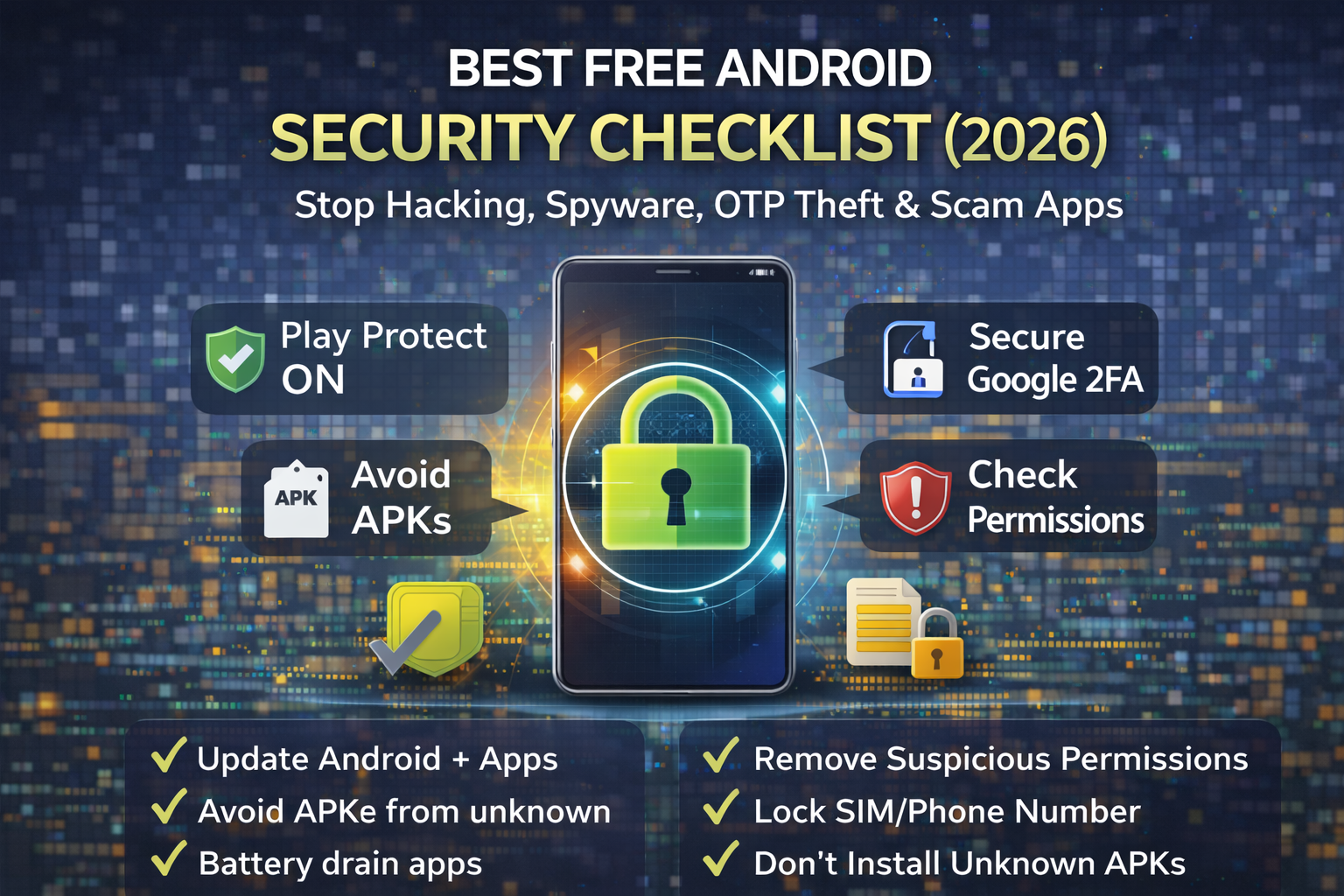
Best Free Android Security Checklist
Android phones carry your entire digital life: WhatsApp, banking apps, email, photos, OTP codes, payment wallets, and saved logins. That’s exactly why Android is a top target in 2026 for scam apps, spyware, OTP theft, banking Trojans, notification malware, and social-engineering attacks that trick people into installing “helper” apps. The good news is you don’t need paid antivirus to be safer. Android already includes powerful free protections you just have to enable the right settings and use a few smart habits.
Most Android compromises happen in simple ways: people install apps from unknown sources, approve dangerous permissions, click fake “update” popups, or fall for remote access scams that request Accessibility permissions. Attackers don’t always need advanced hacking. They just need you to trust the wrong app or approve the wrong permission one time.
Android security in 2026 is largely about preventing these three things:
- Malicious app installation (fake apps, modded APKs, “free premium” apps)
- Permission abuse (Accessibility, Notification access, Device Admin)
- Account takeover (email, WhatsApp, banking—often via OTP/SIM-swap flows)
If you lock down these areas, you block most real-world attacks.
1) Update Android and Apps (Security Patches Are the Foundation)
The easiest way to stay safe is staying updated. Android security patches fix vulnerabilities used by malware and spyware. App updates fix flaws that attackers exploit through outdated versions.
Make it a habit: install system updates and update apps regularly, especially your browser, messaging apps, banking apps, and Play Services.
Quick tip: if your phone stops receiving security updates, consider upgrading when possible. An unpatched phone becomes a long-term risk.
2) Keep Google Play Protect ON (Free Built-In Malware Scanning)
Google Play Protect scans apps and warns about harmful behavior. It’s not perfect, but it blocks a huge amount of low-quality malware and scam apps.
Make sure it’s enabled and not turned off. Many infected devices have Play Protect disabled because scam guides tell people to disable protections.
Why this matters: Play Protect helps catch suspicious installs, especially when users install apps outside the Play Store.
3) Avoid “Unknown Sources” APK Installs (Most Android Infections Start Here)
A massive portion of Android malware in 2026 comes from APKs downloaded from random websites: “free premium,” “cracked,” modded apps, fake VPNs, “video player updates,” and fake utility tools. These apps often request extreme permissions and then steal OTPs, banking data, or contacts.
For strong free protection, keep these rules:
- Don’t install APKs from Telegram groups, YouTube comments, or random download sites
- Avoid cracked/modded apps completely (huge malware risk)
- Use the Play Store whenever possible
- If you must install an APK, verify the developer and scan it—but safest is still “don’t”
4) Lock Your Screen Properly (Stops Fast Physical Access Attacks)
It sounds basic, but it matters. Many compromises happen through physical access: someone picks up an unlocked phone and opens WhatsApp, email, or SMS.
Use a strong lock method:
- 6+ digit PIN or strong password
- Biometrics (fingerprint/face) as convenience
- Auto-lock quickly (don’t leave it unlocked for minutes)
This reduces real-life snooping and prevents someone from quickly changing security settings.
5) Secure Your SIM/Phone Number (Because OTP Theft Is Still Common)
Even with good phone security, attackers can target your number through SIM swap or number-port scams and intercept SMS OTP codes. If your phone suddenly loses signal (“No service”) or you stop receiving SMS, treat it seriously.
Free protections to reduce SIM risk:
- Enable carrier SIM protection / number lock / transfer lock if available
- Set a port-out PIN
- Move critical accounts away from SMS OTP to authenticator apps/passkeys
Your phone number should not be your main security key in 2026.
6) Review High-Risk Permissions (Accessibility, Notification Access, Device Admin)
This is where many Android scams win. Modern scam apps ask for powerful permissions and then run in the background to read OTP notifications, overlay screens, or control the phone.
The 3 permissions to treat as “high danger”
- Accessibility access (can read screen content, click buttons, control actions)
- Notification access (can read OTPs and messages from notifications)
- Device Admin / Device Policy (can lock your phone, prevent uninstall, enforce policies)
If you see a random app with any of these permissions, remove it unless you completely trust it (and know why it needs that access). Banking Trojans and “support” scams love Accessibility.
7) Remove Suspicious Apps (Clean Up Your Phone Like a Pro)
Most people keep apps they don’t use. That increases risk because old apps might be abandoned or compromised.
Use this simple monthly rule:
- If you haven’t used an app in 30–60 days, uninstall it.
Be especially strict with:
- “Cleaner/booster” apps
- free VPNs from unknown developers
- flashlight/QR tools with weird permissions
- keyboard apps that request too much
- “loan” apps with aggressive access requests
Less apps = less risk.
8) Protect Your Google Account (Your Android Security Depends on It)
Your Google account controls backups, device location, password resets, Play Store security, and more. If attackers get your Google account, they can compromise your Android ecosystem even without touching your phone.
Do this for free:
- Enable passkeys or authenticator 2FA on Google
- Remove unknown devices and sessions
- Secure recovery email/phone
- Use a unique password
Google account security is “Android security.”
9) Stop Scam Links and Phishing (Browser and Messaging Safety)
Most Android infections start with a link: a fake delivery message, a fake bank SMS, “your package is pending,” “your account is locked,” or “verify now.” Once you click, it pushes you to install an app or enter credentials.
To reduce risk:
- Don’t install apps from links in SMS/WhatsApp
- If a bank message arrives, open the bank app directly (don’t click links)
- Use safe browsing features in your browser
- Block notification spam in the browser
If you notice popups, unknown apps, battery drain, overheating, or suspicious behavior, act fast.
Free emergency steps:
- Turn on airplane mode briefly and disconnect suspicious sessions
- Remove suspicious apps immediately
- Check Accessibility/Notification access and revoke for unknown apps
- Run Play Protect scan
- Change passwords starting with email/Google account
- Check banking apps for new payees/transactions
- If it’s severe: backup important files and consider a factory reset
Factory reset is sometimes the fastest clean recovery if spyware is involved, but do the account security steps first.
Checklist: Best Free Android Security
- Update Android + apps regularly (security patches matter)
- Keep Google Play Protect ON
- Avoid APKs from unknown sources; don’t use cracked/modded apps
- Use a strong screen lock + fast auto-lock
- Secure your SIM/number (carrier lock + port-out PIN) and avoid SMS OTP for critical accounts
- Review dangerous permissions: Accessibility, Notification access, Device Admin
- Uninstall unused apps monthly; remove suspicious “cleaner/VPN/utility” apps
- Secure your Google account with passkeys/authenticator 2FA
- Don’t click install links from SMS/WhatsApp; use official apps/sites
- If compromised: remove apps, revoke permissions, scan, change passwords, consider reset
FAQs:
Do I need antivirus on Android in 2026?
Most users can stay safe using free built-in tools like Play Protect, updates, and good permission control. Antivirus can help, but the biggest wins come from avoiding unknown APKs and blocking dangerous permissions.
Are apps from the Play Store always safe?
Safer, but not perfect. Scam apps sometimes slip through. Always review permissions and developer reputation, and remove apps you don’t use.
What is the most dangerous Android permission?
Accessibility is one of the most abused permissions in modern scams because it can control actions and read content. Notification access is also risky because it can expose OTPs.
How do I know if an app is spying on me?
Signs include unusual battery drain, overheating, unknown apps, popups, accessibility enabled for unknown apps, and strange device admin settings. When in doubt, remove suspicious apps and secure your accounts.
If I factory reset, am I 100% safe?
A factory reset removes most malware, but you must also secure your Google/email accounts and avoid restoring the same malicious apps/settings afterward.
About The Author




