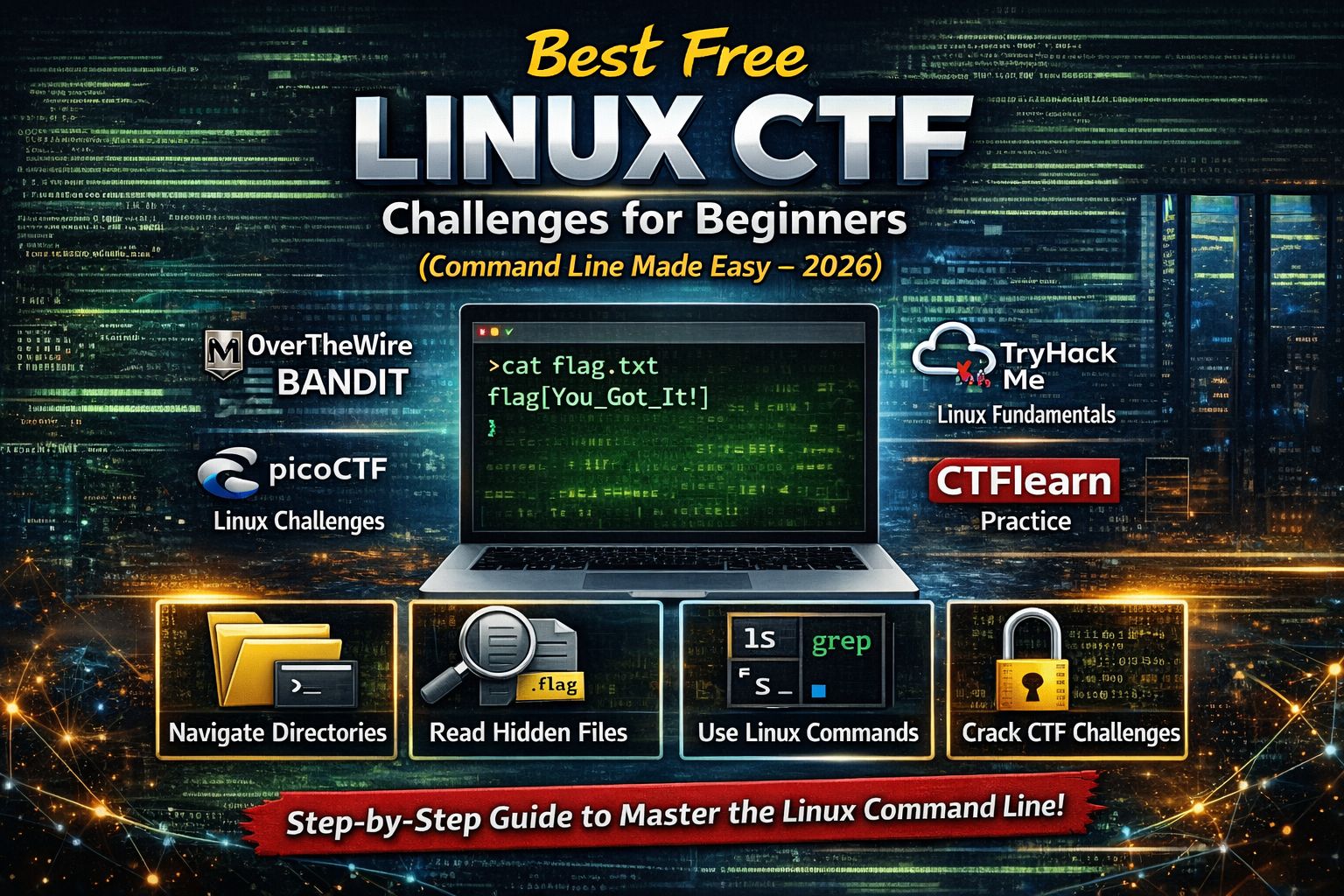
Linux is the foundation of Capture The Flag (CTF) challenges and real-world cybersecurity work. Almost every CTF platform, lab environment, and security role relies on Linux. Yet for beginners, Linux often feels like the hardest part — not because it is complex, but because it is unfamiliar.
In beginner CTFs, success rarely comes from advanced exploits. Most flags are found by exploring systems correctly. Linux CTF challenges train you to interact with systems the same way real security professionals do.
Linux helps beginners solve CTFs by teaching them how to:
- Navigate complex directory structures
Flags are rarely placed in obvious locations. Linux teaches you how to explore folders logically instead of guessing. - Read and analyze files safely
Many flags are inside text files, binaries, or archives. Linux commands let you extract information without damaging files. - Understand system feedback
Error messages like “permission denied” or “file not found” are clues, not failures. - Work without a graphical interface
Many real environments (servers, SOC tools) are terminal-only.
Once Linux becomes familiar, CTFs stop feeling scary and start feeling systematic.
What Linux CTF Challenges Really Teach
Linux CTF challenges are not about memorizing ls or cat. They train thinking habits that matter in cybersecurity.
Through Linux CTF practice, beginners learn to:
- Break large problems into small actions
Example: Find file → Identify type → Read content → Extract flag - Think like an analyst, not a hacker
You analyze systems instead of attacking blindly. - Stay patient under uncertainty
Many challenges require careful exploration, not speed. - Build confidence in unfamiliar environments
Confidence with Linux transfers to every cybersecurity domain.
These skills are essential for ethical hacking, SOC roles, forensics, and blue team operations.
Best Free Linux CTF Platforms for Beginners (2026)
OverTheWire – Bandit (ABSOLUTE STARTING POINT)
If you are new to Linux, Bandit is non-negotiable. It is the best Linux learning CTF ever created for beginners.
Bandit is perfect because:
- It assumes zero Linux knowledge
- Each level teaches only one new concept
- Instructions are extremely clear
- There is no exploitation or hacking — only learning
Linux skills Bandit teaches
- Directory navigation (
ls,cd)
Learn how Linux organizes files and how to move logically instead of randomly. - Reading files (
cat)
Understand how flags are stored inside files. - File type identification (
file)
Learn why some files look like text but are actually binaries or encoded data. - Searching content (
grep)
Find flags inside large files quickly instead of reading line by line. - Hidden files and directories
Learn how Linux hides data and how attackers and defenders find it. - Permissions and ownership
Understand why access is denied and how permissions protect systems. - Compressed & encoded files
Work with.zip,.tar,.gz, and encoded data — very common in CTFs.
✅ Beginner rule: Finish Bandit levels 0–15 before touching anything advanced.
picoCTF – Linux & General Skills Challenges
picoCTF introduces Linux usage inside real CTF-style problems, making it ideal after Bandit.
Why picoCTF Linux challenges work for beginners:
- Short, focused problems
- Clear instructions
- Linux is used as a tool, not the challenge itself
Linux skills practiced in picoCTF
- Exploring challenge directories
Learn how CTF environments are structured. - Extracting flags from files
Flags may be inside text, binaries, or archives. - Using
stringson binaries
Understand how readable data exists inside compiled programs. - Searching efficiently with
grep
Learn how professionals scan logs and data. - Permission handling (
chmod)
Learn when and why permissions must be changed. - Command chaining
Combine commands to solve problems efficiently.
picoCTF teaches how Linux supports every other CTF category.
TryHackMe – Linux Fundamentals
TryHackMe is ideal for beginners who want explanations before challenges.
Why beginners benefit from TryHackMe:
- Concepts explained before tasks
- Browser-based terminal (no setup stress)
- Learning feels guided, not overwhelming
Linux concepts explained in TryHackMe
- Linux file system hierarchy
Learn what/home,/etc,/var, and/tmpare actually used for. - Users and permissions
Understand why Linux separates users and how access control works. - Command usage with context
Commands are explained with real-world security examples. - Security-focused scenarios
Learn how Linux is used in penetration testing and SOC tasks.
This platform is perfect for learners who want structured education, not trial-and-error.
CTFlearn – Linux Reinforcement Challenges
CTFlearn is best used to reinforce Linux skills, not to learn them from scratch.
Why CTFlearn is useful:
- Very short challenges
- Low pressure
- Great for daily repetition
Skills reinforced on CTFlearn
- Reading files quickly
- Recognizing common CTF patterns
- Applying Linux logic independently
- Building speed and confidence
Beginner Linux Practice on Hack The Box
Hack The Box is advanced, but Starting Point introduces Linux in realistic environments.
Why it helps beginners:
- Real Linux systems
- Beginner-friendly machines
- Official walkthroughs available
Linux skills practiced here
- Basic enumeration
- Exploring real server file systems
- Understanding how services and files interact
- Applying Linux knowledge in realistic CTF scenarios
Attempt this only after mastering basics.
Essential Linux Commands Every Beginner Must Understand
ls– Discover what files exist (recon step)cd– Navigate logically through systemscat– Read file contents directlyfile– Identify file formats safelygrep– Search for keywords efficientlystrings– Extract readable text from binarieschmod– Understand and modify permissionsfind– Locate files across directories
These commands alone solve a large percentage of beginner CTF challenges.
Recommended Linux CTF Learning Order
Follow this order strictly:
- OverTheWire Bandit
- picoCTF Linux challenges
- TryHackMe Linux fundamentals
- CTFlearn Linux practice
- Hack The Box Starting Point
Skipping steps causes frustration and burnout.
Common Linux CTF Mistakes Beginners Make
Beginners often fail because they:
- Memorize commands instead of understanding them
- Avoid the terminal due to fear
- Jump into advanced boxes too early
- Copy solutions without learning
Linux becomes easy through consistent, calm practice.
FAQs
Is Linux required for CTFs?
Yes. Nearly all CTF platforms and labs rely on Linux environments.
Are Linux CTF challenges legal?
Yes. All platforms mentioned are authorized and safe for learning.
Do I need Kali Linux as a beginner?
No. Any Linux terminal or browser-based lab is enough.
How long does it take to get comfortable with Linux?
Most beginners feel confident after 2–3 weeks of regular practice.
Are Linux CTF skills useful for jobs?
Absolutely. Linux skills are required in penetration testing, SOC, blue team, and forensics roles.
About The Author




