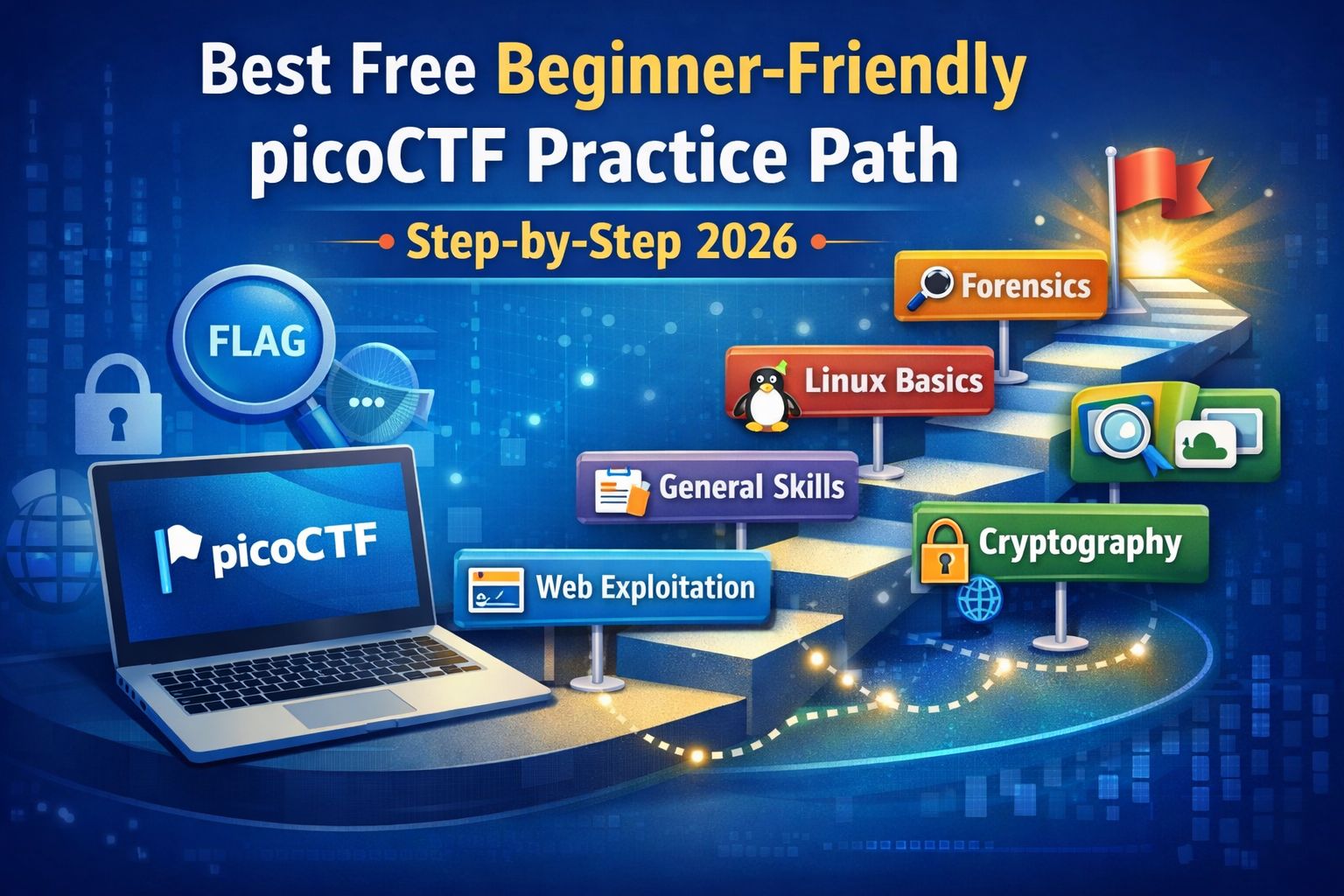
Best Free Beginner-Friendly picoCTF Practice Path: Step-by-Step Guide
If you are starting your cybersecurity journey and searching for a clear, beginner-friendly way to practice CTFs, picoCTF is one of the best free platforms available. The problem is not the platform the problem is how beginners use it. Most learners jump randomly between challenges, hit a difficult task too early, and assume cybersecurity is “not for them.”
picoCTF is a free Capture The Flag (CTF) learning platform created to help beginners understand cybersecurity through hands-on challenges. Instead of memorizing theory, you solve small practical problems and submit hidden strings called flags to confirm your solution.
If this is your very first time attempting CTFs, it’s strongly recommended to prepare properly before solving challenges. A simple first CTF starter kit covering tools, basic setup, and common rules can save you hours of confusion and help you focus on learning instead of troubleshooting.
Why beginners trust picoCTF:
- It is completely free
- Challenges run in legal, controlled environments
- Difficulty starts very low and increases gradually
- Categories are clearly labeled
- Used by schools, universities, and training programs worldwide
picoCTF focuses on how to think, not just what tools to run — which is exactly what beginners need.
Why You Need a Practice Path
Solving challenges randomly is the biggest mistake beginners make. picoCTF has many categories, and without structure, it is easy to:
- Attempt advanced topics too early
- Miss core foundational skills
- Feel overwhelmed and quit
A structured path helps you:
- Learn concepts in the correct order
- Build confidence step-by-step
- Understand why solutions work
- Avoid burnout and frustration
As you progress through picoCTF challenges, documenting what you learn is extremely important. Using a clean CTF writeup template helps you understand solutions deeply, avoid repeating mistakes, and build a personal knowledge base that becomes valuable as challenges get harder.
The Correct picoCTF Practice Path for Beginners
Step 1: Start With General Skills (Non-Negotiable)
This is where every beginner must begin.
General Skills challenges are designed to teach you how CTFs work before introducing real security concepts. At this stage, you are not hacking systems — you are learning how to read problems, follow instructions, and think logically.
What you learn in this stage:
- How flags are formatted
- How to read and extract information from files
- How basic encodings work
- How to follow hints properly
Why this step matters:
- Builds confidence early
- Removes fear of CTFs
- Prevents confusion later in harder categories
Beginner advice:
Solve at least 15–20 General Skills challenges before moving on.
Step 2: Move to Beginner Web Exploitation
Web challenges are ideal for beginners because they are visual and intuitive. You interact with websites instead of abstract code or binaries.
In this stage, you begin to understand:
- How websites are structured
- How data flows between browser and server
- Where developers make simple mistakes
Beginner web concepts you’ll practice:
- Viewing page source
- Inspecting HTML elements
- Understanding forms and inputs
- Identifying basic logic flaws
Why this step is important:
- Web security is everywhere
- Concepts are easy to relate to real websites
- No advanced tools required
At this level, a browser and curiosity are enough.
If you want to strengthen your web exploitation skills beyond picoCTF, practicing on dedicated platforms is highly recommended. This beginner web CTF practice guide lists free and safe labs where you can apply the same concepts in slightly different environments.
Step 3: Practice Easy Cryptography Only
Cryptography challenges at the beginner level focus on logical thinking, not advanced mathematics.
You will learn:
- Simple substitution and shift ciphers
- Basic encoding and decoding
- How weak encryption can be reversed
- Why cryptography matters in security
Skills you develop here:
- Pattern recognition
- Attention to detail
- Analytical thinking
⚠️ Important rule:
Stick to easy-labeled crypto challenges only. Medium or hard crypto is not beginner-friendly and can kill motivation early.
Step 4: Learn Linux & Command-Line Basics
Linux is a core skill in cybersecurity, and picoCTF introduces it gently.
At this stage, you will practice:
- Navigating directories
- Reading files from the terminal
- Searching for hidden information
- Understanding basic file permissions
Since Linux skills are essential for almost every CTF platform, beginners should practice them separately. This guide on Linux basics for CTF beginners focuses entirely on command-line challenges designed to build confidence step by step.
Why this step is critical:
- Almost all CTFs use Linux
- Many beginners fail later due to weak CLI skills
- This foundation prepares you for advanced platforms
You do not need Kali Linux yet — picoCTF’s challenges are enough.
Step 5: Explore Beginner Forensics Challenges
Forensics teaches you how to analyze data, not attack systems. This makes it beginner-safe and highly educational.
You will learn how to:
- Inspect image files
- Extract metadata
- Understand file structures
- Locate hidden or embedded information
Why beginners should practice forensics:
- Improves patience and observation
- Builds real investigative skills
- Useful in both offense and defense roles
Step 6: Reverse Engineering (Optional for Beginners)
Reverse engineering can feel heavy for beginners, so treat it as optional.
If you attempt it:
- Only try easy challenges
- Focus on understanding program logic
- Skip anything that feels overwhelming
There is no penalty for skipping reverse engineering early.
What Beginners Should Avoid on picoCTF
To maintain progress and confidence, beginners should avoid:
- Hard or advanced challenges
- Binary exploitation early on
- Jumping categories randomly
- Copying writeups without trying first
Learning cybersecurity is a marathon, not a sprint.
A Realistic 14-Day picoCTF Beginner Practice Plan
Week 1
- Day 1–2: General Skills
- Day 3–4: Beginner Web Exploitation
- Day 5: Easy Cryptography
- Day 6–7: Linux Basics
Week 2
- Day 8: Review notes & re-solve challenges
- Day 9–10: Beginner Forensics
- Day 11: Mixed easy challenges
- Day 12: Weak-area practice
- Day 13: Revisit unsolved challenges
- Day 14: Confidence check & planning next steps
Common Beginner Mistakes to Avoid
Many beginners quit not because they are bad at cybersecurity, but because they:
- Expect instant results
- Compare themselves to experts
- Skip fundamentals
- Practice inconsistently
Consistency and patience matter more than talent.
picoCTF is an excellent starting point, but it’s not the only place to practice ethical hacking. As you grow, you may want to explore other beginner-friendly labs and learning environments. This guide to the best free platforms to learn ethical hacking helps you choose the right next step without wasting time.
Frequently Asked Questions
Is picoCTF free?
Yes, it is completely free.
Is picoCTF legal?
Yes. All challenges are hosted in authorized training environments.
Do I need Kali Linux to start?
No. A browser and basic terminal access are enough.
Is picoCTF useful for cybersecurity careers?
Yes. It builds foundational skills required for CTFs, labs, and entry-level security roles.
About The Author




