Best Free AI Incident Response Templates (2026): Playbooks and Checklists
When a cyber incident hits, most people don’t fail because they “don’t have tools.” They fail because they don’t have a plan. In the first hour of a phishing attack, account takeover, malware infection, or ransomware event, teams often panic, delete evidence, waste time arguing about what to do, and end up making the damage worse.
That’s why incident response templates matter. A good template gives you a clear path:
Prepare → Detect → Contain → Eradicate → Recover → Learn
In 2026, attackers move fast and use automation. Your response must be just as fast. This guide provides the best free AI-style incident response templatesand shows you exactly how to use them in real incidents—especially if you’re a small team without a dedicated SOC.
What “AI Incident Response Templates” Means
People search “AI incident response templates” because they want documents that feel intelligent and operational. That usually means templates that:
- tell you what to do first (prioritized steps)
- reduce guesswork (“Do this now, do that next”)
- include ready checklists and roles
- generate consistent documentation and reports
- help communicate clearly during incidents
AI can assist by turning these templates into:
- role-based task lists (IT, founder/CEO, communications)
- incident summaries in plain English
- lessons learned / post-mortem writeups
- customer/internal update drafts
You don’t need special AI software. You need good structure—and that’s exactly what you get below.
The 60-Minute Incident Response Workflow
If you only remember one thing from this article, remember this:
First 15 minutes (stabilize)
- Confirm the incident is real
- Stop further damage (contain)
- Assign one person to lead
- Preserve evidence
Next 45 minutes (control and clarity)
- Identify scope (who/what is impacted)
- Remove attacker access where possible
- Restore critical operations safely
- Document everything in a timeline
Templates below are built to support this workflow.
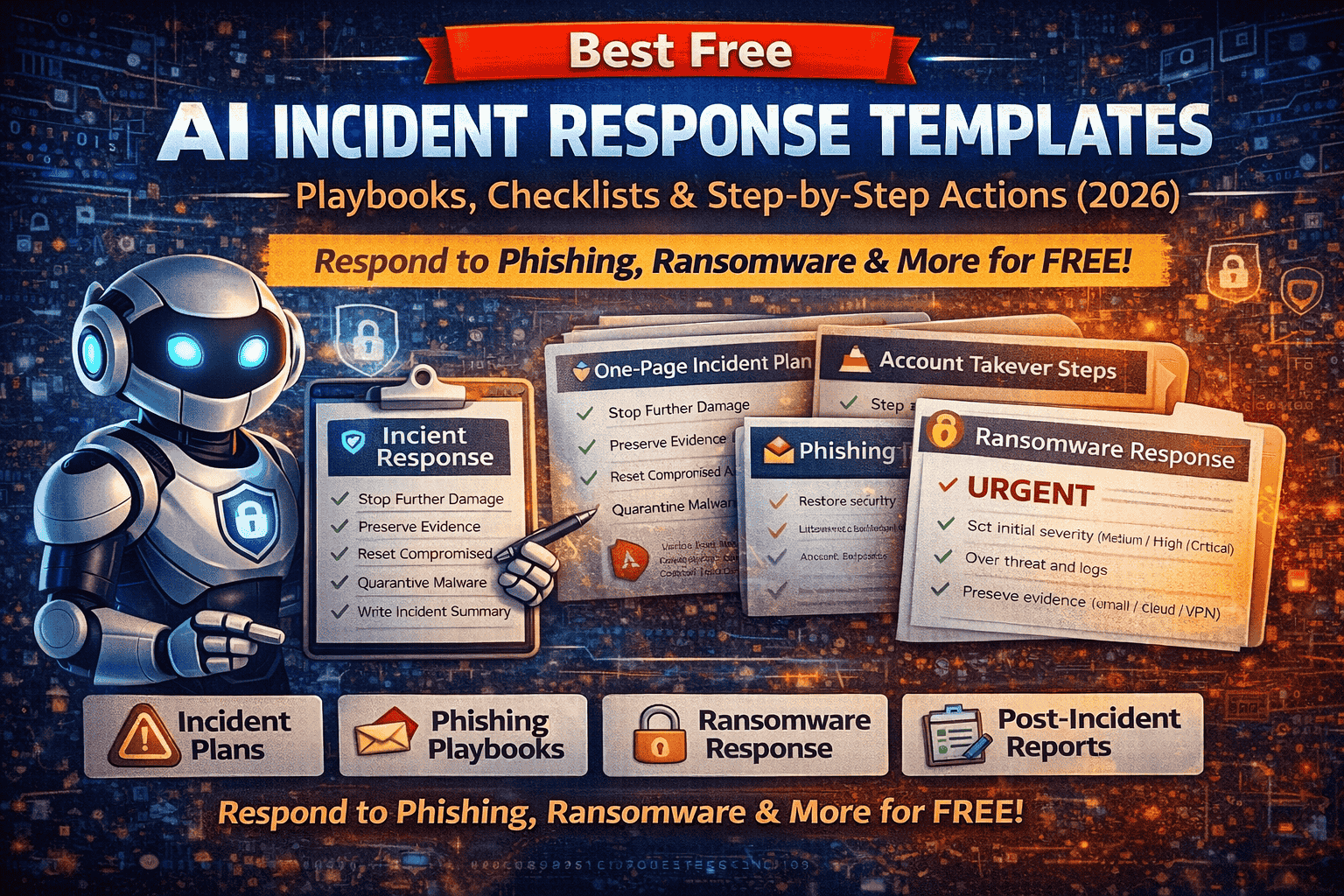
Template 1: One-Page Incident Response Plan
Use this as your main “IR document.” It keeps everyone aligned and avoids chaos.
Incident Response Plan (One-Pager)
1) Incident Details
- Incident ID:
- Date/Time detected:
- Reported by:
- Incident type: Phishing / Account takeover / Malware / Ransomware / Data leak / Other
- Severity: Low / Medium / High / Critical
- Business impact (brief):
2) Systems & Accounts Affected
- Affected users/accounts:
- Affected devices/servers:
- Affected services (email, website, cloud):
- Current status (active/contained/unknown):
3) Incident Lead & Roles
- Incident Lead (decision maker):
- Technical Lead (IT/Security):
- Communications Lead (internal/external):
- Legal/Compliance contact (if needed):
- Executive approver (if needed):
4) Top Priorities (First Hour)
- Contain the threat (stop spread, stop access)
- Preserve evidence (logs, emails, screenshots)
- Protect identities (password resets, session revocation, MFA)
- Restore critical operations safely
5) Evidence to Collect (Don’t Skip)
- Email headers / phishing artifacts
- URLs, domains, IPs, file hashes
- Authentication logs (email/cloud/VPN)
- Endpoint alerts or suspicious processes
- Timeline of actions taken
6) Key Decisions
- Is there confirmed data exposure?
- Should we force password resets for a wider group?
- Do we need to notify customers/users?
- Do we need to involve legal, regulators, or law enforcement?
7) Timeline Log (Keep this running)
- Time — Action — Owner — Notes
Template 2: Incident Severity Scoring Table
Use this to reduce confusion. Severity determines urgency and communications.
| Severity | What it means | Typical Examples | Response Speed |
|---|---|---|---|
| Low | Minimal risk, no confirmed compromise | Suspicious email reported, blocked before click | Same day |
| Medium | Limited exposure, early indicators | One user clicked, no creds entered | Within hours |
| High | Confirmed compromise or multiple systems | Account takeover, malware on device | Immediate |
| Critical | Business disruption or large data risk | Ransomware, mass compromise, major data leak | Immediate + executive |
Practical tip: When unsure, treat as High until proven otherwise.
Template 3: First 15-Minute Triage Checklist
This is what prevents panic and mistakes.
Incident Triage Checklist (First 15 Minutes)
✅ Confirm the report (what happened, who noticed, when)
✅ Identify incident type (phishing, malware, ransomware, ATO, data leak)
✅ Identify impacted user(s) and system(s)
✅ Stop risky behavior (tell users: don’t click, don’t power off yet)
✅ Preserve evidence (screenshots, headers, logs)
✅ Assign Incident Lead
✅ Set initial severity (Medium/High/Critical)
✅ Start timeline log immediately
Template 4: Phishing Incident Response Playbook
Phishing is still the #1 entry point—especially AI-written, brand-cloned emails.
A) Confirm & Collect (10 minutes)
- Capture the email subject, sender address, and time received
- Copy the suspicious URL (do not click)
- Save the attachment name (do not open)
- Get email headers (for technical verification)
B) Contain (fast damage control)
- Block sender domain and related domains
- Block the phishing URL at DNS/web filter (if possible)
- Search mailboxes for the same email and quarantine it
- Warn staff with a short internal alert (template below)
C) If someone clicked (critical decision)
- Did they enter credentials?
- Did they download or run anything?
- Did they approve an OAuth/app permission request?
If yes, treat as High and proceed to “Account Takeover” checklist.
D) Eradicate and Prevent Repeat
- Remove the email from all mailboxes
- Reset affected passwords
- Enable MFA for impacted users
- Review and remove suspicious inbox rules/forwarding
- Revoke suspicious OAuth app access
E) Recovery & Monitoring
- Monitor login activity for 7–14 days
- Add the domain/URL to your internal blocklist
- Update training and add indicators to your playbook library
Template 5: Account Takeover (ATO) Response Plan
Account takeover is a high-impact incident because it often leads to data theft and internal phishing.
A) Immediate Containment (first 10–20 minutes)
- Reset password for the account
- Force sign-out from all devices/sessions
- Enable MFA (prefer authenticator app or security key)
- Remove unknown devices and trusted sessions
- Check and revoke suspicious OAuth/app permissions
B) Check for Persistence (common attacker tricks)
- Email forwarding rules (very common)
- Hidden mailbox rules that auto-delete warnings
- Added recovery email/phone number
- New admin users added (in cloud consoles)
C) Scope Check (don’t miss lateral movement)
- Did the attacker email others internally?
- Were shared docs accessed?
- Were password resets triggered on other platforms?
D) Recovery
- Update passwords everywhere reused
- Notify impacted stakeholders if needed
- Add monitoring and consider temporary access restrictions
Template 6: Malware Infection Response Checklist
This is for “I downloaded a file and now my laptop is acting weird” situations.
A) Contain
- Disconnect device from Wi-Fi/Ethernet (isolate)
- Do not plug in USB drives
- If business device, remove from VPN/managed network
B) Collect Evidence (quick and safe)
- What file was opened/downloaded?
- What website/email delivered it?
- Timestamp of the event
- Any warnings or popups?
- Suspicious processes or high CPU/network?
C) Eradicate
- Run a full scan using trusted tools
- Remove persistence (startup tasks, scheduled tasks)
- Delete the malicious file safely
- Patch OS and apps
- Reset passwords if a “stealer” is suspected
D) Recovery
- Reconnect only after clean scans
- Monitor accounts for suspicious logins for 7–14 days
- Document indicators (hashes/domains) for future blocking
Template 7: Ransomware Response Playbook
Ransomware requires calm and coordination. Random actions can destroy evidence and backups.
A) Immediate Actions (first 30 minutes)
- Isolate infected systems from network immediately
- Disable shared drives if spreading
- Stop non-essential network connections
- Preserve evidence (don’t wipe or reinstall yet)
B) Determine Impact
- Which systems are encrypted?
- Are backups safe and offline?
- Is there evidence of data exfiltration (double extortion)?
C) Recovery Strategy (safe order)
- Identify the entry point (phishing, RDP, vulnerable service)
- Patch the vulnerability and lock access
- Restore from clean backups
- Rotate credentials and secrets
- Monitor for reinfection
D) Communication & Legal
If sensitive data or regulated data may be involved, involve legal/compliance early.
Template 8: Data Leak Response Plan
Data leaks can happen through cloud misconfiguration, compromised accounts, or exposed backups.
A) Confirm exposure and stop access
- Identify what data was exposed
- Remove public access immediately
- Rotate keys and credentials
- Preserve logs and access history
B) Assess scope
- Who accessed it?
- How long was it exposed?
- What data types are involved (PII, payment data, credentials)?
C) Notify and document
- Prepare internal summary
- Determine if external notification is required
- Implement controls to prevent repeat exposure
Template 9: Post-Incident Report
Use this template to improve after every incident.
Post-Incident Report
- Incident summary (2–5 sentences):
- Timeline of events:
- Root cause (technical + human factors):
- Impact (systems, downtime, data):
- What worked well:
- What failed or slowed response:
- Action items (with owners and due dates):
- Prevention improvements (patching, training, monitoring):
Communication Templates
A) Internal staff warning (phishing)
Subject: Security Alert: Suspicious Email – Do Not Click
We’ve identified a suspicious email circulating. Do not click links or open attachments. If you interacted with it, report immediately. We are investigating and will provide updates.
B) Executive update (short)
We detected a security incident affecting [system/account]. Containment actions are underway. Current risk level: [High/Critical]. Next update in [time]. No confirmed data exposure yet / Data exposure under investigation.
How to Use AI Safely With These Templates (Without Leaking Data)
AI can help you:
- turn a playbook into role-based tasks
- summarize incident timelines
- draft internal updates and post-mortems
Safe practice:
- remove names/emails, tokens, keys
- replace sensitive values with placeholders
- share only what’s required to explain behavior
Example: instead of pasting a full log, paste:
“User login from unusual country, followed by MFA reset attempt, then new OAuth app authorized.”
FAQs
1) What are incident response templates?
Incident response templates are ready-made documents (plans, checklists, and playbooks) that guide you step-by-step during a cybersecurity incident so your team reacts fast, consistently, and safely.
2) Why do I need an incident response template in 2026?
Because attacks move faster in 2026 (AI phishing, automated credential stuffing, ransomware). Templates reduce panic, speed containment, and prevent mistakes like deleting evidence or missing key steps.
3) What does “AI incident response templates” mean?
It usually means templates that are structured and “smart” enough to be used with AI tools for summarizing incidents, generating role-based tasks, and drafting reports—without needing expensive enterprise software.
4) Are these templates only for big companies and SOC teams?
No. These templates are designed for small teams, startups, agencies, schools, and even solo website owners. You can scale them up or down depending on your environment.
5) Which incident response template should I use first?
Start with the One-Page Incident Response Plan and the First 15-Minute Triage Checklist. They give you clarity immediately and work for every incident type.
6) What are the most common incidents these templates cover?
Phishing, account takeover (ATO), malware infection, ransomware, and data exposure/leaks—these are the most frequent real-world incidents for small teams.
About The Author