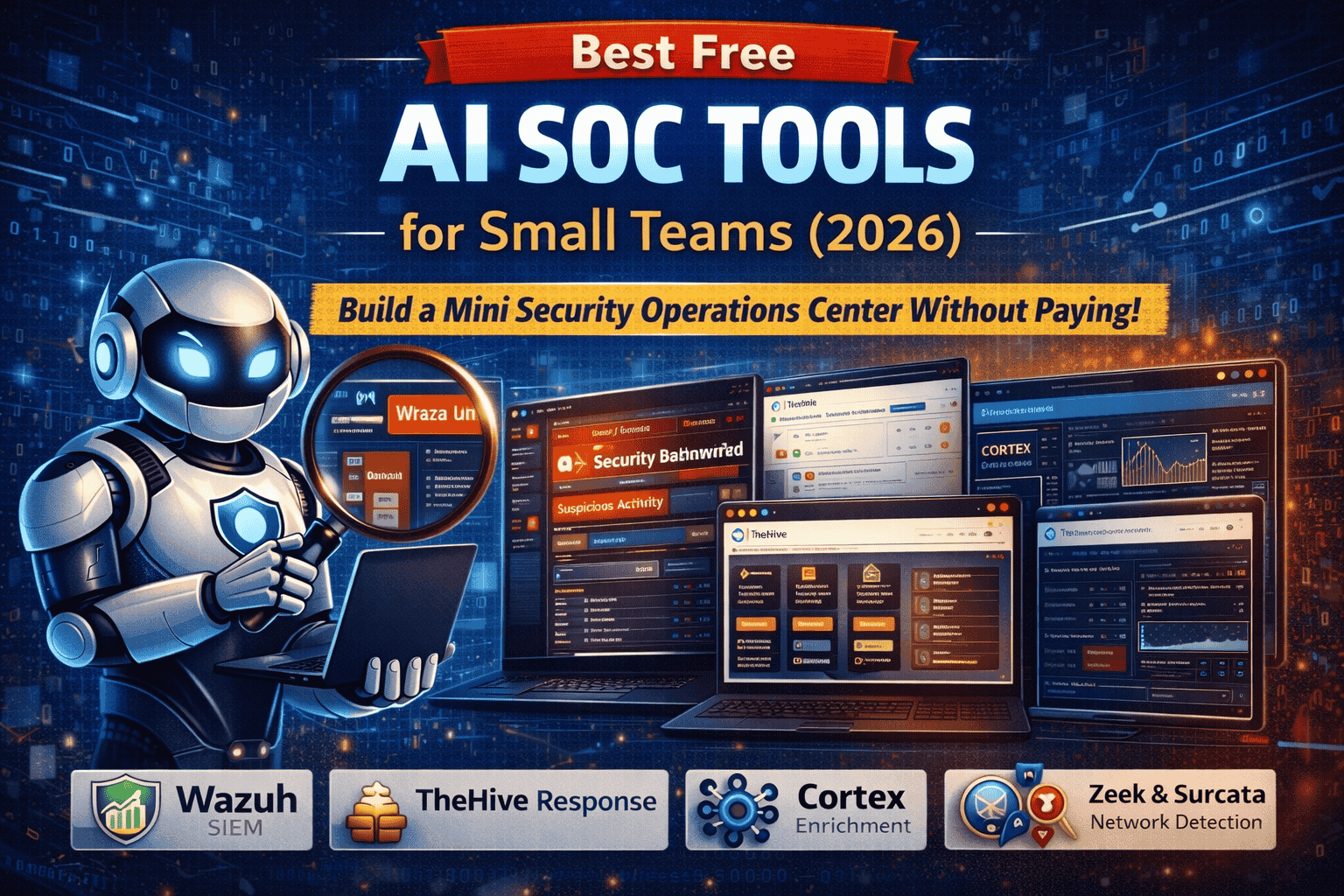
Best Free AI SOC Tools for Small Teams (2026)
Running a Security Operations Center (SOC) used to be something only big companies could afford. In 2026, that’s no longer true and it’s no longer optional. Small businesses, agencies, ecommerce stores, clinics, startups, and remote teams are targeted every day with phishing, credential stuffing, ransomware, malicious browser extensions, cloud account takeovers, and supply-chain attacks.
The biggest challenge for small teams isn’t motivation it’s time and budget. You may have 1–3 people handling security along with IT, operations, and support. That means you need tools that are:
- Free or open-source
- Practical (not complex lab projects)
- Fast to deploy
- Good at reducing noise (alert fatigue)
- Able to support real incident response
This guide explains the best free AI SOC tools for small teams, how each tool fits into a SOC workflow, and how you can build a lightweight but powerful SOC stack with an AI-assisted approach (without exposing sensitive data).
What “AI SOC Tools” Means for Small Teams
Most small teams don’t need “AI” as a buzzword. What they actually need is automation that behaves like AI:
- Detect anomalies (unusual logins, rare processes, suspicious network activity)
- Correlate events (endpoint + cloud + firewall + email)
- Prioritize alerts so you don’t drown in noise
- Summarize what happened in plain language
- Suggest next actions (containment, investigation, remediation)
Some free tools have built-in detection logic. Others become “AI-assisted” when you combine them with:
- automated enrichment (threat intel lookups)
- rule libraries (Sigma)
- playbooks and checklists
- careful AI summarization of sanitized alerts (never paste sensitive logs into public tools)
Think of your SOC as Detect → Investigate → Respond → Improve. The tools below map to those steps.
The Best Free SOC Stack for Small Teams (Recommended 2026 Setup)
If you want the most practical, high-impact setup:
- Wazuh – endpoint + server monitoring (SIEM/XDR-style)
- TheHive – incident response case management
- Cortex – automated enrichment (IP/domain/hash lookups)
- Security Onion or Zeek + Suricata – network visibility (optional but powerful)
- MISP – threat intel + IOC tracking (optional)
- Sigma rules – free detection rule library for scaling detections
- Shodan / Censys – attack surface awareness (free limited)
Now let’s go deeper and explain each in detail.
Best Free AI SOC Tools for Small Teams (2026)
1) Wazuh (Free): Best “All-in-One” SOC Platform for Small Teams
Wazuh is one of the best free choices for small teams because it delivers SIEM-like monitoring and endpoint security visibility without requiring a huge budget. It collects logs, detects suspicious behavior, and generates alerts you can investigate.
What Wazuh helps you detect (real-world examples)
Wazuh can alert on:
- repeated failed logins (brute force)
- suspicious PowerShell activity (common in malware/phishing)
- new admin users created unexpectedly
- strange scheduled tasks (persistence technique)
- file integrity changes on critical folders
- risky configuration changes
- malware indicators (depending on integrations and rules)
Why Wazuh works for small teams
Small teams need visibility in the most attacked places:
- employee laptops
- Windows servers
- Linux servers / hosting environments
- authentication logs
- basic compliance and hardening checks
Wazuh is practical because it covers these “first priorities” without forcing you into complex enterprise licensing.
How to make Wazuh “AI-assisted”
Wazuh alerts can be technical. A small team can use AI safely by:
- summarizing sanitized alert text into plain English
- generating response checklists (“What should we do if we see this alert?”)
- mapping alert types to MITRE ATT&CK categories for learning and prioritization
Important: Never paste raw logs containing passwords, tokens, customer data, or private IPs into public AI tools. If you use AI, redact sensitive content first.
2) TheHive (Free): Best Free Incident Response & Case Management Tool
A SOC is not only about detecting threats—it’s about responding consistently. Small teams often fail not because they didn’t detect an issue, but because they didn’t know how to manage it properly.
TheHive helps you turn chaos into structure by converting alerts into:
- incidents (cases)
- tasks (who does what)
- timelines (what happened and when)
- evidence storage (IOCs, screenshots, notes)
- post-incident reporting (what to improve next time)
Why this matters for small teams
Small teams get stuck on:
- “Who is handling this?”
- “What did we already check?”
- “Did we notify the right person?”
- “How do we prevent this again?”
TheHive solves this by making every incident repeatable and trackable.
3) Cortex (Free/Open): Best Free Automated Enrichment Tool
Cortex connects to TheHive and enriches your suspicious indicators automatically. When your SOC sees a domain, IP, file hash, or URL, you want answers quickly:
- Is it malicious?
- Is it known in threat intel?
- Is it newly registered?
- Has it been used in phishing campaigns?
- Is it connected to suspicious infrastructure?
Cortex helps reduce manual work by automating those lookups through analyzers.
Why Cortex feels “AI-like”
Small teams don’t have time to do 20 checks per alert. Cortex automates that enrichment so alerts become actionable faster.
4) Security Onion (Free): Best Free Network Detection Platform
Many teams only focus on endpoints. But real attacks often show up first in network behavior:
- unusual DNS requests
- connections to suspicious servers
- data exfiltration patterns
- scanning and lateral movement behavior
Security Onion provides network monitoring and detection using tools commonly used in SOC environments.
Why network visibility matters for small teams
Endpoint alerts alone can miss:
- compromised IoT devices
- rogue laptops
- attackers moving laterally
- suspicious outbound connections
If you can deploy Security Onion (even on a small network segment), you gain visibility that often catches real threats early.
5) Zeek + Suricata (Free): Core Network Detection Tools
If Security Onion feels too heavy, you can still use the core tools separately:
- Zeek: network metadata and behavior monitoring
- Suricata: signature-based intrusion detection (IDS)
What you’ll detect with Zeek/Suricata
- suspicious outbound connections
- DNS tunneling attempts (depending on rules)
- known exploit traffic patterns (Suricata rules)
- scanning patterns and unusual service usage
These tools power many SOC stacks globally and remain highly relevant.
6) MISP (Free): Best Threat Intelligence + IOC Management Platform
Threat intel helps you avoid repeating the same investigations. MISP lets you store and manage:
- malicious domains
- phishing URLs
- attacker IPs
- file hashes
- campaign notes and patterns
Why MISP is valuable for small teams
Small teams learn from incidents, but that knowledge often stays in someone’s memory. MISP turns “tribal knowledge” into a reusable database.
If your team gets hit with the same phishing domain again, you want to recognize it instantly.
7) Sigma Rules (Free): Best Free Detection Rule Library
Sigma is a standard format for detection rules. Think of it like “portable threat detection.”
Instead of writing detections from scratch, small teams can use Sigma rules to detect:
- suspicious PowerShell
- credential dumping behaviors
- lateral movement indicators
- persistence techniques
- ransomware-like behaviors
Why Sigma is important for small teams
It helps you scale detections quickly without hiring a detection engineer.
8) Shodan / Censys (Free Limited)
Many real breaches happen because something is exposed accidentally:
- RDP open to the internet
- admin panels exposed
- outdated services reachable publicly
- misconfigured cloud endpoints
Shodan and Censys help you understand what the internet can see about you.
Small-team use case
- check your organization’s public IP ranges/domains
- find exposed services early
- prioritize patching and firewall controls
Build Your Mini-SOC: Step-by-Step Setup
Phase 1 (Day 1): Get Visibility Fast
Goal: collect logs and detect obvious threats quickly.
- Deploy Wazuh on critical endpoints and servers
- Start with essential alerts only:
- failed login spikes
- new admin accounts
- suspicious process execution
- system integrity changes
Tip: The first mistake small teams make is enabling too many rules. Start small.
Phase 2 (Week 1): Create a Real Incident Response Workflow
Goal: turn alerts into organized response.
- Deploy TheHive
- Create 3 core incident templates:
- Phishing / suspicious email
- Malware infection suspicion
- Account compromise / unusual login
Each template should include:
- triage steps
- containment steps
- recovery steps
- documentation steps
Phase 3 (Week 2): Add Automated Enrichment
Goal: reduce manual investigation time.
- Connect Cortex to TheHive
- Enable enrichment for:
- IP reputation checks
- URL scans
- domain reputation checks
- hash lookups
Now a small team can investigate faster with fewer steps.
Phase 4 (Optional): Add Network Detection
Goal: detect threats endpoints may miss.
- Deploy Security Onion or Zeek/Suricata
- Monitor:
- DNS anomalies
- outbound connections
- unusual ports/services
Even partial network visibility improves detection dramatically.
Real SOC Workflows
Workflow 1: Phishing Alert → Confirm → Contain
When someone reports a suspicious email:
- extract the domain/URL
- enrich indicators (Cortex)
- check if similar emails hit other users (Wazuh logs)
- block malicious domain/IP at firewall/email filter
- reset compromised accounts if clicked
Workflow 2: Malware Suspicion → Investigate → Isolate
When Wazuh flags suspicious behavior:
- open a case in TheHive
- collect endpoint logs and process details
- isolate the endpoint from network if needed
- run deeper checks and remove persistence
- document IOCs in MISP for future detection
Workflow 3: Unusual Login → Verify → Lock Down
If you see unusual sign-ins:
- verify device/location
- reset password and enforce 2FA
- check for forwarding rules (email takeover)
- investigate other systems for reused credentials
Common Mistakes Small Teams Make
Mistake 1: Turning on everything at once
This creates alert fatigue and people ignore alerts. Start with essentials.
Mistake 2: No response process
Without case management, small teams forget steps and repeat mistakes.
Mistake 3: No baseline
If you don’t know what “normal” looks like, everything looks suspicious.
Mistake 4: No post-incident improvements
A SOC improves over time. Every incident should create:
- new rule
- new checklist
- new blocklist entry
- a lesson learned
FAQ
What is the best free SIEM for small teams?
Wazuh is one of the most practical free SIEM-style tools for small teams because it supports endpoint monitoring, alerts, and dashboards.
Can a small team really run a SOC for free?
Yes. By combining open-source tools (Wazuh + TheHive + enrichment), small teams can run a functional SOC workflow without paying enterprise prices.
How do free tools become “AI-assisted”?
Through automated enrichment, detection rule libraries, anomaly detection, and safe AI-based summarization of sanitized alerts.
About The Author




