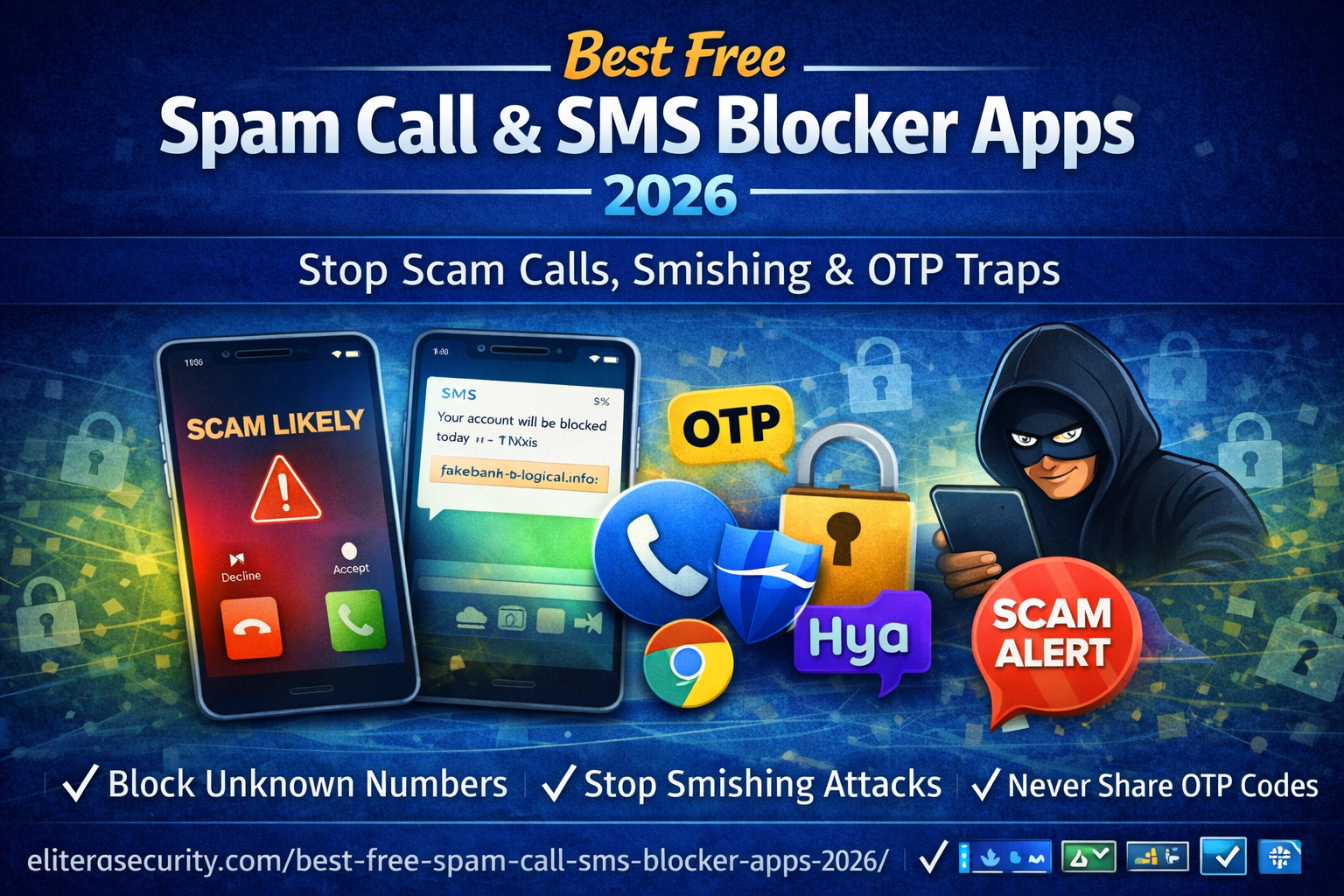
Best Free Spam Call & SMS Blocker Apps (2026): Beginner Guide
Spam calls and scam SMS messages are not just “annoying” anymore. In 2026, they are one of the most common ways criminals steal money, take over WhatsApp and social media accounts, and even drain bank accounts. The scary part is that many victims are not careless. They simply answered a call that looked real, or clicked a message that looked like it came from a courier, bank, or government service.
This article is written for normal people. You don’t need technical knowledge. You only need a clear system: use the right free tools, turn on a few settings, and follow a simple rule for OTP codes. By the end, you’ll know the best free spam call blocker options, the safest settings for Android and iPhone, and exactly what to do if you already clicked a suspicious link or shared an OTP.
Why spam calls and SMS scams work so well in 2026
Scammers win because they attack emotions, not phones. A spam caller usually creates urgency or fear: “Your bank account will be blocked,” “Your parcel is stuck,” “Your SIM will be deactivated,” or “Your Facebook is being hacked.” Then they push you to act fast, before you think.
Smishing (SMS phishing) messages do the same thing using links. They often look like official alerts, with short text and a fake website link. If you open the link, the page may ask you to log in, enter card information, or install an app. Sometimes the scam is even simpler: they only want your OTP code. The moment you share an OTP, they can reset a password or approve a login.
This is why a good spam blocker is important: it reduces the number of scam attempts reaching you. But blocking alone is not enough. You also need the correct phone settings, and you must understand the few scam patterns that repeat everywhere.
What is “smishing” and “OTP trap” in simple words?
Smishing means phishing through SMS. It is a fake text message designed to trick you into clicking a link or sharing private information.
An OTP trap happens when a scammer calls or texts you and says they are “support,” “bank,” “courier,” or “verification team,” and asks you to share the code you received. That code is your OTP (one-time password) or verification code. Real companies do not need you to share your OTP. If someone asks, it is almost always a scam.
Quick best choice for most people
If you want a safe, free setup without installing extra apps, do this:
Android: Use the built-in spam protection in Google Phone and Google Messages, then block unknown numbers and suspicious SMS.
iPhone: Turn on Silence Unknown Callers and Filter Unknown Senders, then block and report spam numbers.
If spam is extremely high in your country, you can also add a trusted caller ID app like Truecaller, but first try the built-in options because they are stable and don’t add extra background load.
Best free spam call & SMS blocker apps
There are many apps claiming to block spam calls, but only a few are widely trusted and useful for everyday people. Some offer premium plans, but their free features are enough for most users.
1) Truecaller (Free plan available)
Truecaller is one of the most commonly used caller ID and spam detection apps. It identifies many known spam numbers, shows caller names for unknown numbers, and lets you block reported spam callers. It can be very effective in countries where robocalls and scam calls are constant.
However, be smart about permissions. Caller ID apps need some access to identify calls and show who’s calling. Only install from official app stores and avoid “modded” APKs or random download sites.
Truecaller is best for people who want strong caller identification, especially where spam is aggressive and changing daily.
2) Google Phone (Android) built-in spam protection
Many Android phones use the Google Phone dialer. It includes spam detection and can warn you with labels like “Suspected spam.” Some versions also offer call screening features.
This is a great option because it’s built into your phone experience. It doesn’t feel heavy, doesn’t constantly push ads, and works smoothly.
If you have a phone that supports Google Phone, start here before installing anything else.
3) Google Messages (Android) spam protection for SMS
A huge portion of “virus text messages” are actually smishing. Google Messages includes spam detection and filtering. It can automatically move suspicious texts into a spam folder so you don’t open them by mistake.
This is one of the simplest and most effective free protections because most scams begin with a message.
4) Hiya (Free plan varies by region)
Hiya offers caller ID and spam blocking. It can work well depending on your region, because spam databases differ across countries. It is usually worth trying if Truecaller is not performing well in your area.
5) Built-in iPhone protections (best free option for many iPhone users)
iPhones already include powerful settings that reduce spam without any extra apps. Many people don’t use them, so they keep suffering unnecessary scam calls.
When set correctly, iPhone can silence most unknown calls and separate unknown texts so you don’t accidentally click them.
How to stop spam calls and scam SMS on Android
Android protection becomes strong when you combine two things: dialer filtering and message filtering. Then you add a third layer: permission cleanup.
Step 1: Turn on call spam protection in your Phone app
Open your Phone app and go to settings. On many phones it appears as “Caller ID & spam” or “Spam and Call Screen.” Turn on spam detection. If your phone supports it, also turn on call screening or spam filtering options.
After you enable this, you’ll start seeing warnings like “Suspected spam.” The goal is simple: stop answering unknown calls unless you expect them. If the call is real, the person will message you or call again with a proper explanation.
Step 2: Turn on SMS spam protection in Google Messages
If you’re using Google Messages, open it and go to settings. Enable spam protection so suspicious texts get filtered.
This is important because many people ignore calls but still trust texts. Scammers know that and push smishing more than ever.
Step 3: Block spam numbers aggressively (it works over time)
When you confirm a number is spam, block it immediately. After a week of blocking, many people notice a big drop in spam attempts. Blocking alone won’t stop everything, but it reduces repeated offenders and gives the spam system feedback.
Step 4: Remove dangerous permissions from apps (this stops OTP theft)
This is one of the most important steps in 2026. Some malicious apps request access to SMS or Accessibility services so they can read OTP codes, overlay fake screens, or steal notifications.
Go to your phone settings and review permissions for:
- SMS
- Phone
- Accessibility
- Notification access
If a random flashlight app, wallpaper app, or “cleaner” app has SMS or Accessibility permissions, remove those permissions or uninstall the app. Most normal apps do not need those permissions.
How to stop spam calls and scam SMS on iPhone
iPhone settings are powerful, but most users never enable them. Once enabled, your phone becomes much calmer and safer.
Step 1: Turn on “Silence Unknown Callers”
This setting sends calls from unknown numbers straight to voicemail. Your phone still records the call, but it doesn’t ring.
This is incredibly effective because most scam calls require you to answer. If you stop answering unknown calls, scammers lose their easiest attack path.
Step 2: Turn on “Filter Unknown Senders”
This setting separates messages from unknown senders into a different list. You will still receive them, but they won’t appear in your main conversation list.
It reduces accidental taps and keeps your main inbox clean.
Step 3: Block and report spam numbers
When you get spam calls or scam texts, block the number. Reporting helps spam databases learn faster.
The most common scam messages in 2026
Scam calls and SMS messages change wording, but the pattern is always the same. Treat it as suspicious if you see:
A message saying your account will be blocked “today” or “within 30 minutes.”
A call claiming they need your OTP to “verify” or “secure” your account.
A parcel/courier message with a random link asking you to confirm address.
A “refund” or “tax fine” story that demands immediate payment.
A “support” call that contacted you first and tells you to install any app.
Real companies do not ask for OTP by phone. Real banks do not tell you to share verification codes. OTP is for you, not for anyone else.
What to do if you clicked a smishing link
If you clicked a suspicious link, don’t panic. What matters is what happened next.
If you clicked but didn’t enter anything, close the tab, don’t download anything, and clear your browser. Then keep an eye on your accounts for unusual login alerts.
If you entered your password, assume it’s stolen. Change your password immediately, starting with your email, because email controls password resets for everything. Then enable authenticator-based 2FA on email and major accounts.
If you installed an app from that link, uninstall it immediately. Then check app permissions (especially SMS and Accessibility). Run a security scan if available on your phone and remove anything suspicious.
If you shared an OTP with someone, treat it as an emergency. Immediately change passwords, log out of all devices, and contact the service provider if banking/payment accounts are involved.
The best free protection strategy
The strongest defense is a small system you follow every day. You don’t need advanced apps or paid tools.
First, stop answering unknown calls unless you are expecting something. If it’s important, they will leave a voicemail or send a message.
Second, filter unknown SMS and never click random links. If you must check something, open the official app or type the website manually.
Third, never share OTP. Not with “support,” not with “bank,” not with “courier.” If someone asks, end the call.
Fourth, lock down your most important accounts. Your email is the key to everything, so protect it with strong password and 2FA.
These habits, combined with free spam blockers, reduce your risk dramatically.
FAQs
1) What is the best free spam call blocker app in 2026?
For most people, the best free option is to start with built-in spam protection on your phone (Google Phone on Android, and Silence Unknown Callers on iPhone). If spam is very heavy in your country, Truecaller (free plan) is a popular extra layer.
2) Are spam call blocker apps safe to use?
Trusted apps from official app stores are generally safe, but you should still be careful. Some “spam blocker” apps are fake or collect too much data. Only use reputable apps, install from the official store, and review permissions.
3) Can spam blocker apps stop all scam calls?
No. Scammers constantly change numbers and use new SIMs. A blocker can reduce spam significantly, but you still need habits like not answering unknown calls and never sharing OTP codes.
About The Author




