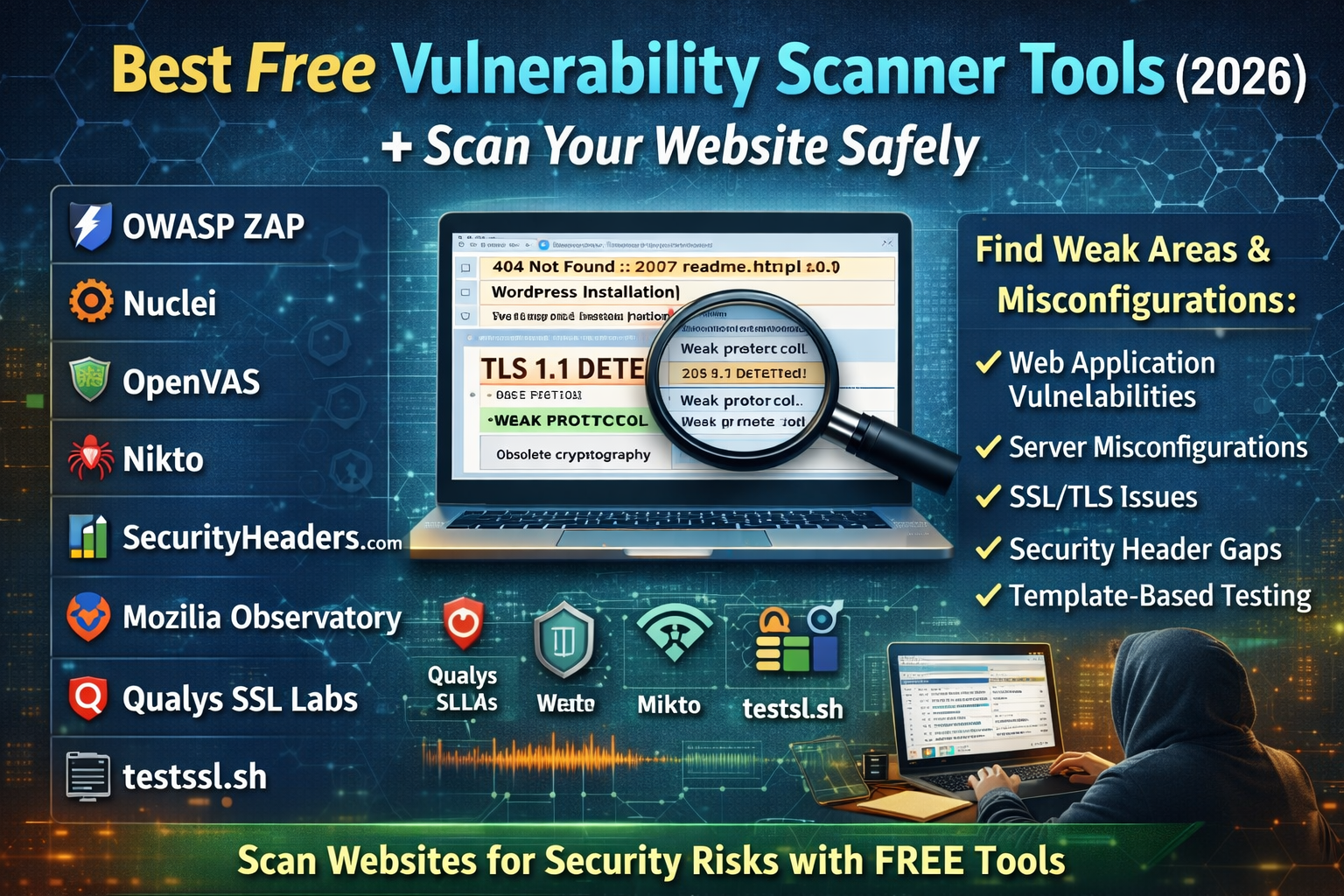
Best Free Vulnerability Scanner Tools (2026): Scan Your Website Safely
Website owners and beginners usually search “vulnerability scanner” for one simple reason: they want to know what is exposed, what is misconfigured, and what could be risky before attackers find it first. The good news is that you don’t need expensive tools to get meaningful results. The best free vulnerability scanners in 2026 fall into a few categories: web app scanners, template-based scanners, server/misconfiguration scanners, TLS/SSL testers, and security header analyzers.
This guide lists the strongest free options, what they’re best at, and how they fit together as a clean, safe website-scanning workflow.
Best Free Vulnerability Scanner Tools (2026)
1) OWASP ZAP — Free web app scanner for real website testing
If your site has login pages, forms, dashboards, APIs, or any dynamic functionality, OWASP ZAP is one of the most practical free scanners available. ZAP is positioned as a widely used, free and open-source web application scanner, and it’s built to help you identify common web security issues through passive and active testing.
ZAP fits especially well for websites where you want deeper coverage than “surface checks.” It can crawl pages, observe behavior, and highlight patterns that typically lead to security weaknesses. It’s also popular because it’s not limited to one platform or one hosting style—what matters is that the site is yours (or authorized), and the scan scope is clear.
Best for: web application issues, dynamic pages, login flows, API-style behavior, deeper inspection beyond basic “online scanners.”
2) Nuclei — Fast template-based vulnerability scanning for modern websites and infrastructure
Nuclei is built around templates that detect known vulnerability patterns, misconfigurations, and exposures across web apps and infrastructure. It’s described as a fast vulnerability scanner that uses templates (YAML) to define detection logic, making it flexible and scalable for many checks.
Nuclei is useful when you want a scanner that can quickly cover many checks without turning into a heavy “platform.” Its strength is speed, repeatability, and the ability to scan for a wide range of known issues and misconfigurations in a consistent way.
Best for: quick scanning for known patterns, misconfigurations, exposed panels/files, and broad coverage using templates.
3) OpenVAS (Greenbone Community Edition) — Full vulnerability scanning engine for systems and networks
If you want more of a “traditional vulnerability scanner” that can do unauthenticated and authenticated testing, cover many protocols, and run structured checks at scale, OpenVAS is one of the most established free options. OpenVAS is described as a full-featured vulnerability scanner with authenticated/unauthenticated testing capabilities and regularly updated vulnerability tests through a feed.
OpenVAS is often used when the goal is broader than “web only.” It’s relevant for servers, internal environments, and system-level exposure checks where you want a more vulnerability-management style view rather than only web crawling.
Best for: server and network vulnerability scanning, broad protocol coverage, structured vulnerability test feeds.
4) Nikto — Web server scanner for dangerous files and common misconfigurations
Nikto remains a solid free choice when your focus is the web server layer: outdated components, risky files, default paths, and common misconfigurations. Nikto is described as an open-source web server scanner that checks for thousands of potentially dangerous files/programs, outdated versions, and common server misconfigurations.
Nikto is especially helpful when you want quick visibility into “obvious server-level issues” that can be missed when people only focus on app bugs. It’s also frequently used as a supporting tool—meaning it can complement ZAP/Nuclei by giving you another angle on exposure.
Best for: web server exposures, outdated server components, risky files/paths, configuration weaknesses.
5) Mozilla HTTP Observatory — Free website security header & config assessment
Many real compromises start with weak browser-side protections and missing security headers. Mozilla’s HTTP Observatory performs an assessment of a site’s HTTP headers and other key security configurations and provides a report with scoring/feedback.
This tool is especially valuable for website owners because it focuses on the “hardening” layer that affects clickjacking, XSS protections (through CSP), unsafe content loading, and cross-site behaviors. It won’t replace a web app scanner, but it does something different: it shows whether your website is configured like a modern secure site should be.
Best for: HTTP security headers, baseline hardening, configuration scoring, quick improvement targets.
6) SecurityHeaders.com — Quick HTTP response header scan
SecurityHeaders.com is a fast online tool that checks your HTTP response headers and gives you a simple grade-style view of what’s present and what’s missing. It’s designed for quick assessment of header security posture.
It’s useful when you want a quick public-facing check without installing anything. It also helps non-technical readers understand “why the site grade is low” in a simple way, because the output is direct: present headers, missing headers, and overall score.
Best for: quick public header scan, fast grading, identifying missing headers in minutes.
7) Qualys SSL Labs — Deep SSL/TLS configuration test (online)
For most websites, TLS configuration is part of the security story. Qualys SSL Labs’ SSL Server Test performs a deep analysis of the configuration of a public SSL web server.
This tool is widely used because it surfaces issues that matter in the real world: protocol support, certificate chain problems, weak ciphers, and security-grade decisions that affect real visitors. It’s especially useful after hosting changes, CDN changes, or certificate renewals.
Best for: SSL/TLS configuration quality, certificate chain and protocol checks, public server grading.
8) testssl.sh — Free command-line TLS scanner (local or remote checks)
If you prefer a command-line tool that checks TLS/SSL cipher and protocol support (and related cryptographic issues), testssl.sh is a strong free option. It’s described as a free command-line tool that checks a server’s TLS/SSL support on any port for protocols, ciphers, and some cryptographic flaws.
This is useful when you want repeatable TLS checks across environments, or when you want more control than an online tester provides. It also fits well when you’re auditing multiple services that speak TLS—not only the main website port.
Best for: TLS testing with more control, command-line repeatable checks, scanning TLS services on any port.
The Fastest “Safe Website Scan” Workflow Using Only Free Tools
A clean website scan is less about running one tool and more about building a reliable picture from multiple angles. The most efficient order is:
Step 1: Check public hardening first (headers + TLS)
Start with the parts visitors experience immediately: security headers and TLS configuration. This typically reveals easy wins that improve security posture quickly, and it also helps confirm whether the basics are modern and correct.
- Header assessment: Mozilla HTTP Observatory, SecurityHeaders.com
- TLS assessment: Qualys SSL Labs, testssl.sh
This step often highlights missing HSTS, weak TLS versions, incomplete certificate chains, missing X-Frame-Options, missing CSP, and other real-world weaknesses that attackers love because they’re easy.
Step 2: Scan for obvious web server exposures and misconfigurations
After hardening checks, the next layer is the server footprint: risky paths, outdated server components, and common misconfigurations that can open doors unintentionally.
- Server exposure scanning: Nikto
This step is particularly useful because it often surfaces “low-hanging fruit” problems that get ignored: dangerous default files, sample scripts, old endpoints, unnecessary indexes, and other exposure patterns.
Step 3: Run modern vulnerability checks for known patterns (template scanning)
Template-based scanning helps you quickly check for known risky patterns and exposures. This is the part many people want when they type “vulnerability scanner” because it feels like broad coverage without being heavy.
- Broad checks with templates: Nuclei
This step becomes more valuable as your site grows—multiple subdomains, multiple apps, staging environments, and APIs.
Step 4: Scan the actual web application behavior (deeper web scanning)
Finally, deeper web application scanning is where you catch issues that aren’t visible through headers or server checks alone. This is where the scanner interacts with pages, forms, and dynamic behavior.
- Web app scanning: OWASP ZAP
This layer is important because many modern vulnerabilities live in the application logic: authentication behavior, input handling, and how the app responds under different conditions.
Choosing the Right Free Scanner Based on Your Website Type
Static website or simple business site
Most value comes from:
- Security headers checks (Observatory, SecurityHeaders)
- TLS checks (SSL Labs, testssl.sh)
For many simple sites, this already improves real security and trust.
WordPress or CMS website
A CMS site benefits from:
- Server misconfig checks (Nikto)
- Template scanning (Nuclei)
- Web scanning for app behavior (ZAP)
This combination helps catch exposures that happen due to plugins, themes, and common CMS paths.
APIs, dashboards, or web applications with login flows
The strongest free combination becomes:
- OWASP ZAP for web behavior testing
- Nuclei for broad pattern checks
- TLS + headers tools for hardening validation
This is the most complete “free stack” for modern apps.
FAQs
Which free vulnerability scanner is best for websites?
For web application behavior, OWASP ZAP is one of the most used free scanners. For fast known-pattern checks, Nuclei is a strong option.
Which free tool checks SSL/TLS properly?
Qualys SSL Labs provides a deep online analysis for public SSL servers, and testssl.sh is a strong command-line option for TLS checks.
Which free tool is best for server misconfigurations?
Nikto is commonly used for checking thousands of risky files/paths and common server misconfigurations.
Is one scanner enough?
A single scanner rarely covers everything. Headers/TLS tools check configuration posture, server scanners check exposure and misconfigurations, and web scanners check application behavior—each layer reveals different risks.
About The Author




