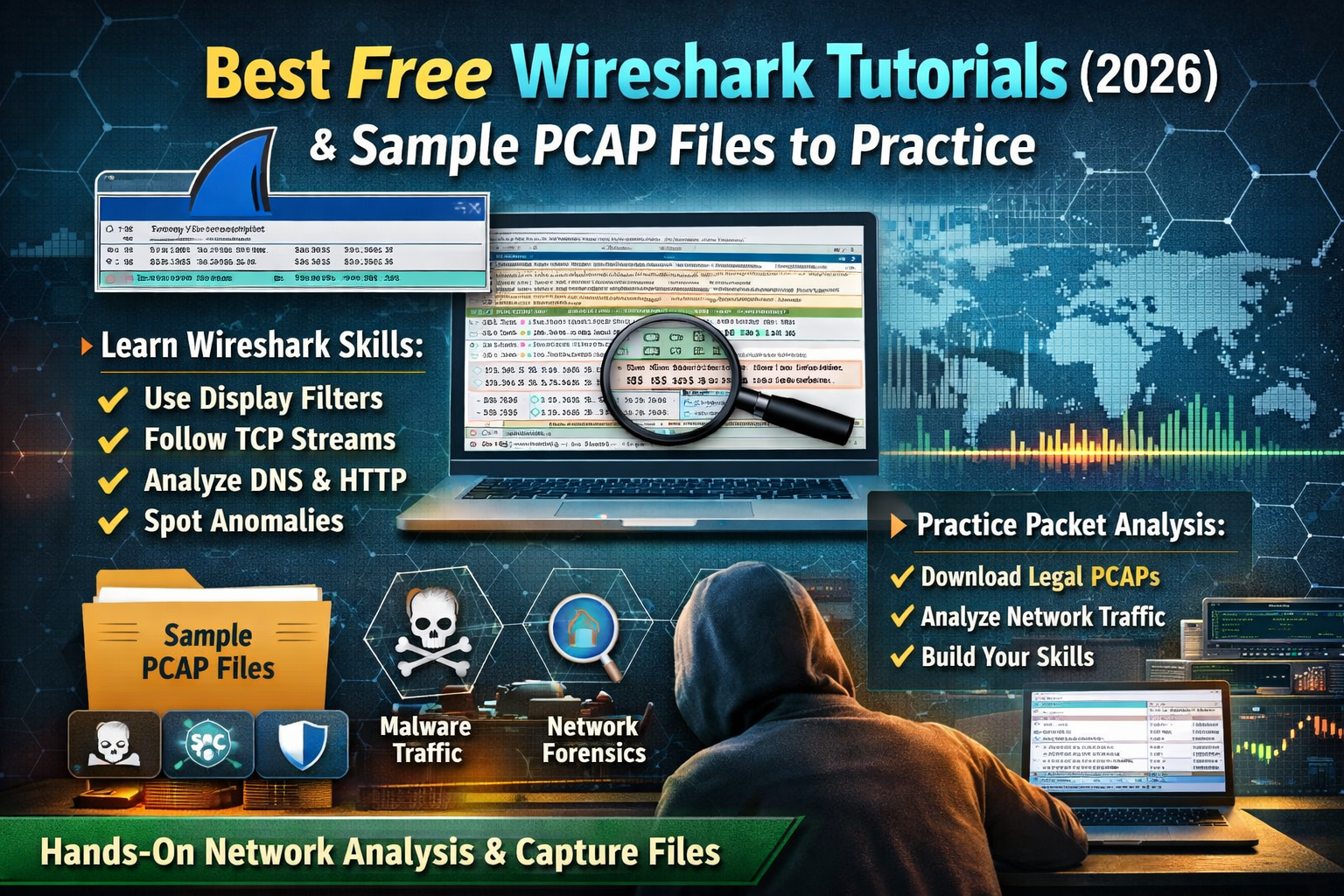
Best Free Wireshark Tutorials 2026 : Sample PCAP Files to Practice
Wireshark is one of those rare free tools that stays useful no matter how far you go in cybersecurity. Beginners use it to understand “what’s happening on my network,” while professionals use it to investigate suspicious activity, confirm incidents, and troubleshoot outages. The difference between feeling lost and feeling confident in Wireshark usually comes down to two things: learning a few core features deeply, and practicing on real packet captures (PCAPs) so you can recognize patterns quickly.
This article focuses on a practical learning path built around real tasks you’ll actually do: finding which devices are talking, identifying suspicious destinations, understanding DNS and web traffic behavior, spotting instability like retransmissions and resets, and building a clear timeline of what happened in a capture. By the end, you’ll also have a list of safe, legal repositories where you can download PCAP files and keep practicing without guessing.
Best Free Wireshark Tutorials (2026): A Structured Learning Path
Tutorial 1 — Get Comfortable With the “Three-Pane” View
When you open a PCAP, Wireshark looks busy, but it’s basically three layers of detail that work together. The top section (Packet List) gives you the timeline view: one line per packet, showing who talked to whom, what protocol it is, and short hints in the “Info” column. The middle section (Packet Details) is where Wireshark breaks the packet into readable protocol fields. The bottom section (Packet Bytes) is the raw data, which becomes useful when you want to confirm exactly what was sent.
A common way to feel more confident fast is to slow down and treat those panes like a story. The Packet List shows the “plot,” the Details pane shows “what each line really means,” and the Bytes pane is your evidence. Once you start moving between them naturally, Wireshark becomes far less intimidating and far more powerful. The official Wireshark User’s Guide is the best free reference for these core concepts and interface features.
Source: Wireshark User’s Guide — https://www.wireshark.org/docs/wsug_html_chunked/
Tutorial 2 — Become Good at Display Filters (This Changes Everything)
Wireshark becomes truly useful when you can remove noise and focus on exactly what matters. That’s what display filters do. Instead of scrolling through thousands of packets and guessing, display filters let you isolate the protocols and behaviors you care about. This is the difference between “Wireshark is confusing” and “Wireshark makes sense.”
In real analysis, you’ll often start broad and then tighten your view. You might begin by showing only DNS traffic to see which domains were queried, then switch to TLS traffic to see external connections, then isolate a single host to build a timeline of everything that device did. Over time, you’ll develop a small library of filters that instantly show you the truth of a capture.
For exploring filter syntax and discovering available fields, the Wireshark Display Filter Reference is the most reliable free source.
Source: Display Filter Reference — https://www.wireshark.org/docs/dfref/
Tutorial 3 — Use Endpoints and Conversations to “Summarize the Capture”
When a PCAP is big, don’t start by reading packets one by one. Start by letting Wireshark summarize the traffic. The Endpoints view helps you see which IP addresses appear and how much traffic each produced. The Conversations view shows pairings (source ↔ destination) and how much data was exchanged. These two views alone can cut your analysis time dramatically.
This matters because most real problems and real attacks leave “traffic shape” clues. For example, a workstation sending an unusually large amount of outbound data, or an internal device contacting a destination it never contacted before, or one host connecting to many hosts in a short period of time. Even without reading the payload, these relationships help you spot what deserves attention.
When you’re learning, treat Endpoints and Conversations as your “map.” They tell you where to zoom in.
Tutorial 4 — Read DNS Like a Timeline of Intent
DNS is often the fastest way to understand what a device tried to do. Before a browser connects to a website, it often resolves the domain name. Before many types of malware connect out, they also resolve domains. That’s why DNS becomes a key part of both troubleshooting and incident response.
In practice, DNS analysis helps you answer common questions quickly: what domains were requested, which device requested them, whether there were unusual bursts of requests, and whether many requests failed (NXDOMAIN), which can indicate misconfiguration or suspicious domain-generation behavior. DNS is also useful because it gives you human-readable context (domain names) instead of only raw IP addresses.
Once you identify interesting domains in DNS, you can pivot: find the follow-up connections (TLS/HTTP) that happened after that domain resolution and build a clear sequence of events.
Tutorial 5 — Understand Web Behavior: HTTP vs TLS
Many people assume that once traffic is encrypted (HTTPS/TLS), Wireshark becomes useless. That’s not true. While you often can’t see the content without keys, you can still see a lot of meaningful signals: which hosts connect to the internet, which servers they connect to, how often they connect, and whether connections are stable or constantly restarting.
HTTP traffic (unencrypted) is especially good for learning because it makes the “Follow Stream” feature extremely clear. You can see requests, responses, redirects, user agents, and file downloads when present. TLS traffic is a great next step because you learn how to investigate behavior without relying on plaintext. That skill is realistic, because modern networks are mostly encrypted.
As you practice, you’ll start recognizing patterns like repeated short TLS sessions (possible beaconing), large sustained uploads (possible exfiltration or backup), or repeated failed negotiations (possible misconfiguration).
Tutorial 6 — Use “Follow Stream” to Reconstruct What Happened
One of the most satisfying Wireshark features is Follow TCP Stream because it turns scattered packets into readable conversations. Instead of guessing what a session contained, you let Wireshark stitch it together. This is especially helpful for HTTP sessions, basic authentication traffic, and troubleshooting sessions where an application is failing.
Even when the stream doesn’t reveal readable content (because it’s encrypted), the act of following a stream still helps. It keeps you focused on one connection at a time, makes it easier to measure how long it lasted, and helps you confirm which packets belong together. For learners, it trains the mindset of “connections tell stories,” not “packets are random.”
Tutorial 7 — Spot Network Instability With TCP Analysis
A lot of “security-looking” behavior is actually just broken networking. And a lot of real security incidents are missed because people assume the problem is only “the network is slow.” Wireshark helps you separate those cases by showing signals like retransmissions, duplicate ACKs, and resets.
Retransmissions can point to packet loss, congestion, or unstable routes. Resets can indicate an application aborting connections, a security device interfering, or a host refusing a session unexpectedly. When you learn to notice these patterns, you can explain what’s happening with evidence instead of guesswork.
This is especially useful for common-person scenarios like “my video calls drop,” “websites load slowly,” “VPN disconnects,” or “my server randomly times out.” Wireshark becomes a way to validate what the network did, not what you assume it did.
Tutorial 8 — Use Statistics to Detect “Odd Behavior”
Wireshark’s statistics are underused by beginners, but they are one of the quickest ways to find unusual behavior. If you want to identify scanning patterns, periodic connections, large transfers, or spikes in traffic volume, statistics help you see the pattern in minutes.
For example, periodic connections to the same destination at the same interval can be benign (a service heartbeat) or suspicious (beaconing). You don’t label it based on vibes; you document the behavior and then correlate with context. Over time, you’ll get better at separating “normal automated traffic” from “unexpected automated traffic.”
Tutorial 9 — Export Objects (When Available) to Understand Downloads
In some PCAPs, especially HTTP-based ones, Wireshark can export transferred objects. This is valuable for learning because you can connect the traffic to real outcomes: a file was downloaded, a script was fetched, an image was loaded, or a payload was delivered. It turns network analysis into something concrete.
This feature also teaches an important habit: always keep a chain of evidence. Instead of saying “it looks like a download happened,” you can say “here is the exact object transferred and the flow that delivered it,” which is the kind of clarity professionals rely on.
Tutorial 10 — The Repeatable PCAP Workflow That Works Every Time
A strong workflow matters more than memorizing features. The point is to move from “too many packets” to “clear findings.”
A reliable workflow looks like this:
Start by understanding the capture boundaries (time range, what network it represents, and whether it’s partial). Then summarize the capture with Endpoints and Conversations. Use DNS to identify domains and intent. Pivot into HTTP/TLS traffic to see actual connections. Follow streams for interesting sessions. Validate behavior with TCP analysis and statistics. If objects are exportable, extract them carefully and record what you found. Finally, write a clean summary that lists the key hosts, domains, destinations, and a timeline of events.
Once you practice that workflow repeatedly, your confidence rises fast because you always know what to do next.
Best Free Sample PCAP Files to Practice (Legal Sources)
1) Wireshark Official Sample Captures
Wireshark maintains a huge collection of sample captures covering many protocols and scenarios. These are ideal for beginners because they’re safe, focused, and designed for learning. You can pick a protocol you’re studying (DNS, HTTP, SMB, SIP, and more), then practice your filters and interpretation skills on traffic that is known to be relevant.
Source: Wireshark Sample Captures — https://wiki.wireshark.org/samplecaptures
2) NETRESEC PCAP Files Directory (Curated Collections)
NETRESEC maintains a directory of public PCAP resources. This is useful once you’re done with basic protocol samples and want more realistic cases, themed datasets, or curated collections. It’s a good “index” site that helps you discover other repositories without blindly searching the internet.
Source: NETRESEC PCAP Files — https://www.netresec.com/?page=PcapFiles
3) Malware-Traffic-Analysis.net (Practice With Realistic Infection Traffic)
This site provides PCAPs and traffic captures often tied to malware infection activity, frequently accompanied by analysis notes. For learning, this is one of the most practical resources because it trains you to identify suspicious DNS, external callbacks, redirects, downloads, and post-infection behavior. It also pushes you to document findings clearly, which is a skill many beginners skip.
Source: Malware Traffic Analysis — https://www.malware-traffic-analysis.net/
4) Security Onion PCAP Practice Links
Security Onion includes documentation pages that point learners to PCAP sources for practice and training. This is helpful if you want a SOC-style learning approach because Security Onion is commonly used in monitoring and analysis workflows.
Source: Security Onion PCAPs — https://docs.securityonion.net/en/2.4/pcaps.html
5) Suricata Public Data Sets (IDS + PCAP Learning)
Suricata documents a list of public datasets and PCAP sources used for testing and learning. This becomes especially useful if you want to connect packet analysis with IDS alerts later, because Suricata is widely used for network threat detection.
Source: Suricata Public Data Sets — https://docs.suricata.io/en/latest/public-data-sets.html
Practice Plan: Become Comfortable Fast (Realistic, Repeatable)
Daily Practice (45–60 minutes)
Pick one small PCAP from Wireshark’s official sample list. Spend the first few minutes summarizing with Endpoints and Conversations to identify the main hosts and the “shape” of traffic. Then focus on one protocol per session. If today is DNS day, extract domains and map them to the host that requested them. If today is HTTP day, follow one stream and describe what happened from request to response. If today is TCP day, look for retransmissions and resets and explain what they imply.
Keep a short “case note” at the end of every session. Write down the key IPs, any domain names, the important filters you used, and your one-paragraph conclusion. This habit turns practice into progress.
Three Times Per Week (90 minutes, Blue-Team Style)
Use a realistic capture from Malware-Traffic-Analysis.net or a curated source from NETRESEC. Start with DNS to identify suspicious domains, then pivot to the follow-up connections. Look for patterns like repeated callbacks, unusual destinations, or downloads. Build a timeline with a few timestamps and describe the sequence in plain language: initial contact, secondary fetch, beaconing, or data movement.
Finish by listing indicators that a defensive team would care about: suspicious domains, external IPs, and the internal host involved. The goal is not to “sound advanced,” but to produce a clean summary that another person could understand and validate.
FAQs
Where can I get free PCAP files without downloading anything risky?
The safest starting point is the official Wireshark sample capture library. After that, use curated directories like NETRESEC or learning-focused repositories such as Malware-Traffic-Analysis.net.
What should I focus on first if Wireshark feels overwhelming?
Start with summaries and patterns, not packet-by-packet reading. Endpoints, Conversations, and a few display filters will give you structure quickly. When you can consistently identify “who talked to whom and why,” the rest becomes easier.
Can I learn Wireshark without paid courses?
Yes. The official Wireshark documentation plus consistent PCAP practice is enough to reach a strong practical level.
About The Author




