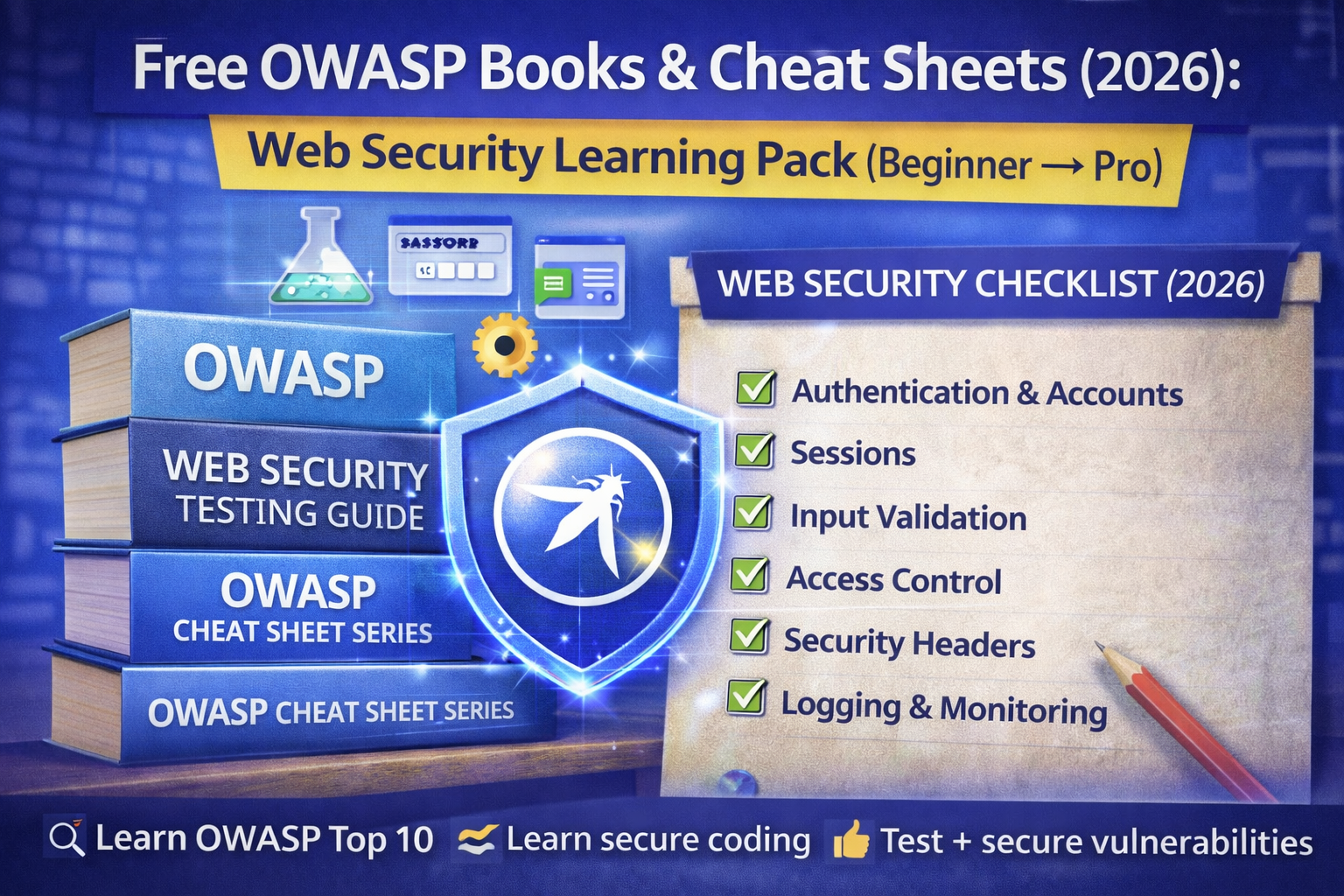
Free OWASP Books & Cheat Sheets (2026): Web Security Learning Pack
If you’ve ever searched “OWASP Top 10 PDF” or “OWASP cheat sheet”, you’re not alone these are some of the most popular web security searches because people want clear, trusted checklists, not confusing theory. The problem is that beginners often jump between random blog posts and outdated PDFs and still don’t know what to learn first. That’s why this guide exists. In one place, you’ll get the best free OWASP resources you can use legally in 2026 including the Top 10, testing guides, and the most useful cheat sheets plus a simple roadmap that tells you exactly what to read and what to practice after each part. If you’re learning web security, bug bounty, WordPress security, or just want to secure your own website, this “OWASP learning pack” is one of the smartest free starting points.
And that’s exactly why OWASP resources are so powerful: they’re free, respected, and written to help you test, secure, and explain web vulnerabilities in a professional way.
In this guide, you’ll get a clean 2026 OWASP learning pack:
- the best free OWASP “books” (official projects)
- the most useful OWASP cheat sheets (copy-paste friendly)
- a beginner roadmap: what to read first + what to practice after
- a “web security checklist” you can reuse for your own projects or clients
What is OWASP
OWASP is a global open community focused on improving software security. Their projects are widely used by:
- developers who want to build secure apps
- penetration testers who want a structured testing approach
- security teams who need checklists and standards
- students learning web security fundamentals
If you publish OWASP content on your blog, it usually performs well because:
- it matches high-intent searches (“checklist”, “top 10”, “cheat sheet”)
- it’s evergreen and trusted
- it supports internal linking (XSS, SQLi, auth, sessions, headers)
1) OWASP Top 10 Web – the most searched OWASP resource
Best for: beginners learning the most common real-world web risks
What it gives you:
- a high-level map of modern web security problems
- examples of how vulnerabilities happen
- why they matter + prevention thinking
How to use it
- Read it once to understand categories
- Then connect each item to a lab (PortSwigger / Juice Shop)
2) OWASP Web Security Testing Guide (WSTG)
Best for: “How do I test a website professionally?”
This is basically a step-by-step testing methodology.
You’ll learn how to test:
- authentication and sessions
- access control (IDOR / broken authorization)
- input validation (XSS, injection concepts)
- error handling and misconfigurations
- APIs and modern web behaviors
Why it ranks well: people search “OWASP testing checklist” and WSTG is the closest thing to a free professional testing book.
3) OWASP Cheat Sheet Series (the most practical)
Best for: quick answers + secure coding guidance
These cheat sheets are amazing because they turn vague ideas into clear “do this, don’t do that” guidance.
High-value cheat sheets include:
- Authentication
- Session Management
- Password Storage
- Input Validation
- XSS Prevention
- SQL Injection Prevention
- CSRF Prevention
- Logging and Monitoring (security logging basics)
- CORS guidance
- Content Security Policy (CSP)
If you want “common people” search intent, cheat sheets win because they match queries like:
- “how to prevent xss”
- “secure cookies flags”
- “how to implement csp”
- “best password storage method”
4) OWASP Juice Shop (hands-on training app)
Best for: practicing real vulnerabilities safely
Juice Shop is an intentionally vulnerable application used to learn and demonstrate common web issues.
Best use
- Use it as your practice target
- Map OWASP Top 10 items to Juice Shop challenges
- Write mini writeups (vulnerability → impact → fix)
5) OWASP ASVS (Application Security Verification Standard)
Best for: “What should a secure web app include?”
ASVS is more advanced, but it’s gold for:
- security requirements
- audit checklists
- professional development standards
If you do WordPress security or web security services, ASVS also helps you explain security maturity to clients.
The best OWASP cheat sheets to learn first (beginner pack)
If you’re starting from zero, don’t read everything. Start with these 8:
- Authentication Cheat Sheet
- Session Management Cheat Sheet
- Password Storage Cheat Sheet
- Input Validation Cheat Sheet
- XSS Prevention Cheat Sheet
- SQL Injection Prevention Cheat Sheet
- CSRF Prevention Cheat Sheet
- HTTP Security Headers Cheat Sheet
This set alone builds strong fundamentals and links perfectly with your blog topics (phishing, session hijacking, WordPress security, etc.).
OWASP learning roadmap (2026)
Week 1: Understand the map (Top 10 + basic concepts)
Read
- OWASP Top 10 (overview)
- Cheat sheets: Authentication + Session Management
Practice
- Learn cookies, sessions, login flows
- Read your own “session hijacking” article and connect it here
Week 2: Learn how to test (WSTG structure)
Read
- WSTG sections on:
- authentication
- session management
- access control
Practice
- Do beginner labs (PortSwigger Academy)
- Focus on IDOR / access control labs (high ROI)
Week 3: Learn injection + browser attacks
Read
- Cheat sheets:
- Input Validation
- XSS Prevention
- SQLi Prevention
Practice
- PortSwigger XSS + SQLi labs
- Create 1-page notes: “How it works” + “How to prevent”
Week 4: Build defense habit + checklist workflow
Read
- HTTP Security Headers cheat sheet
- Logging/monitoring basics cheat sheet
Practice
- Check your own website headers (safe)
- Improve security headers on WordPress (link to your WordPress security checklist)
“OWASP Web Security Checklist”
This section makes your article super shareable and saves readers time.
Authentication & Accounts
- Strong password policy enforced
- Rate limiting / lockout on login endpoints
- MFA available for admin accounts
- No user enumeration in error messages
Sessions (stop session hijacking)
- Cookies set with
HttpOnly,Secure, and appropriateSameSite - Sessions rotate after login
- Session timeout + logout invalidates token
- No tokens in URLs
Access Control (stop IDOR)
- Server-side authorization checks everywhere
- Users can’t access other users’ data by changing IDs
- Admin actions restricted and logged
Input Validation (reduce injection risk)
- Validate inputs server-side
- Output encode correctly (HTML/JS/URL contexts)
- Parameterized queries used for DB access
Security Headers (baseline)
- HSTS enabled correctly
- CSP configured (start with report-only if needed)
- Clickjacking protection (
frame-ancestors/ X-Frame-Options) X-Content-Type-Options: nosniffset
Logging & Monitoring
- Log auth events, admin actions, permission failures
- Alert on repeated login failures
- Protect logs from tampering
FAQs
Is OWASP free?
Yes. OWASP publishes many free projects and resources (Top 10, WSTG, Cheat Sheets, and more).
Which OWASP resource should beginners start with?
Start with OWASP Top 10 + the Cheat Sheet Series (Auth, Sessions, Input Validation). Then use WSTG as your structured testing roadmap.
Is OWASP only for ethical hackers?
No. Developers, security engineers, and businesses use OWASP for secure design, verification standards, and security best practices.
About The Author




