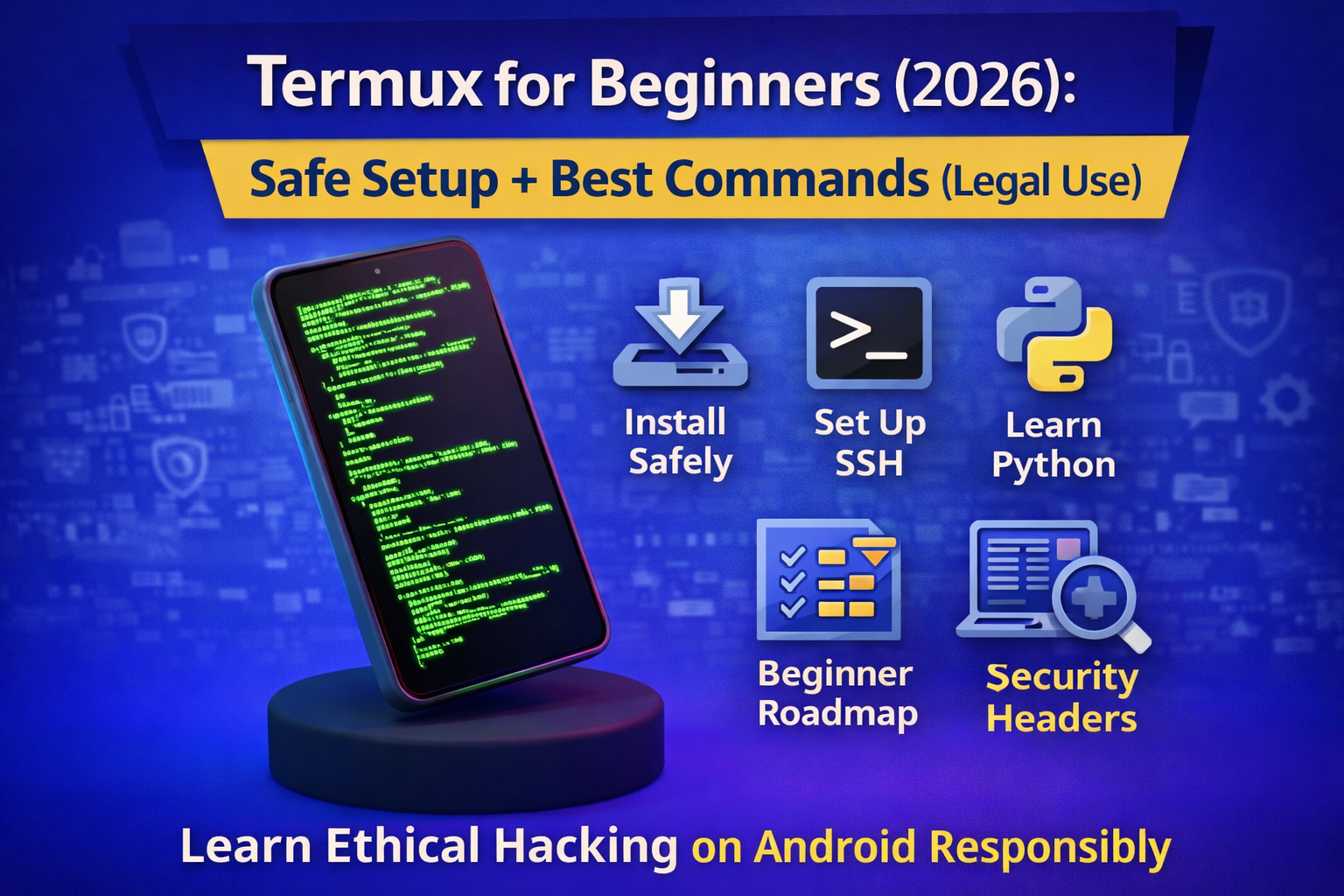
Termux for Beginners (2026): Safe Setup and Best Ethical Hacking Commands
If you want to learn cybersecurity on Android, Termux is the #1 app to start with. It teaches you real Linux-style terminal skills, scripting basics, and how security tools work without downloading shady “hacking APKs.”
But beginners often make two mistakes:
- install Termux from unofficial sources
- jump into aggressive scanning that gets them blocked (or worse)
This guide is beginner-safe and legal-first, so you learn real skills the right way.
You’ll get:
- Safe Termux installation + setup steps
- Essential commands every beginner should learn
- Practical cybersecurity learning commands (without illegal usage)
- A 7-day starter practice plan
Legal rule
Use Termux only for:
- your own devices/networks
- systems you have explicit permission to test
- legal training labs (TryHackMe, PortSwigger, CTFs)
No “hack Wi-Fi,” no spying, no cracking accounts.
What is Termux (in simple words)?
Termux is an Android app that gives you a Linux-like terminal where you can:
- run commands (like Linux/macOS)
- install packages (Python, Git, OpenSSH, etc.)
- practice scripting and automation
- connect to your own lab machines with SSH
It’s perfect for learning the foundation of ethical hacking: Linux + networking + automation.
Safe setup: install Termux the right way (2026)
Step 1: Install Termux from a trusted source
Because of Android changes and store policy issues over time, you should prefer official/community-trusted distribution.
Recommended
- F-Droid version (most commonly recommended for updated builds)
- Official Termux GitHub releases (advanced)
Avoid random APK websites. That’s where malware happens.
Step 2: First update (must do)
Open Termux and run:
pkg update && pkg upgrade -y
This updates your package list and upgrades installed packages.
Step 3: Allow storage access (for downloads & files)
If you want Termux to access shared storage:
termux-setup-storage
Then you can use:
~/storage/downloads~/storage/shared
Step 4: Install the core learning tools (beginner-safe)
These are safe and useful for learning:
pkg install -y git python openssh nano curl wget zip unzip
What each tool does
git→ download code and notes (repositories)python→ scripting/automation learningopenssh→ connect to your own machinesnano→ edit files easilycurl/wget→ download safe resources and test HTTP (legal)zip/unzip→ handle lab files
Termux basics: 25 commands you should learn first
Navigation + files
pwd
ls
ls -la
cd
cd ..
mkdir test
touch notes.txt
cp notes.txt copy.txt
mv copy.txt moved.txt
rm moved.txt
Reading & searching
cat notes.txt
less notes.txt
head -n 20 notes.txt
tail -n 20 notes.txt
grep "keyword" notes.txt
System & packages
whoami
uname -a
df -h
pkg search python
pkg install <package>
pkg uninstall <package>
Networking basics (safe)
ip a
ping -c 4 1.1.1.1
curl -I https://example.com
Tip:
curl -Ishows response headers (safe learning).
Best Termux commands for cybersecurity learning (legal use)
These commands help you build real security skills without crossing lines.
1) SSH into your own lab machine
If you have a laptop/VM at home:
ssh username@192.168.1.50
This is one of the most valuable skills: remote administration + lab practice.
2) Generate strong passwords (local, safe)
Use Python to generate a random password:
python - << 'PY'
import secrets, string
alphabet = string.ascii_letters + string.digits + "!@#$%^&*()-_=+"
print(''.join(secrets.choice(alphabet) for _ in range(24)))
PY
3) Learn HTTP responses and security headers
Check headers safely:
curl -I https://your-website.com
Look for:
strict-transport-securitycontent-security-policyx-frame-optionsx-content-type-options
4) Hashing (integrity checks) – very important in security
sha256sum file.zip
md5sum file.zip
Use case: verify downloaded lab files match expected hashes.
5) Simple log reading (SOC habit)
If you practice in a Linux VM:
tail -f /var/log/auth.log
(Only on machines you control.)
Things NOT to do in Termux (stay ethical + safe)
Avoid:
- scanning random public IPs/domains
- brute forcing login pages
- running exploit scripts you don’t understand
- downloading “hacking APK bundles”
Even if you’re “just learning,” this can break laws or policies and can get your IP blocked.
7-day Termux beginner practice plan (daily 30–60 minutes)
Day 1: Basics
- navigation commands + file ops
- create notes folder
Day 2: Packages
- install tools, learn
pkg, update/upgrade
Day 3: SSH
- connect to your own device or lab VM
- learn basic remote commands
Day 4: Python
- write a simple script (password generator, log parser)
Day 5: HTTP
- practice
curl -I - read headers and understand what they do
Day 6: Git
- clone a repo (your notes repo)
- edit notes, push changes (optional)
Day 7: Mini project
- Create
~/cyber-notes/termux-basics.md - Summarize everything you learned in your own words
FAQ
Is Termux legal for ethical hacking?
Yes Termux is just a terminal. It’s legal when you use it on systems you own or have permission to test, or in legal labs.
Can Termux replace Kali Linux?
Not fully. Termux is amazing for learning basics and admin tasks, but Kali is a full Linux security distro. Termux can support learning workflows and remote connections, but it’s not the same as a complete desktop lab.
What is the safest way to install Termux?
Use trusted sources like F-Droid or official releases avoid random APK websites.
About The Author