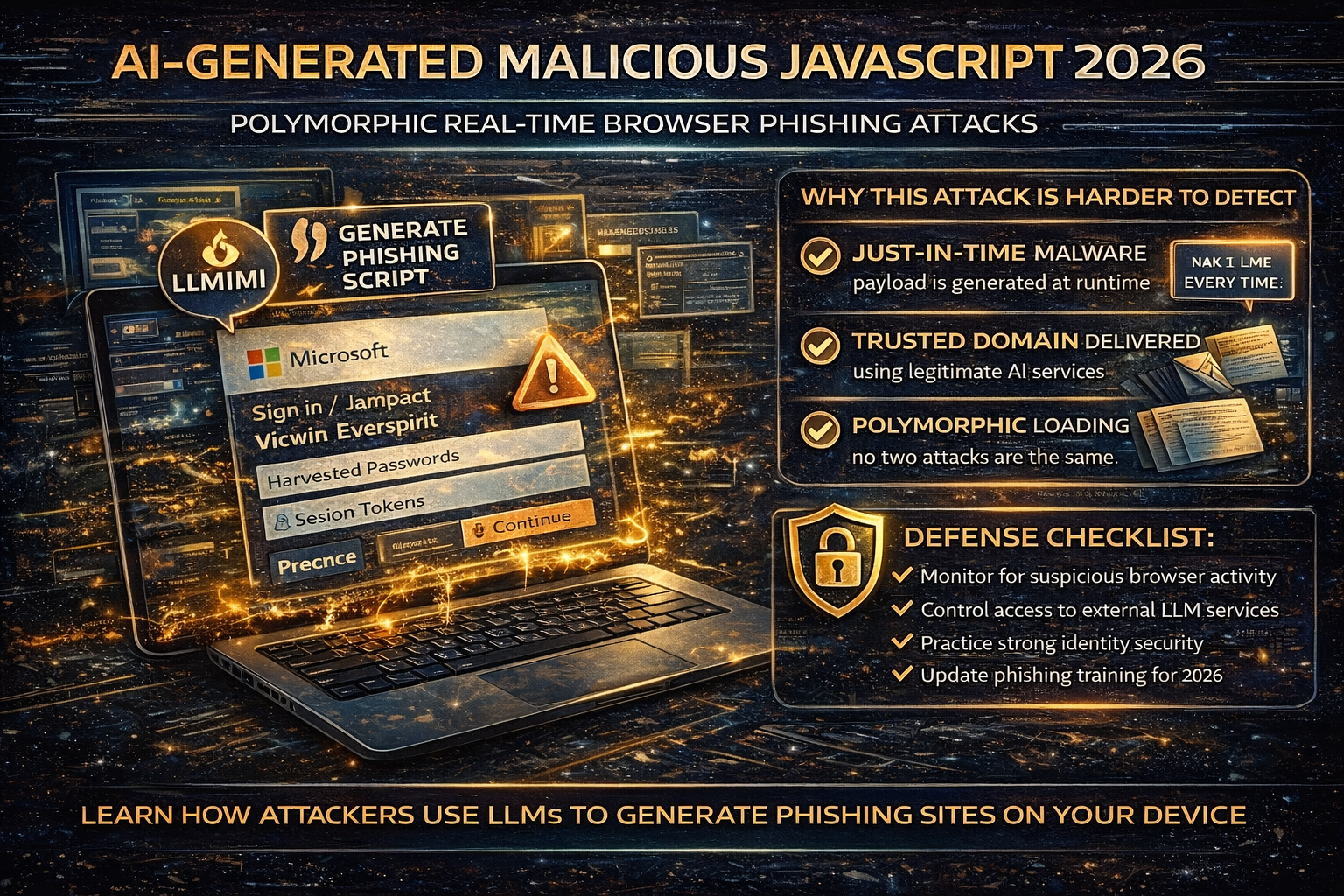
AI-Generated “Polymorphic JavaScript” Attacks in 2026: How Real-Time Browser Phishing Works and How to Defend
A new class of web attack is trending in 2026 because it flips a core assumption many security tools rely on: the malicious JavaScript doesn’t exist until the victim loads the page.
Security researchers have documented a technique where a seemingly benign webpage makes client-side API calls to legitimate LLM services to generate malicious JavaScript in real time inside the user’s browser—often assembling a phishing page on the fly. Because the code is generated at runtime and can be different for every visit, it becomes “polymorphic,” making static signatures and traditional URL scanning less effective.
This article explains what’s happening, why it’s dangerous, and what you and your organization should do to reduce risk.
What “AI-Generated Malicious JavaScript in Real Time” Actually Means
Traditionally, phishing pages and malicious scripts are embedded directly in the webpage source, or loaded from an attacker-controlled domain. That gives defenders something stable to detect: known strings, known script patterns, known URLs.
In this 2026 technique, the webpage can:
- look harmless when scanned,
- then ask an LLM API to generate JavaScript at the moment you open it,
- and assemble the phishing UI and behavior at runtime in your browser.
Because each generated script can be syntactically different while behaving the same, it’s often described as polymorphic phishing JavaScript.
Why This Attack Is Harder to Detect
1) The payload is “just-in-time”
The malicious logic may not be present until runtime so static scanners and prefetch analyzers can miss it.
2) “Trusted domain” delivery can confuse filters
If the LLM API is a well-known provider, network-level reputation checks and allowlists can be less effective than when everything is hosted on a random attacker domain.
3) Every visitor can receive a unique variant
If each visit produces a new script variant, signature matching becomes difficult, and manual triage takes longer.
What Attackers Use It For in the Real World (Common Outcomes)
Based on published research and coverage, the most common outcome is highly evasive phishing especially:
- fake login pages,
- credential collection,
- session/token theft,
- and downstream account takeover.
How to Spot It as a User (Practical Red Flags)
You won’t reliably detect this by “looking at the code.” Instead, focus on behavioral signs:
Browser + page behavior warnings
- A page loads “normal,” then suddenly renders a login overlay
- Rapid redirects that end at a login prompt you didn’t expect
- A login prompt appears on a site that shouldn’t require login
- You get MFA prompts you didn’t initiate shortly after viewing a page
Trust signal warnings
- A login page appears, but the domain doesn’t match the real service
- The page asks for credentials immediately with urgency (“verify now,” “account locked”)
- The page blocks navigation, disables right-click, or tries to prevent closing
Defense Checklist for Organizations
1) Treat browser runtime behavior as a primary signal
Because the malicious logic can be built at runtime, detection should emphasize:
- suspicious JavaScript execution behavior,
- DOM manipulation patterns consistent with credential capture,
- unusual API calls from pages that shouldn’t need them.
Unit 42 specifically recommends strengthening browser-based runtime analysis because static detection is less effective here.
2) Control and monitor access to external LLM services
This attack depends on a webpage being able to call an LLM API from the client side. Practical mitigations include:
- restricting unauthorized LLM service usage from corporate browsers/devices,
- monitoring for unusual outbound calls to LLM endpoints,
- controlling which apps/extensions can access these services.
Coverage of the technique highlights that the API calls to LLM services are a key part of runtime generation.
3) Harden identity controls
Even with advanced delivery, the end goal is often account access. Strengthen:
- phishing-resistant MFA where possible,
- conditional access policies (device compliance, geo/risk signals),
- rapid session revocation and login anomaly detection.
4) Reduce damage with least privilege and segmentation
If a single user session is stolen:
- limit mailbox permissions,
- limit access to sensitive file shares,
- restrict finance workflows with approvals.
5) Update awareness training (the “new phishing UI” problem)
People are trained to hover links on desktops. This attack shifts risk toward:
- “the page looked fine at first,”
- “then it changed,”
- “then it asked me to login.”
Train for unexpected login prompts and sudden UI changes.
Defense Checklist for Website Owners
If you run a site, attackers can:
- clone your branding for phishing,
- abuse compromised sites to host or redirect,
- inject scripts that change behavior at runtime.
The essentials still matter:
- patch themes/plugins fast,
- reduce plugin bloat,
- use WAF protection,
- monitor for injected scripts and redirects.
What To Do If You Think You Fell for It
If you entered a password into an unexpected login page or approved an MFA prompt you didn’t initiate:
- Change password immediately (from a clean device)
- Log out of all sessions (“sign out everywhere”)
- Reset/strengthen MFA
- Check mailbox rules/forwarding (business accounts)
- Review recent sign-ins and remove unknown devices
- Alert your IT/security team if it’s a work account
About The Author




