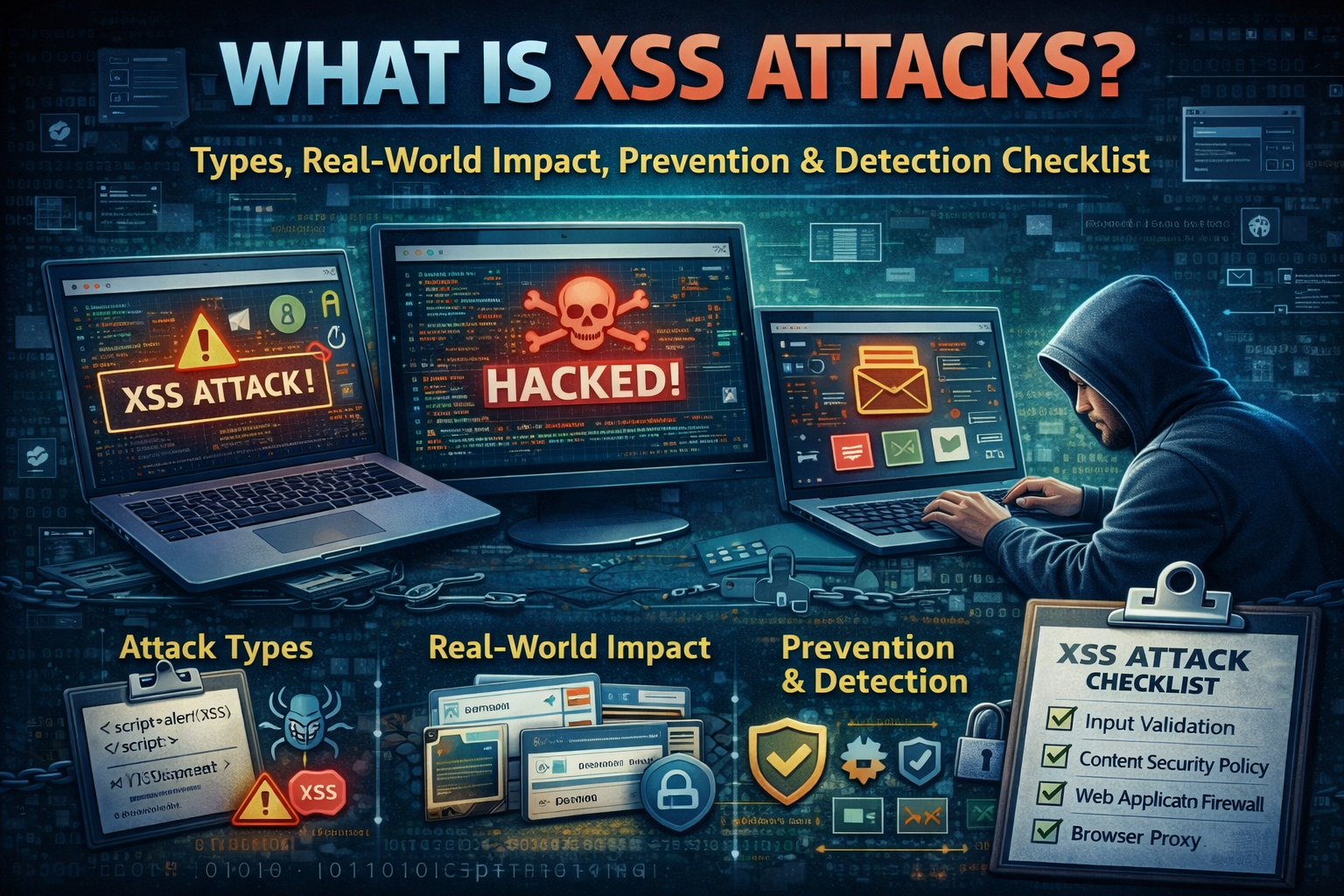
What is XSS Attacks Types, Real-World Impact, Prevention & Detection Checklist
Introduction: Why XSS Is Still a Big Problem in 2026
Cross-Site Scripting (XSS) is one of those security issues that feels “old,” yet it continues to cause real damage in modern web apps. The reason is simple: websites are more interactive than ever. We accept user input everywhere—comments, search bars, profiles, reviews, support tickets, chat widgets, dashboards, and integrations. Every time a web app takes input and later displays it inside a page, it creates a chance to accidentally treat attacker-controlled content as trusted content.
In 2026, XSS is not just a “bug.” It’s a trust break. Your site becomes a delivery vehicle for malicious scripts in your users’ browsers. That can lead to session hijacking, account takeovers, fake popups that steal passwords, silent redirects to scam pages, or tampering with what users see on your website. OWASP describes XSS as an injection attack where malicious scripts are injected into otherwise trusted websites.
What Is XSS?
XSS happens when a web application includes untrusted input in a web page without correctly validating and encoding it, allowing an attacker’s script to run in the victim’s browser as if it came from your site.
The important part is this: XSS runs in the user’s browser, not on your server. That’s why it’s often called a “client-side injection” risk. If your site is vulnerable, an attacker can manipulate what the browser executes and what the user sees, and in many cases can steal session tokens or perform actions as the user.
XSS vs SQL Injection
A lot of beginners confuse XSS with SQL Injection because both are “injection” vulnerabilities. Here’s the difference in plain language:
| Vulnerability | Where it executes | What it targets | Typical outcome |
|---|---|---|---|
| XSS | Victim’s browser | User session + trust | Account takeover, phishing inside your site, user actions |
| SQL Injection | Database | Data store | Data leak, data modification, auth bypass |
SQL injection attacks the database layer, while XSS attacks the user’s browser interaction layer. (If you want a full SQLi guide, link it internally from this post.)
Why XSS Happens ?
Most XSS vulnerabilities exist because a website mixes “data” and “HTML/JavaScript context” in unsafe ways.
Common causes include:
- Displaying user input directly in HTML without output encoding
- Using dangerous DOM methods in JavaScript (for example, inserting HTML strings into the page unsafely)
- Allowing rich text features without strict sanitization
- Using third-party scripts and widgets without control
- Creating “dynamic” pages that reflect parameters back to users without encoding (common in search and error pages)
The key mental model is: Input is not dangerous by itself. Output context is. If you output untrusted input into the browser in the wrong context, the browser may interpret it as executable script.
Types of XSS
When people search “XSS types,” they want clarity fast. Competitor posts rank because they explain these three types clearly and link them to real-world scenarios.
1) Stored XSS
Stored XSS occurs when an attacker’s input is saved by your application (database, CMS content, comments, tickets) and then displayed to other users later. PortSwigger explains stored XSS as user input stored and embedded into responses unsafely, executing in users’ browsers.
Why this is dangerous is not just technical—it’s scale. One malicious payload can impact every user who views that page.
Where it happens in real life:
- Blog comments
- Product reviews
- User profiles (bio fields)
- Support tickets / internal portals
- Admin dashboards that render user content
2) Reflected XSS
Reflected XSS happens when the attacker’s input is not stored, but is immediately reflected in a page response (often from URL parameters, search queries, or error messages). PortSwigger describes reflected XSS as a common vulnerability that can allow attackers to hijack other users’ accounts.
Where it happens in real life:
- Search pages that display “You searched for: …”
- Login errors showing user input
- Redirect pages and tracking parameters
- Marketing landing pages with dynamic content
3) DOM-Based XSS
DOM-based XSS is when the vulnerability exists in client-side JavaScript—the page takes attacker-controlled data (URL fragment, parameter, local storage) and writes it into the DOM in an unsafe way. Even if the server output looks fine, the browser-side code can create the vulnerability.
This type is common in modern JavaScript-heavy frontends because developers often build dynamic UI components quickly, and unsafe DOM operations slip in.
What Attackers Do With XSS?
Some people think XSS is just “an alert popup.” In real attacks, XSS is used to steal trust and control user sessions. The consequences can be more serious than CSRF in many cases.
Here’s what XSS enables in real life (in defensive terms):
- Session hijacking: attacker steals session identifiers and takes over accounts (especially if cookies are not hardened).
- Credential phishing inside your site: attacker shows a fake “re-login” popup on your real domain.
- Account actions as the user: changing email, adding a payment method, posting content, or altering settings.
- Data exfiltration: attacker reads visible page data and sends it out.
- Brand damage and SEO loss: injected scripts can redirect visitors or insert spam content.
A major reason XSS is painful is that victims blame your site, not the attacker. They trusted your domain.
Where XSS Commonly Appears ?
If you’re auditing your own site (or writing secure code), focus your attention where untrusted content is most likely to be displayed:
- Comments, reviews, testimonials, guest posts
- Profile pages (names, bios, avatar URLs)
- Search results and filters
- Contact forms and ticketing systems
- Any feature that supports “rich text”
- Admin interfaces that render user-generated content
- Any page that echoes URL parameters back to the user
If your site uses WordPress, vulnerabilities often come from plugins that render user input (forms, page builders, reviews, chat widgets). Your WordPress security article is the perfect internal link from this section.
Prevention: How to Stop XSS
This is the section that makes your article valuable and “bookmark-worthy.” OWASP’s prevention guidance is very clear: apply proper validation and escaping/encoding based on output context.
1) Output Encoding
The most reliable defense is correct output encoding based on where the data goes:
- HTML context
- Attribute context
- JavaScript context
- URL context
The main idea: the browser should see user input as plain text, not executable code.
This is why modern templating frameworks that auto-escape output are a huge help—when used correctly.
2) Validate Input
Input validation is important, but it should not be your only defense. Attackers bypass naive filters easily. The best approach is:
- validate type and length
- apply allow-lists for fields with limited acceptable values
- treat “free text” as untrusted and handle it safely on output
3) Sanitize Rich Text Safely
If you allow users to submit formatted content, you must sanitize it using a robust, well-maintained sanitizer that removes scripts and dangerous attributes. This is where many sites fail because they “roll their own” sanitization and miss edge cases.
4) Use Content Security Policy (CSP) as a Strong Second Layer
Content Security Policy (CSP) helps reduce the risk of XSS by telling the browser what sources of scripts are allowed. MDN explains CSP as a mechanism that restricts what the site’s code is allowed to do, helping prevent or reduce certain threats.
OWASP’s CSP cheat sheet also describes CSP as a defense-in-depth layer that can make XSS harder to exploit.
Important: CSP does not “fix” insecure code. It reduces the blast radius when something slips through.
5) Harden Cookies and Sessions
Because XSS often targets sessions, you should harden cookies and session handling. Key browser-side protections include setting secure cookie attributes and reducing what can be accessed. Even simple improvements here can reduce damage if an XSS bug exists.
6) Reduce Third-Party Script Risk
Many XSS incidents become worse because a third-party script is compromised or abused. Keep third-party scripts minimal, review what you load, and prefer trusted sources. Also consider controlling what scripts can run using CSP.
Detection: How to Know You Have XSS Risk
You don’t need to be a pentester to spot likely XSS weaknesses. You just need to test your pages where user input is rendered and check your patterns.
Warning signs in production
- Reports of strange popups or unexpected redirects
- Users saying “your website asked me to login again”
- New spam links appearing inside pages
- Unusual JavaScript errors in analytics
- Sudden drop in SEO or “This site may be hacked” warnings
Safe, legal ways to learn and test
If you want to practice ethically, use legal labs like PortSwigger Web Security Academy (free) and intentionally vulnerable apps.
This links perfectly to your existing post:
XSS Prevention Checklist
This section increases dwell time and saves. Keep it simple and practical:
| Area | What to do | Why it matters |
|---|---|---|
| Output | Encode output by context | Stops browser interpreting input as code |
| Input | Validate type/length + allow-lists | Reduces attack surface |
| Rich text | Use strong sanitization | Prevents stored XSS through HTML content |
| CSP | Deploy CSP defense-in-depth | Limits script execution and sources |
| Sessions | Harden cookies + session controls | Reduces session hijacking impact |
| Third-party | Minimize and control scripts | Reduces supply-chain risk |
| Testing | Routine security testing in safe labs | Finds issues before attackers |
FAQs
Is XSS still common in 2026?
Yes. OWASP notes XSS flaws occur anywhere a web application uses user input in output without validating/encoding it properly.
What’s the most dangerous type of XSS?
Stored XSS is often the most damaging because one injection can affect many users over time.
Can CSP fully prevent XSS?
CSP helps reduce exploitability and impact, but it doesn’t replace proper encoding and secure coding.
Where should beginners practice XSS legally?
Use free training labs like PortSwigger Web Security Academy.
Conclusion: The Practical Way to Beat XSS
XSS is dangerous because it abuses trust. Your users trust your domain, your UI, and your login flow. When XSS exists, attackers can abuse that trust inside the browser, often in ways users can’t easily distinguish from legitimate site behavior.
About The Author




